
Every Feature, Explained.
A comprehensive guide to every capability built into SQLSSH — from multi-engine SQL querying and SSH terminal access, to zero-knowledge encrypted cloud sync and biometric app locking.
Cross-Platform
SQLSSH runs natively on every major platform. The same powerful feature set is available whether you're on a desktop workstation or a mobile device.
Windows
Standalone .exe with multi-window support and taskbar integration.
macOS
Native app optimized for Apple Silicon (M1/M2/M3/M4) and Intel CPUs.
iOS / iPadOS
Full-featured app with FaceID and native Keychain integration for iPhone and iPad.
Android
Optimized interface with fingerprint unlock and Android Keystore encryption.
Linux
Portable AppImage with Linux Secret Service API integration.
Supported Databases
SQLSSH natively connects to 11 database engines out of the box. Each engine has a dedicated driver with dialect-specific SQL optimizations, ensuring maximum compatibility and performance.

PostgreSQL
MySQL
Oracle DB

SQL Server (MSSQL)

SQLite

MariaDB

CockroachDB

YugabyteDB

Amazon Aurora PostgreSQL
Amazon Aurora MySQL

AWS Redshift
SYS_GUID() auto-wrapping, Oracle TO_DATE formatting, MSSQL IDENTITY_INSERT toggling, and MySQL-specific routines support.
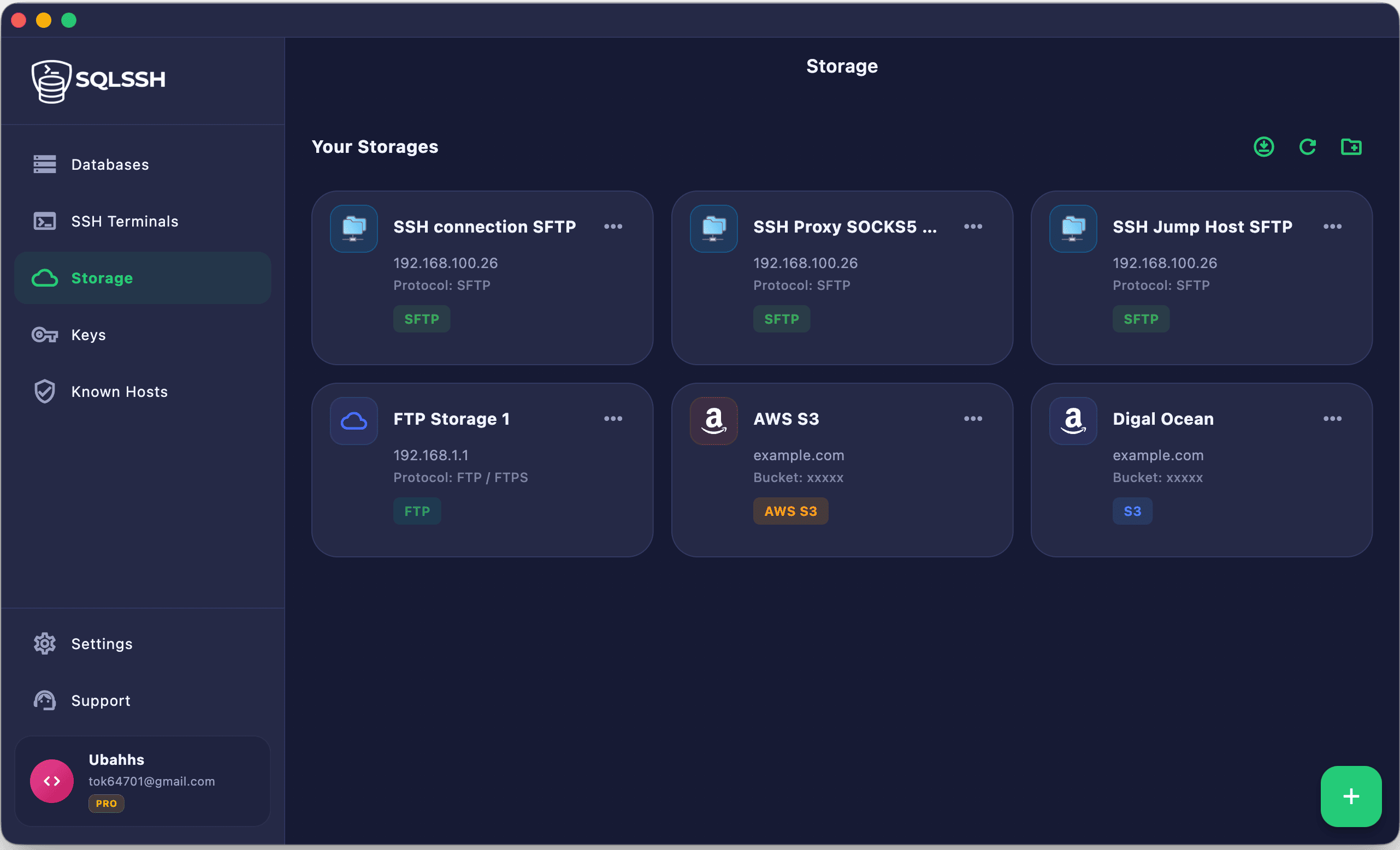
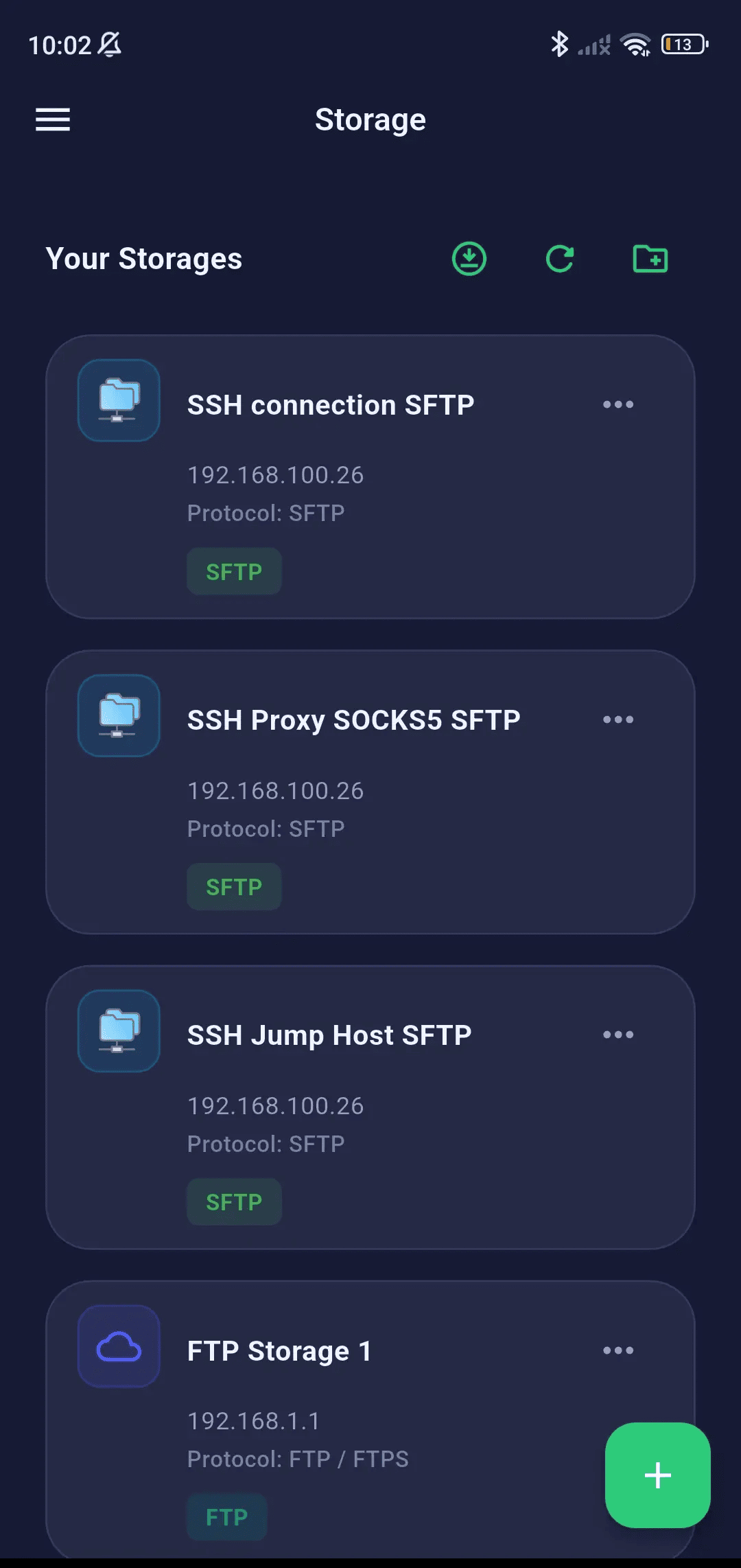
Supported Cloud Storage
SQLSSH natively connects to 4 cloud and remote storage protocols out of the box. Each protocol has a dedicated integration with protocol-specific transfer optimizations, ensuring maximum compatibility and performance.

AWS S3
S3 Compatible

SFTP
FTP/FTPS
Connection Management
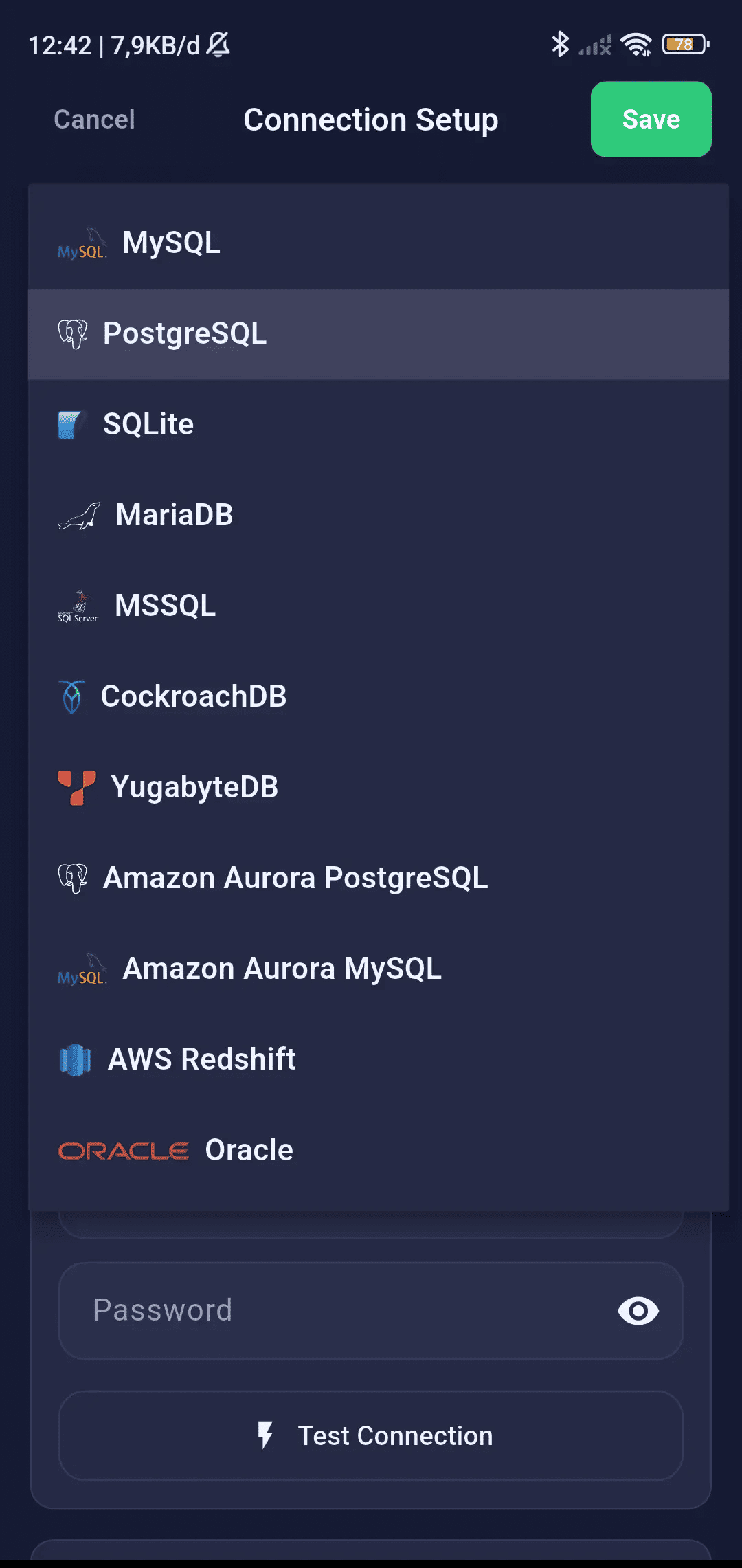
Create, edit, and organize database connections with a fully featured connection form that adapts to each database engine.
Connection Form
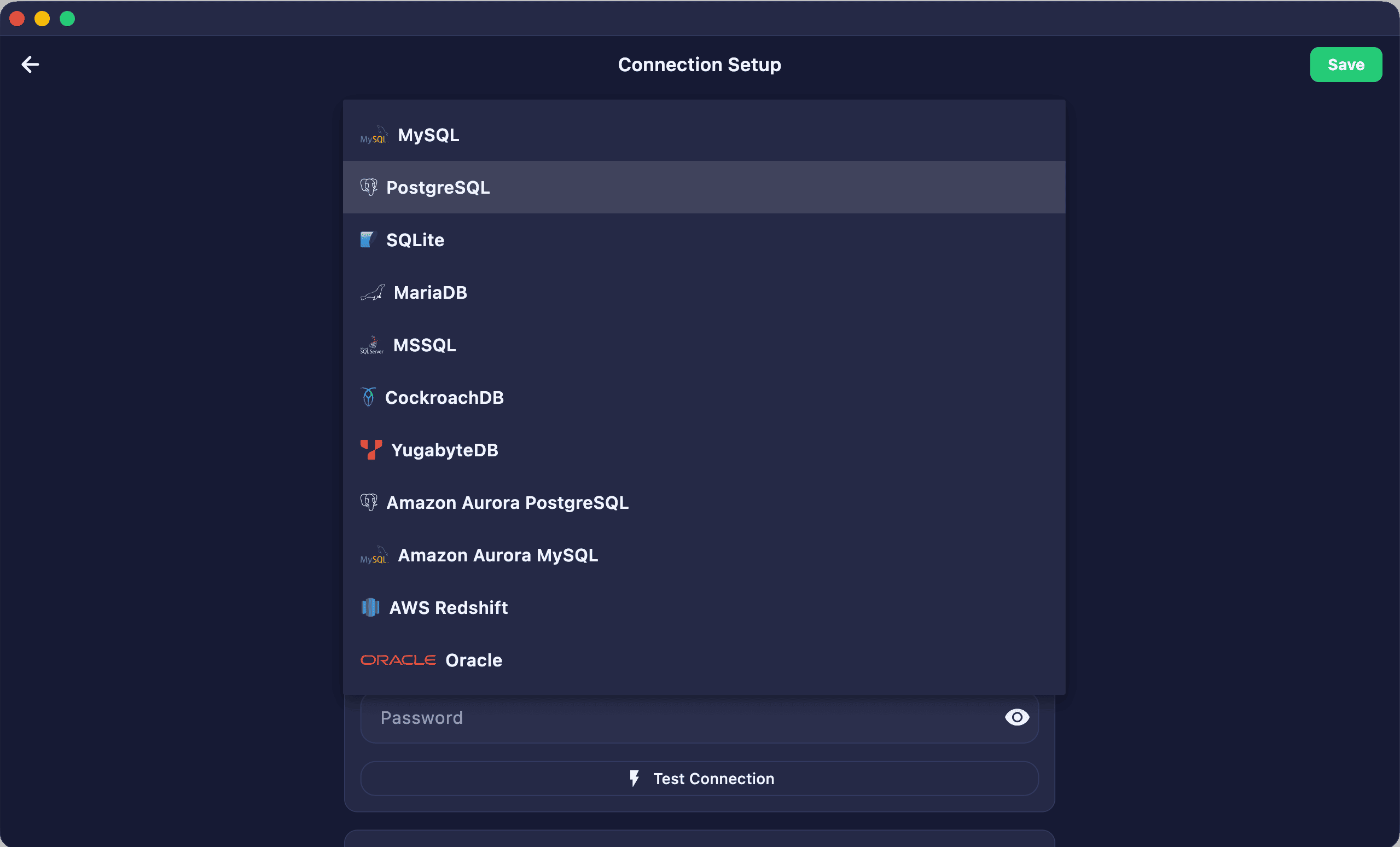
Configure connection profiles for various database types using a smart form that adapts to each SQL engine's unique configuration.
- Name, host, port, database, username, and password fields
- Port auto-fills based on selected database engine
- SQLite: dedicated file path picker for local
.dbfiles - Oracle: Service Name / SID connection mode
- Test Connection button to verify before saving
- Edit existing connections with pre-filled form data
Connection Organization
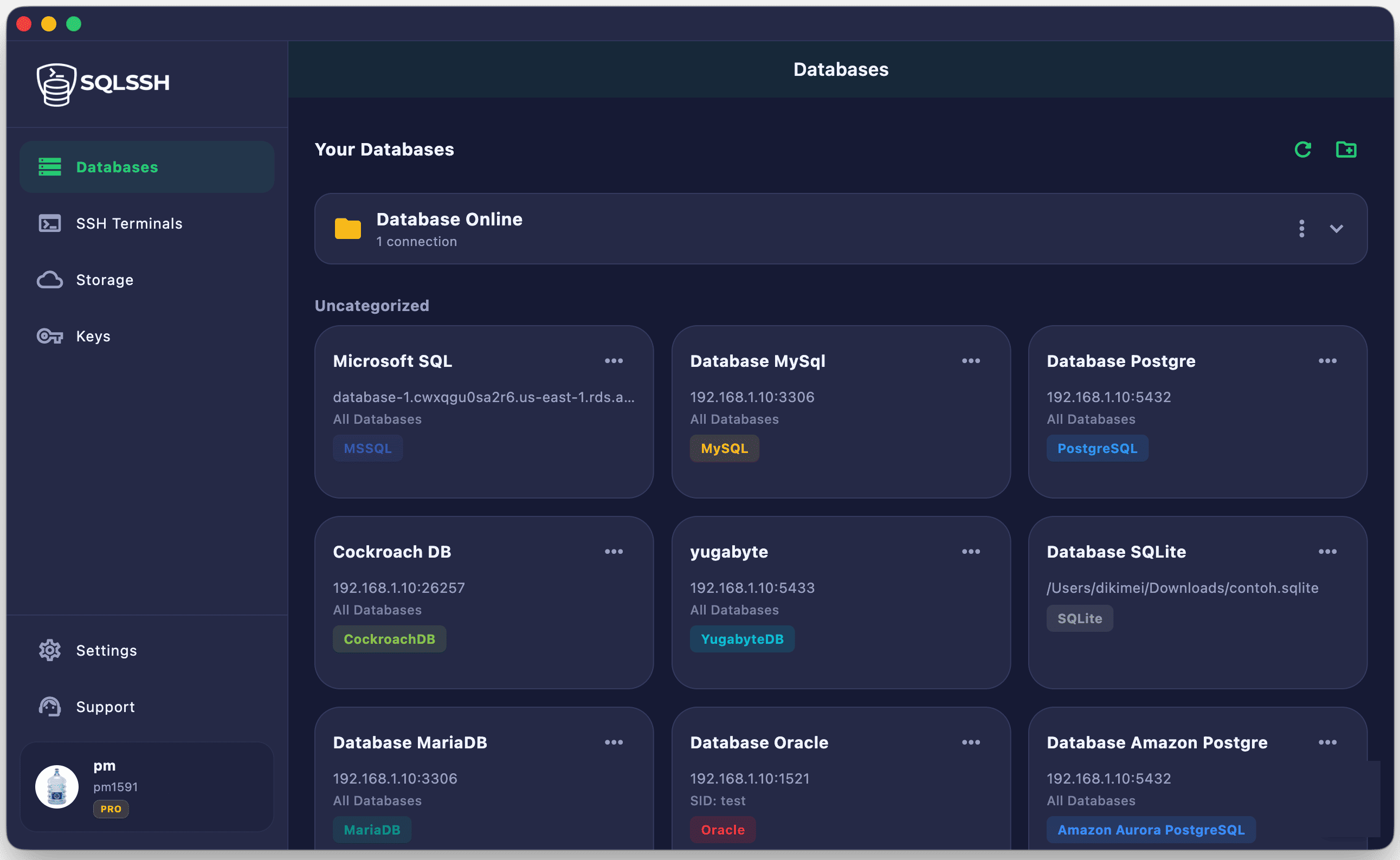
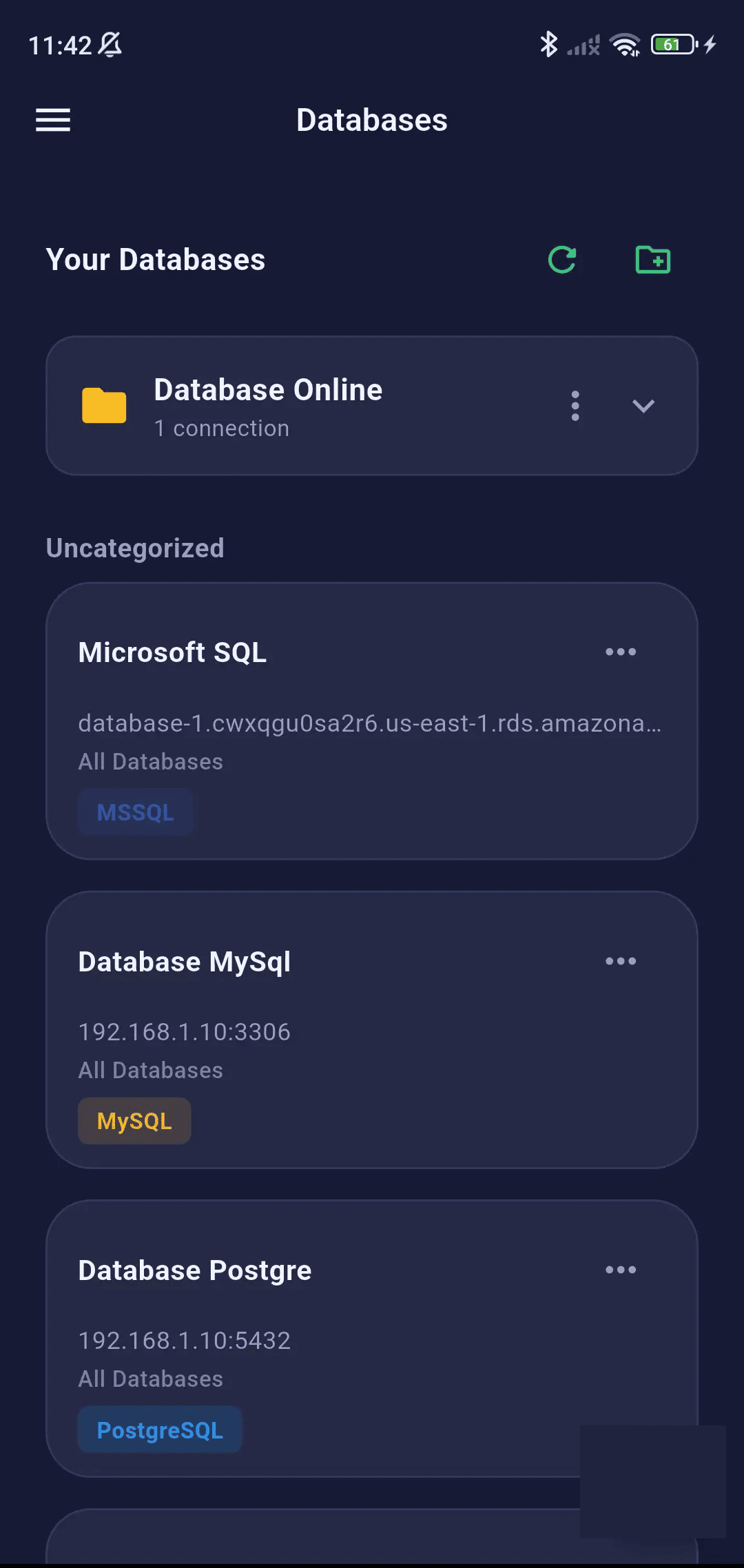
Group and organize your connections into custom folders with color-coded badges to keep your workspaces tidy and organized.
- Connection list with search and filter
- Folder organization for grouping connections (Pro)
- Color-coded database type badges
- Quick connect action from connection card
- Duplicate and delete connections
- Free tier: max 2 connections / Pro: unlimited
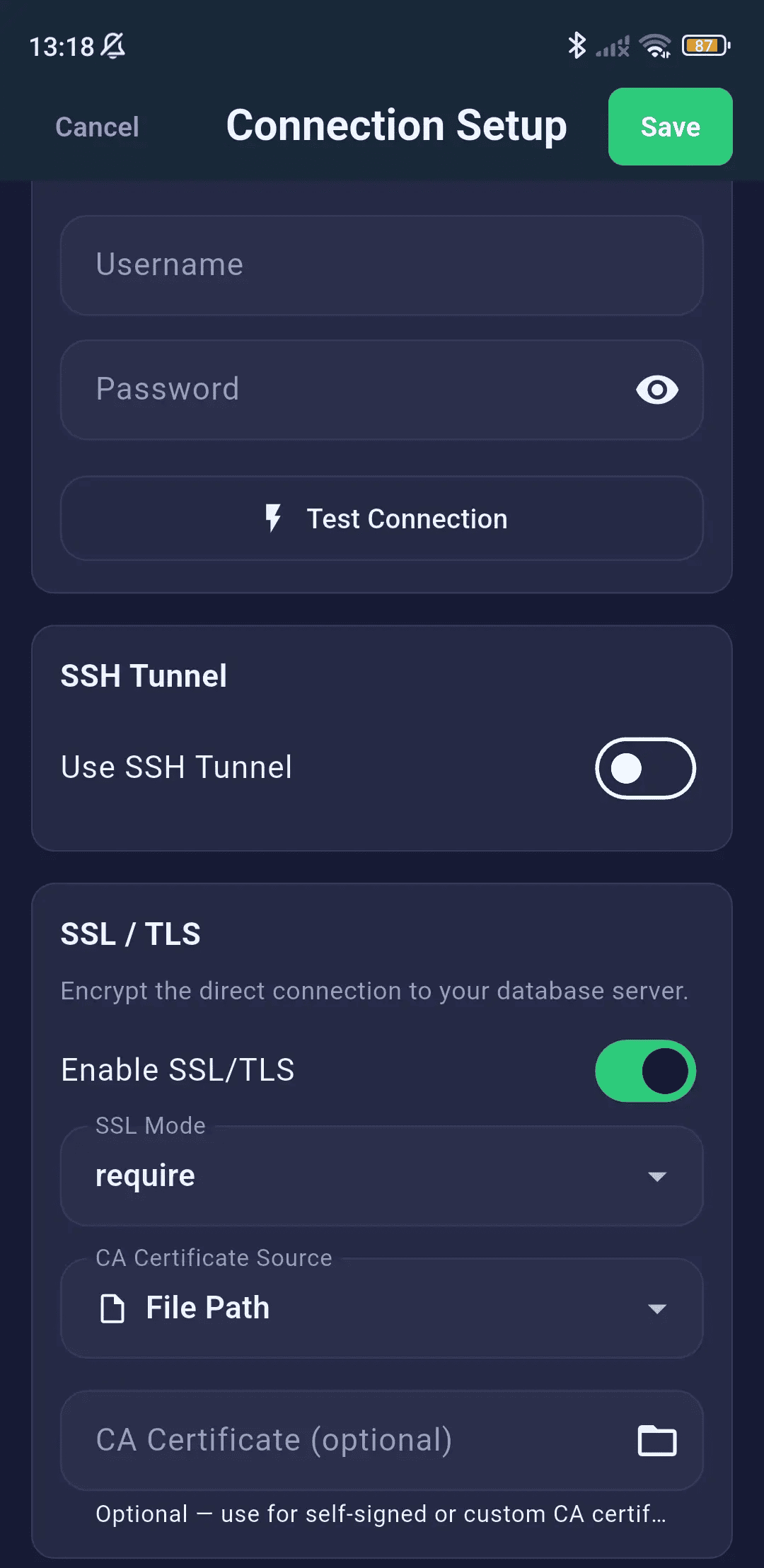
SSL/TLS Encryption
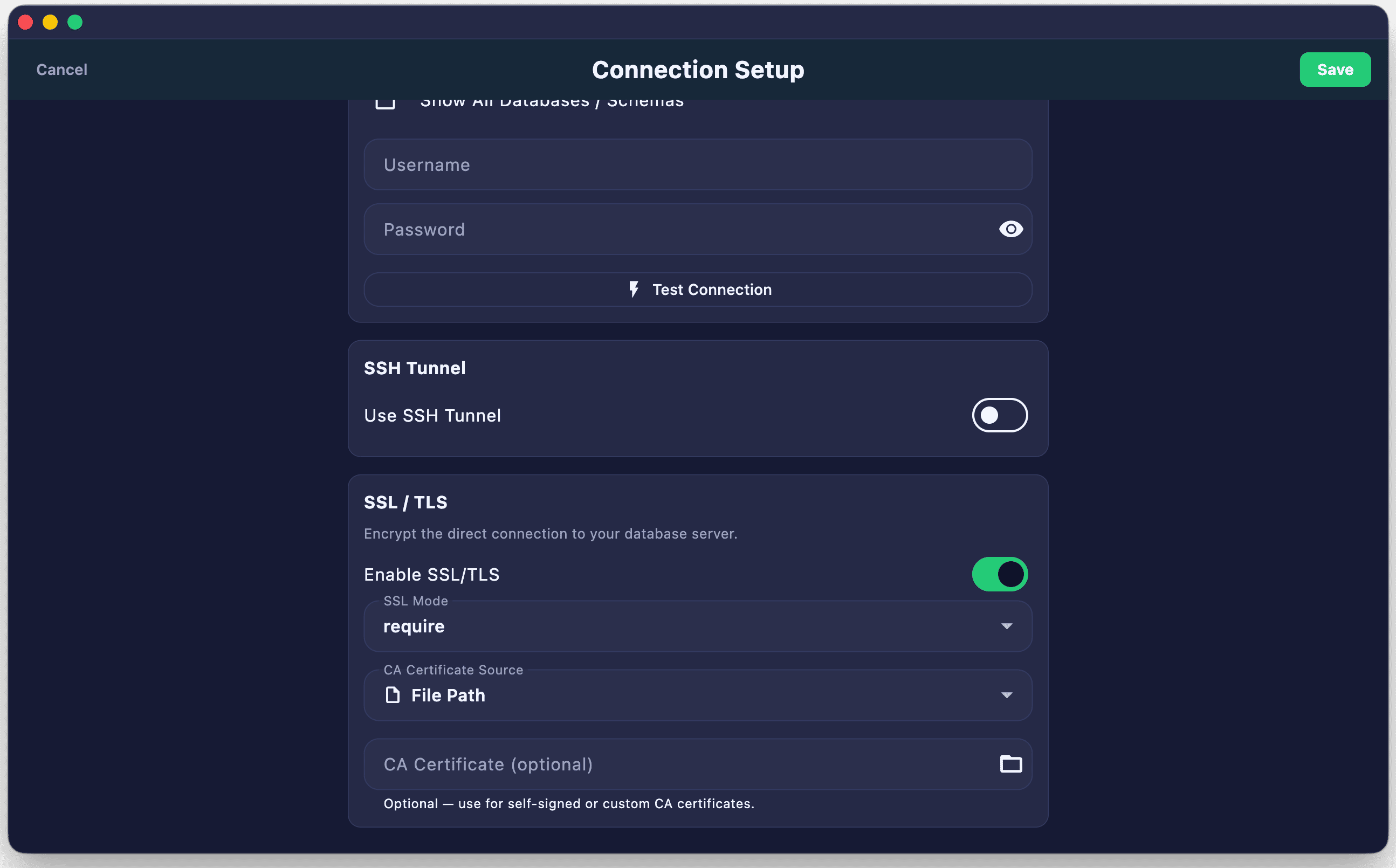
Secure your database traffic over public networks with full SSL/TLS configurations, supporting custom certificate authority files and client certificates.
- Enable SSL/TLS toggle for encrypted database connections
- SSL modes:
require,verify-ca,verify-full - Custom CA certificate file path picker
- Client certificate authentication support
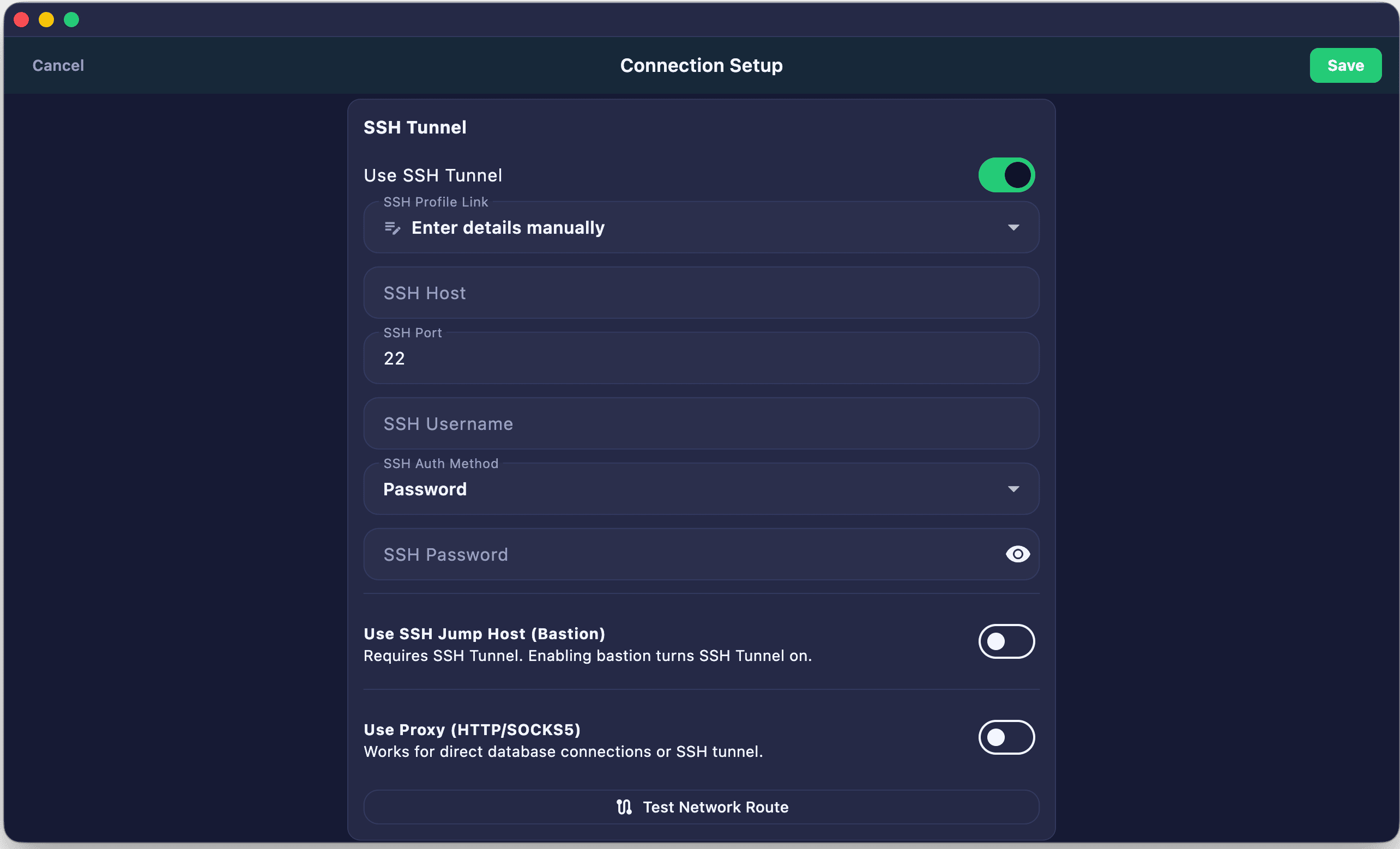
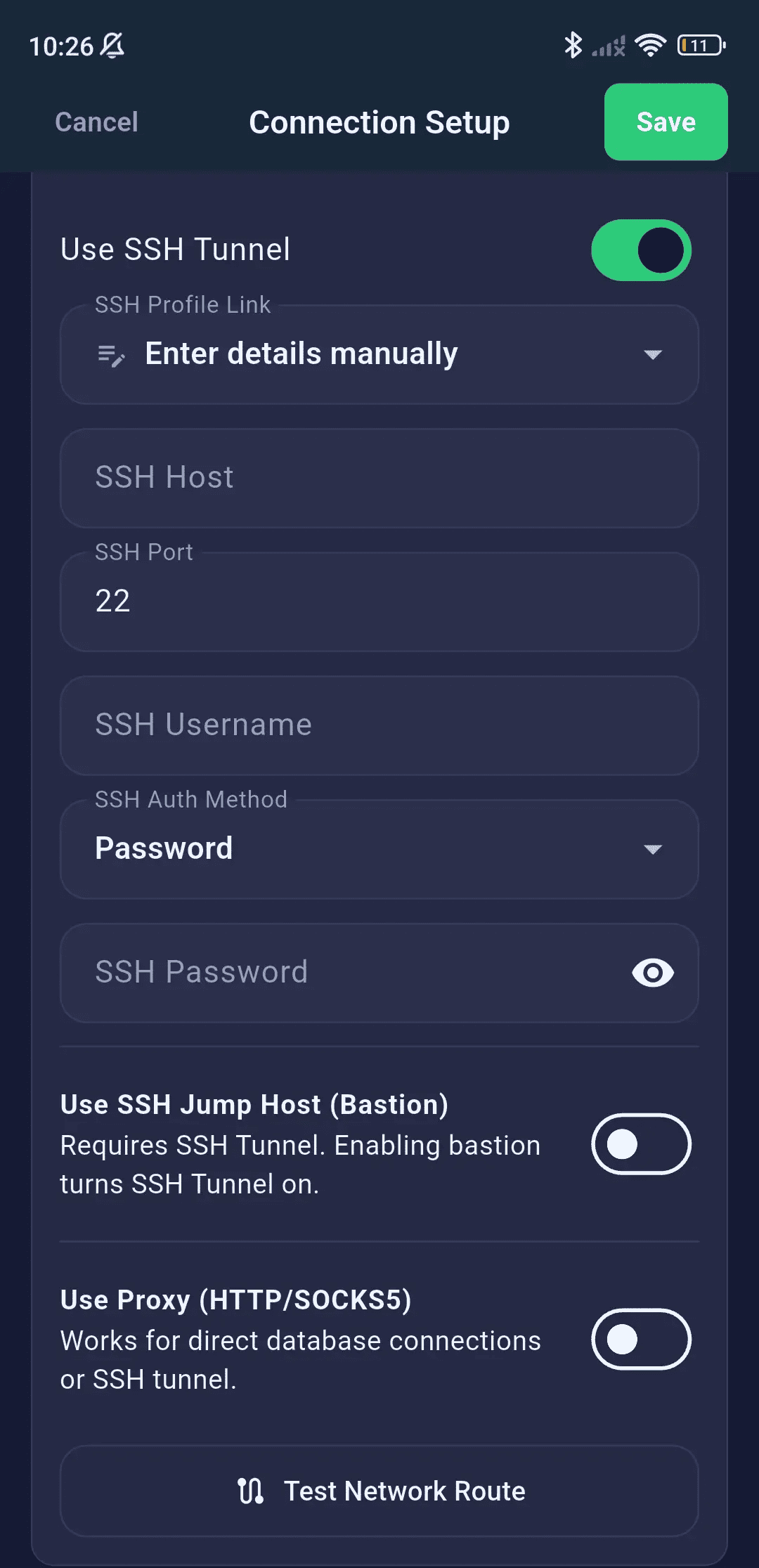
SSH Tunneling
Access firewalled databases securely by tunneling your connections via SSH bastion hosts using passwords or private key credentials.
- SSH tunnel toggle with host, port, username fields
- Auth methods: Password or Private Key
- Private key source: File picker or saved Key Manager keys
- Passphrase-protected key support
- Jump Host / Bastion server (multi-hop) tunneling
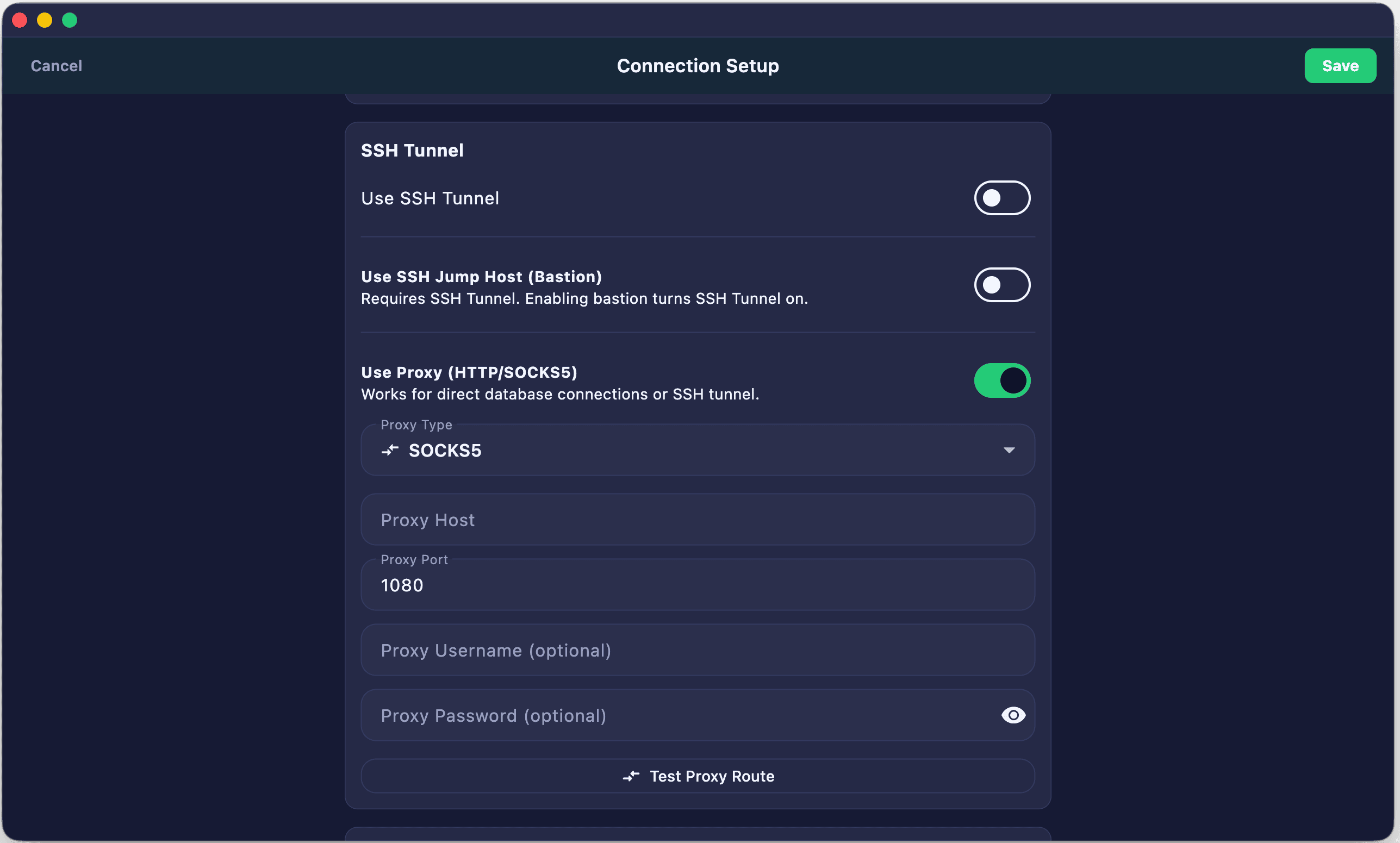
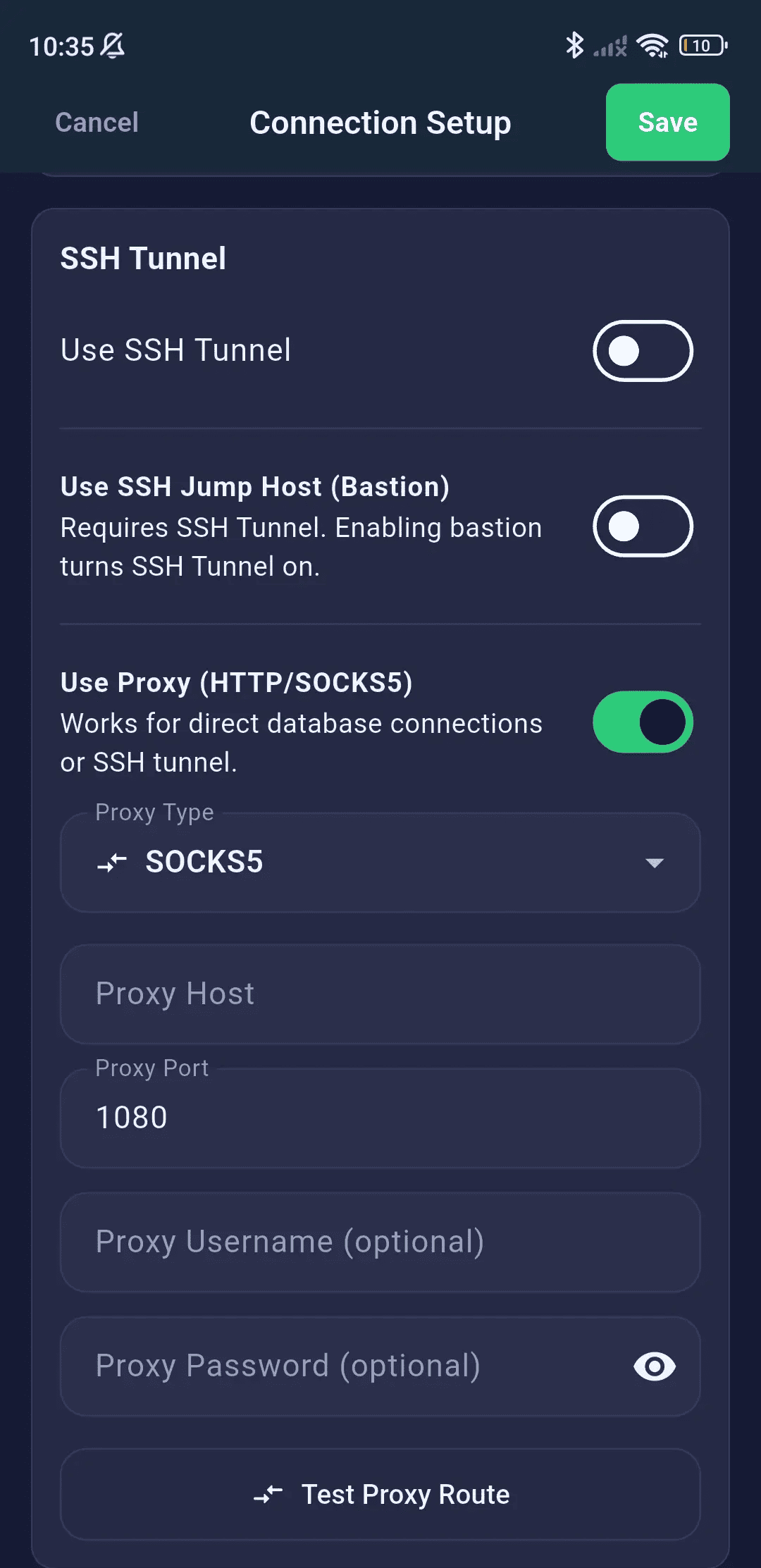
Proxy Support
- SOCKS5 Proxy — Route connections through a SOCKS5 proxy with optional username/password authentication
- HTTP CONNECT Proxy — Use HTTP CONNECT tunnel for environments behind corporate proxies
- Configurable proxy host, port, and credentials
SQL Editor
A professional-grade SQL code editor with syntax highlighting, multi-query execution, and engine-aware formatting tools.
Code Editor
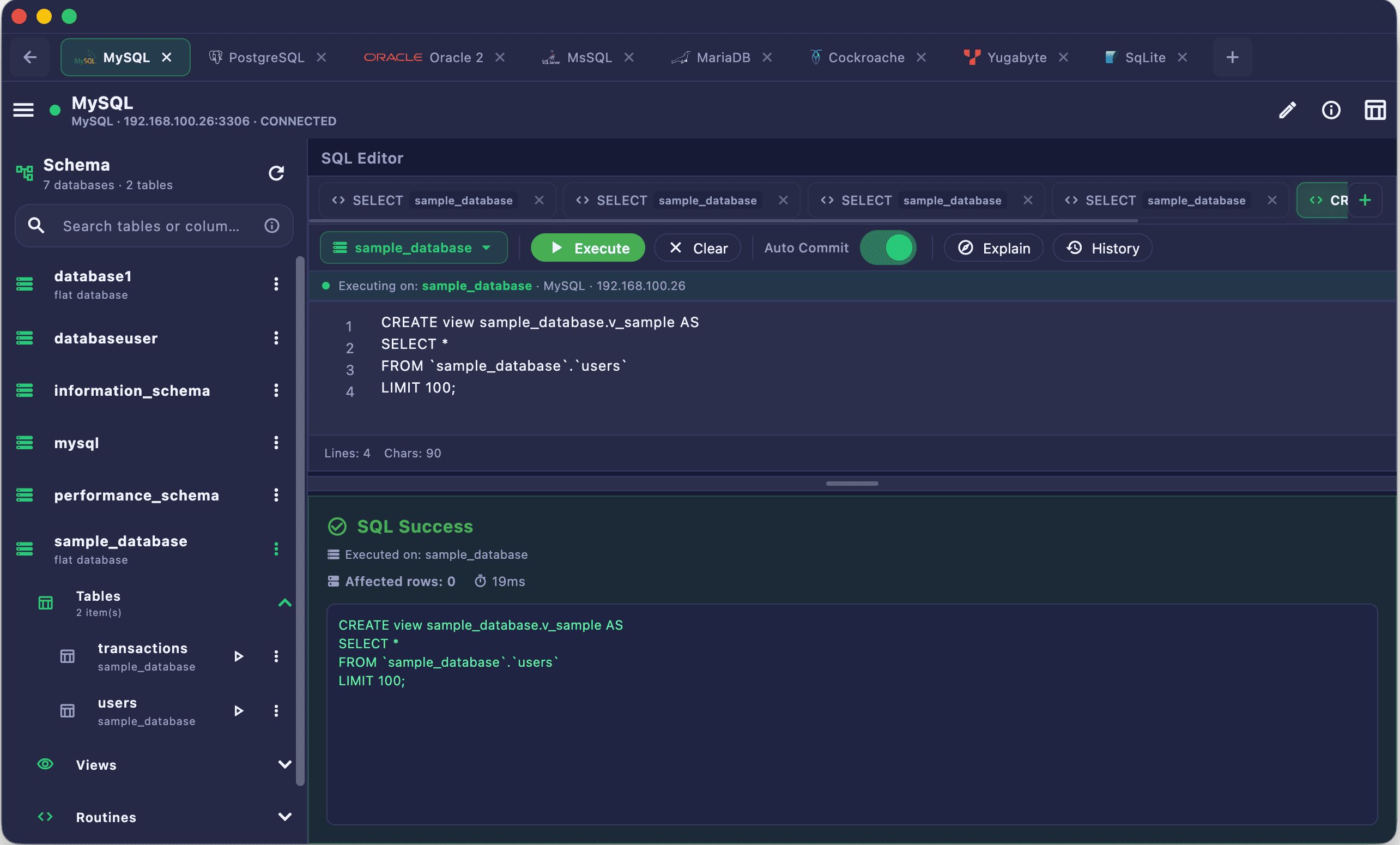
Write queries efficiently with full syntax highlighting, gutter line numbering, and a high-performance editing interface.
- Full SQL syntax highlighting with keyword coloring
- Line numbers and code gutter
- Multi-line query input with scrollable editor area
- Monospace font (Fira Code) for code readability
- Query editor auto-resizing for comfortable editing
Query Execution
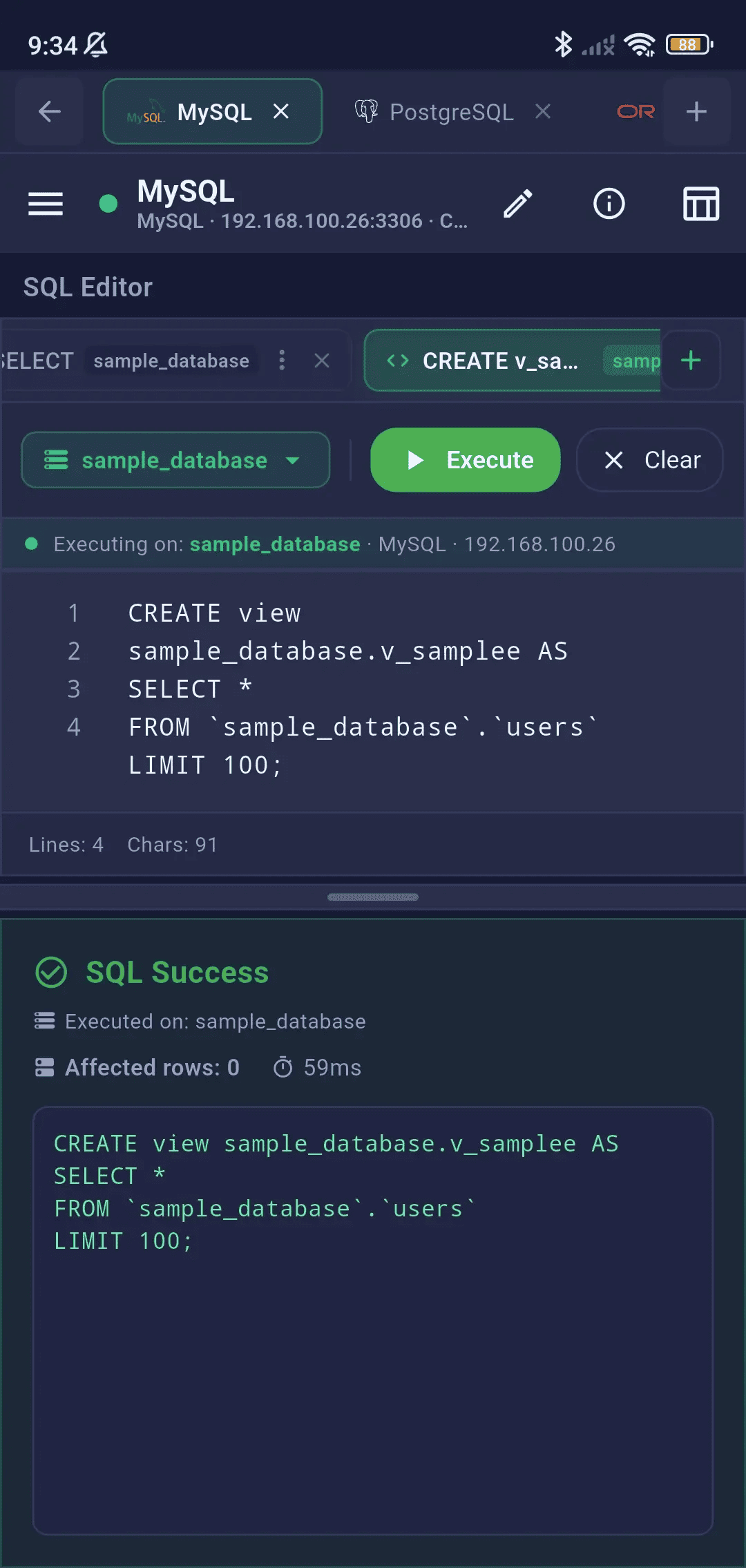
Execute full scripts or run only the selected SQL text, with detailed query execution timing and instant error feedback.
- Run All — Execute the entire editor content
- Run Selected — Execute only highlighted/selected SQL
- Multi-statement execution (separated by semicolons)
- Execution timer showing query duration
- Row count display after successful execution
- Error messages with line-level detail from the database
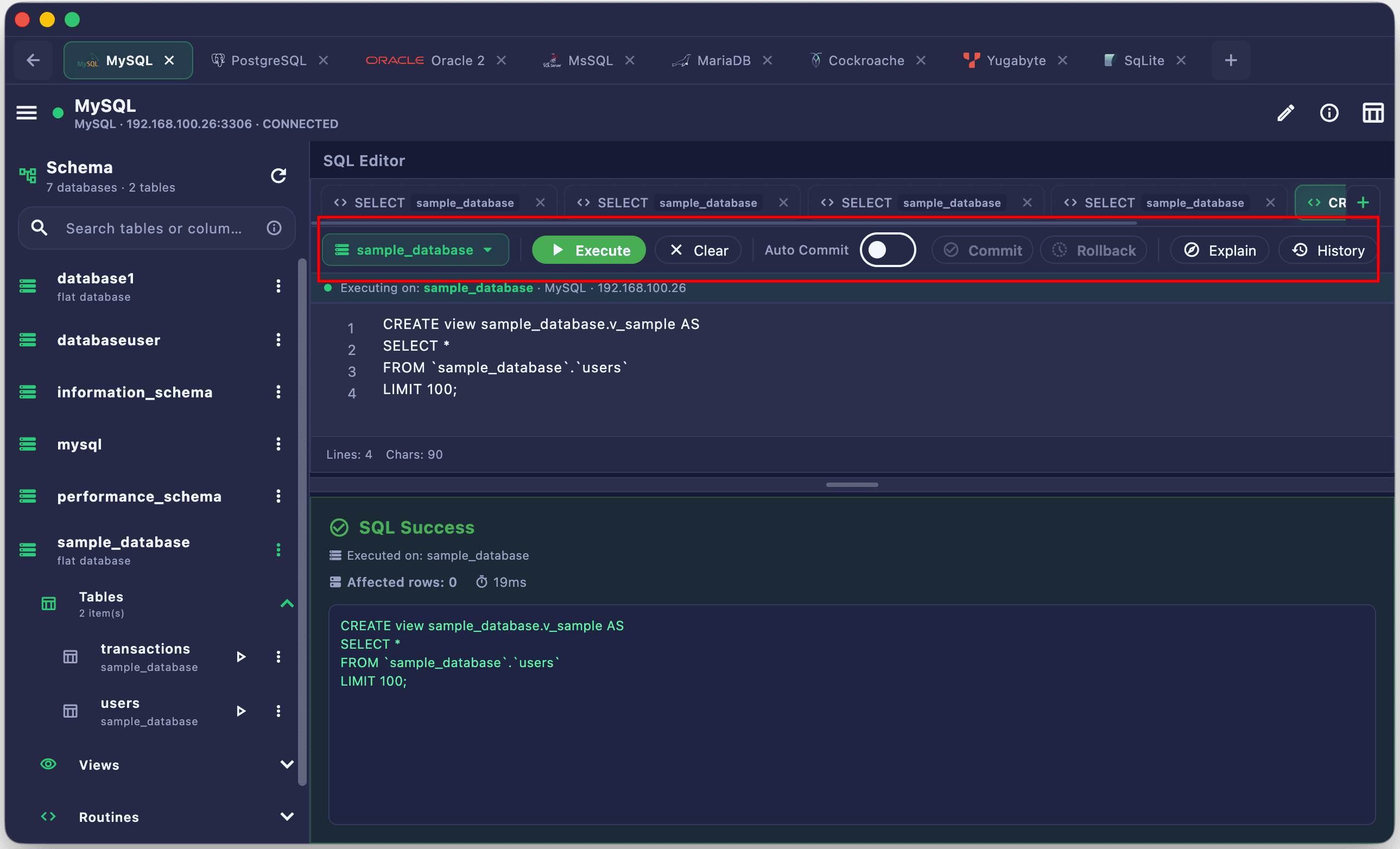
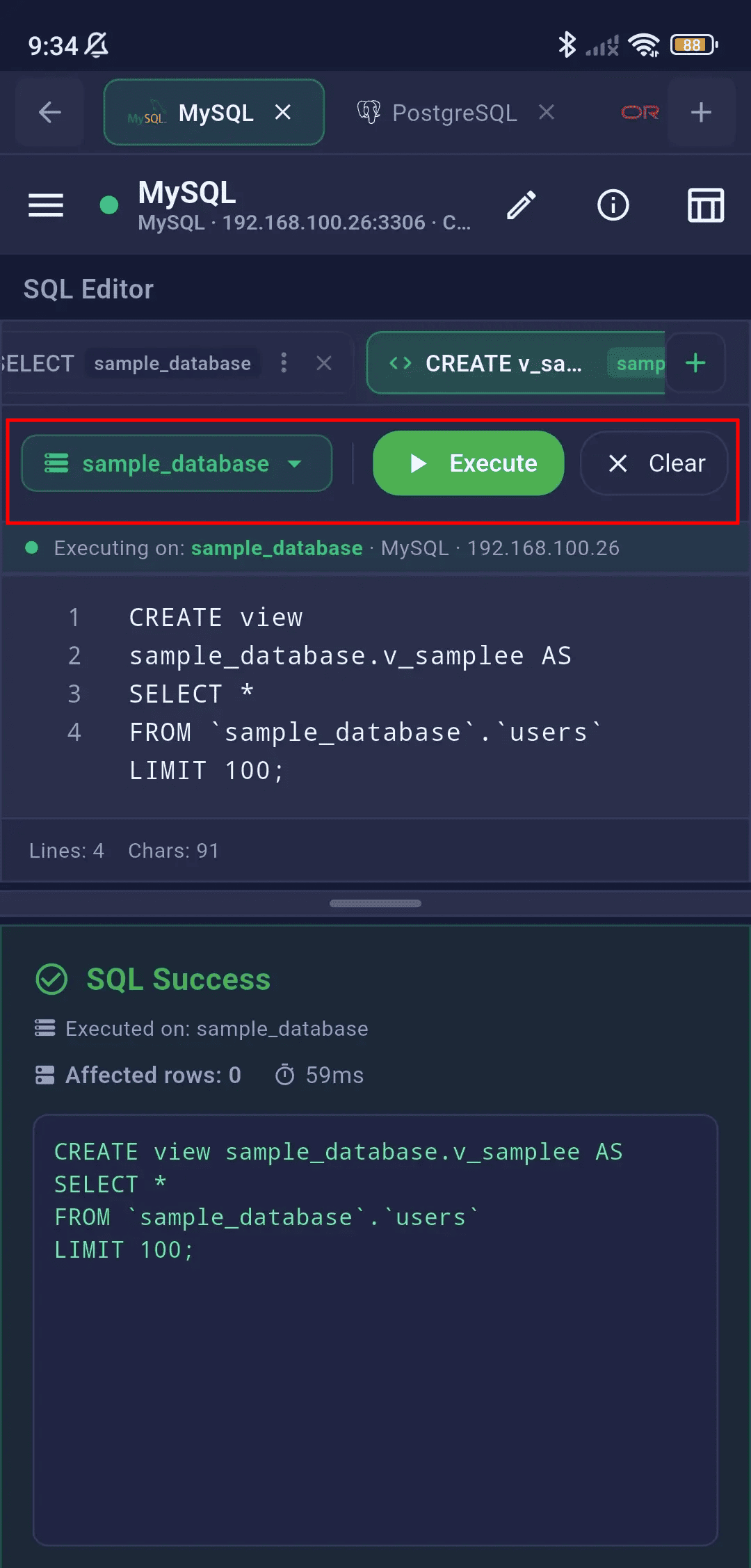
Editor Toolbar
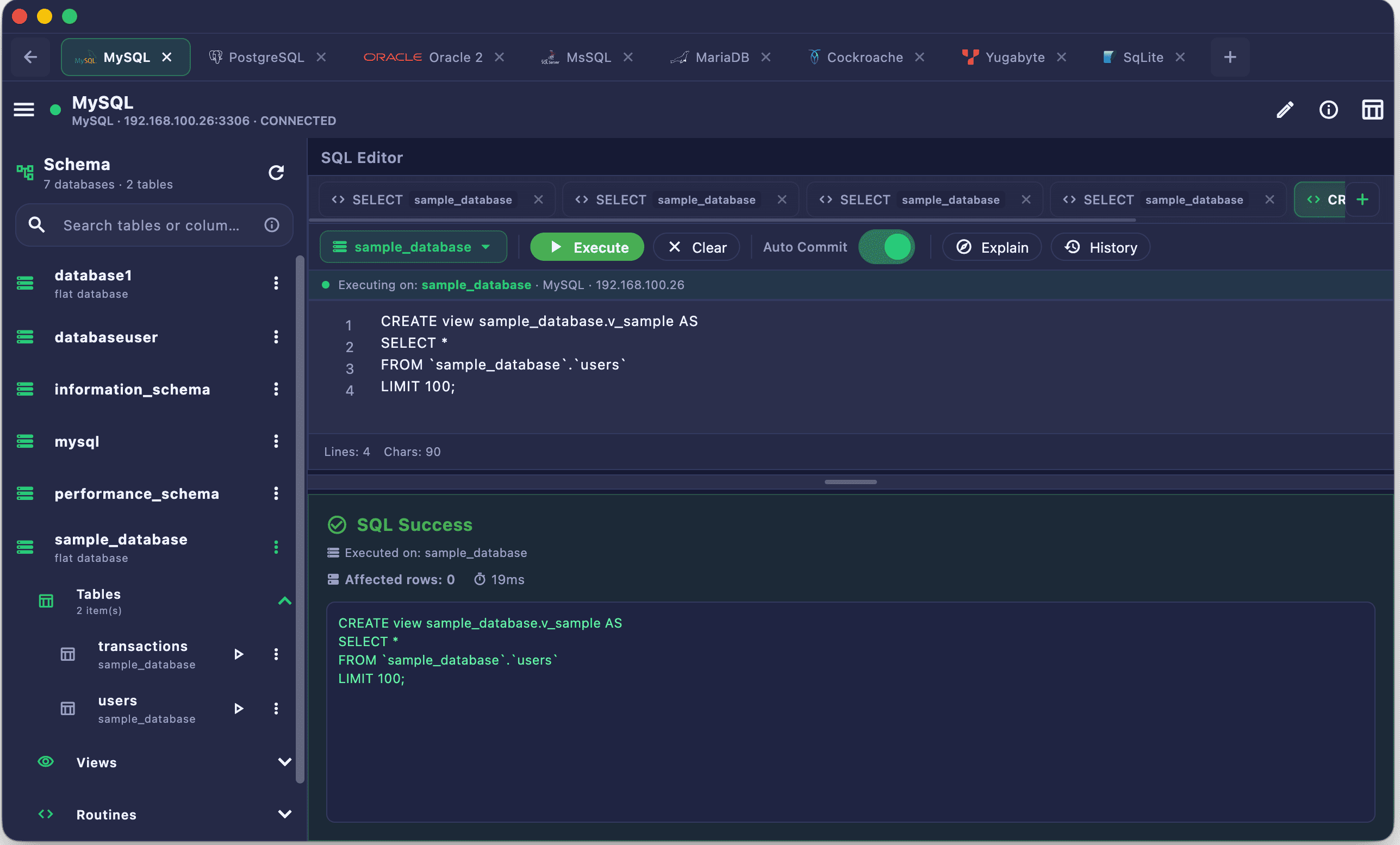
Access common SQL editor operations instantly: format code, switch active databases, copy snippets, or clear your workspace.
- Run / Run Selected buttons with keyboard shortcuts
- Database context selector (switch active database)
- Clear editor content
- Copy query to clipboard
- Format SQL (auto-format on execute option for Pro)
- Toggle between SQL Editor and Visual Query Builder
- Auto-Commit & Transaction Control — Toggle between automatic and manual transaction modes to Commit or Rollback updates safely
Multi-Tab Query Sessions
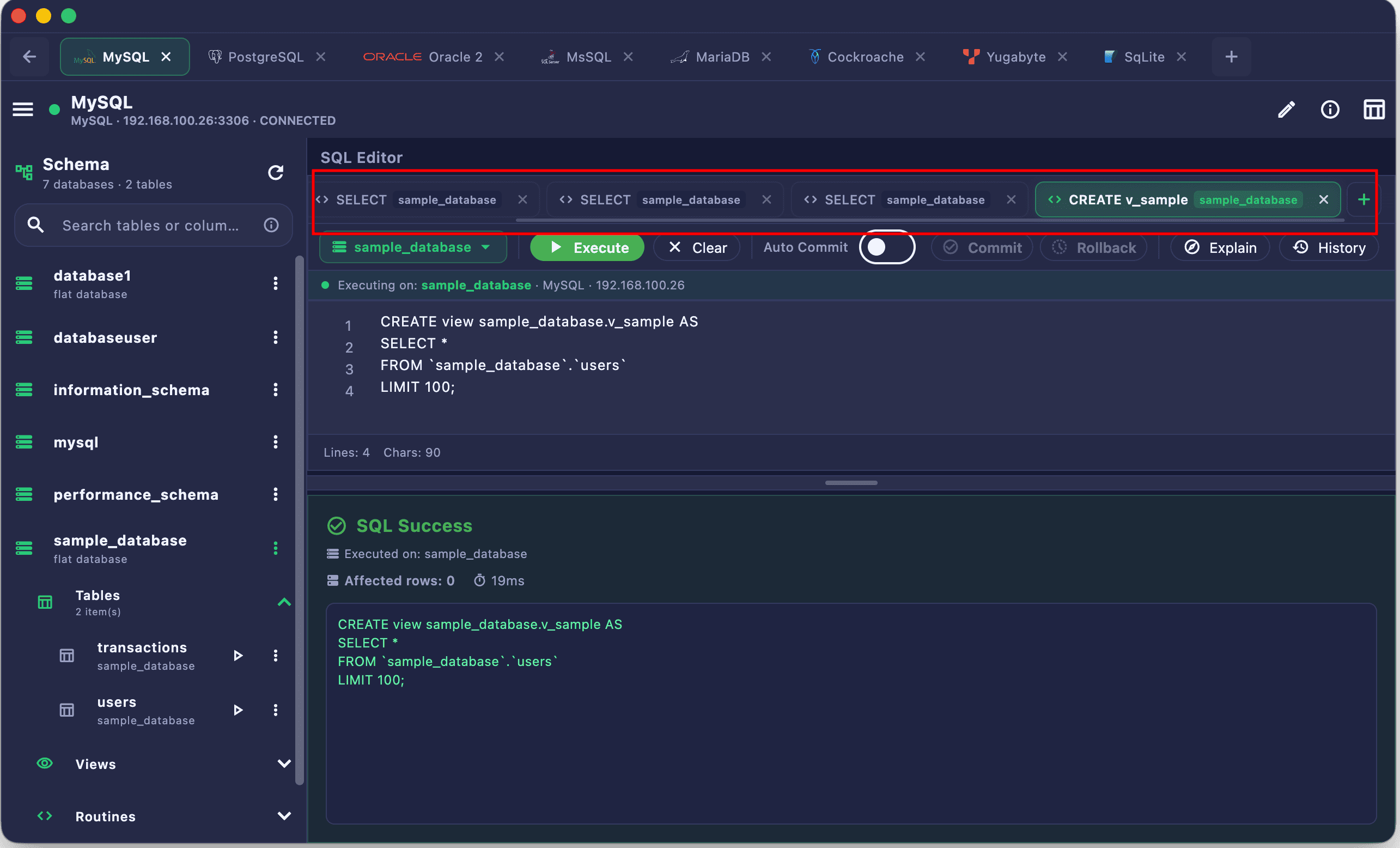
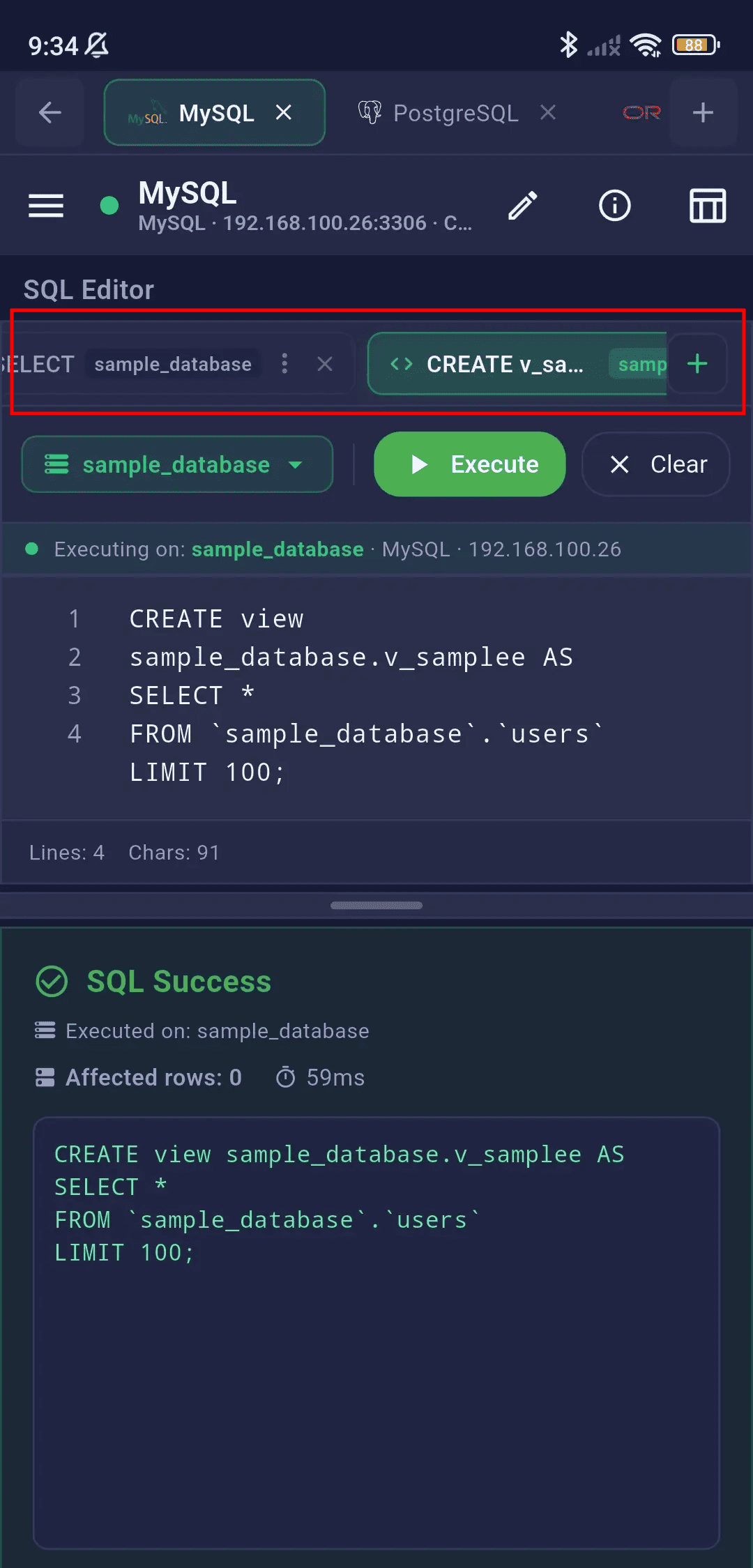
Keep multiple query tabs open at once, allowing you to switch contexts without losing your active scripts or query results.
- Open multiple independent query tabs
- Each tab maintains its own editor content and results
- Tab rename and reorder support
- Close individual tabs or close all
- Tabs persist across session within the workspace
- Visual indicators on tab headers for uncommitted transaction changes
Schema Browser
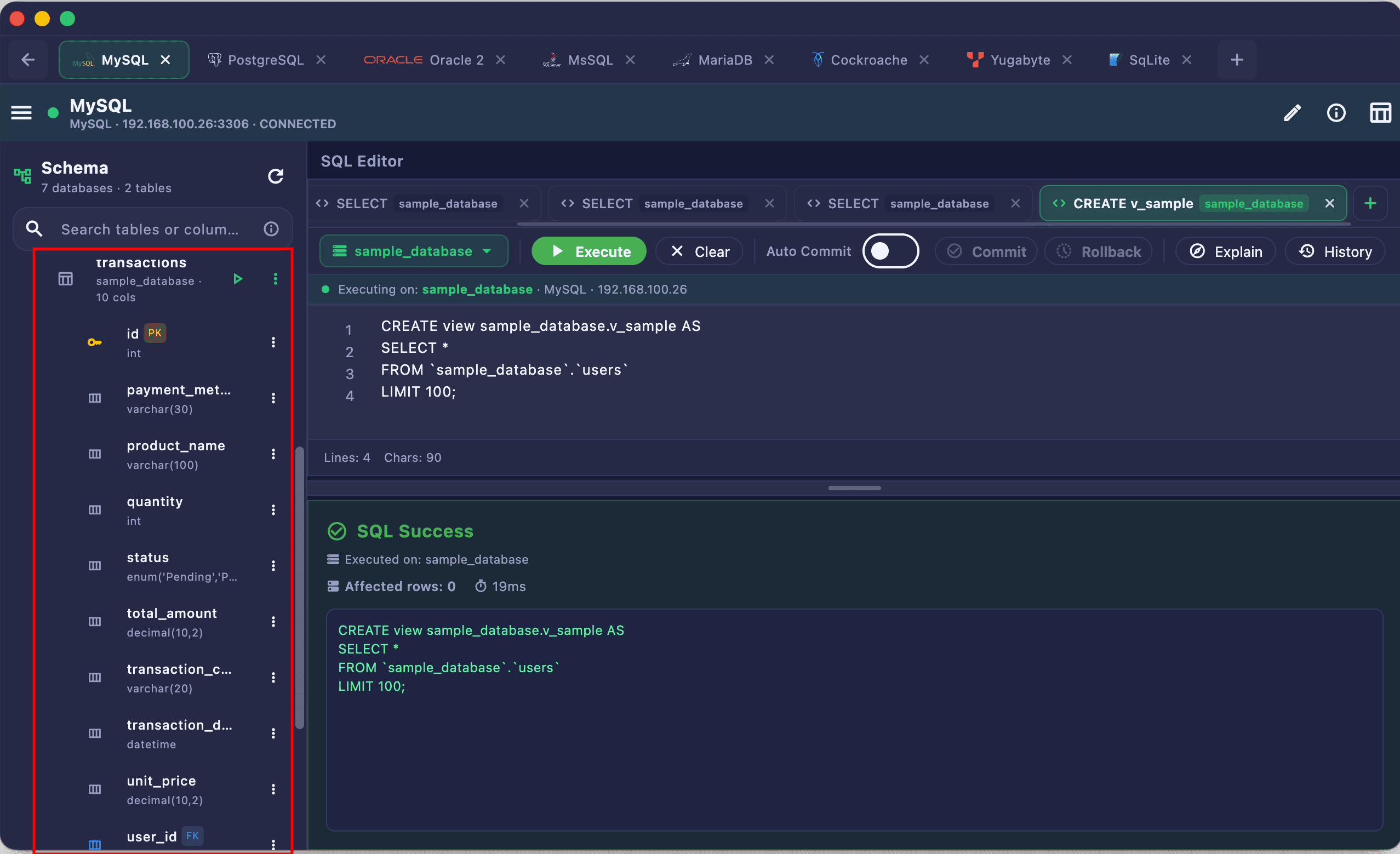
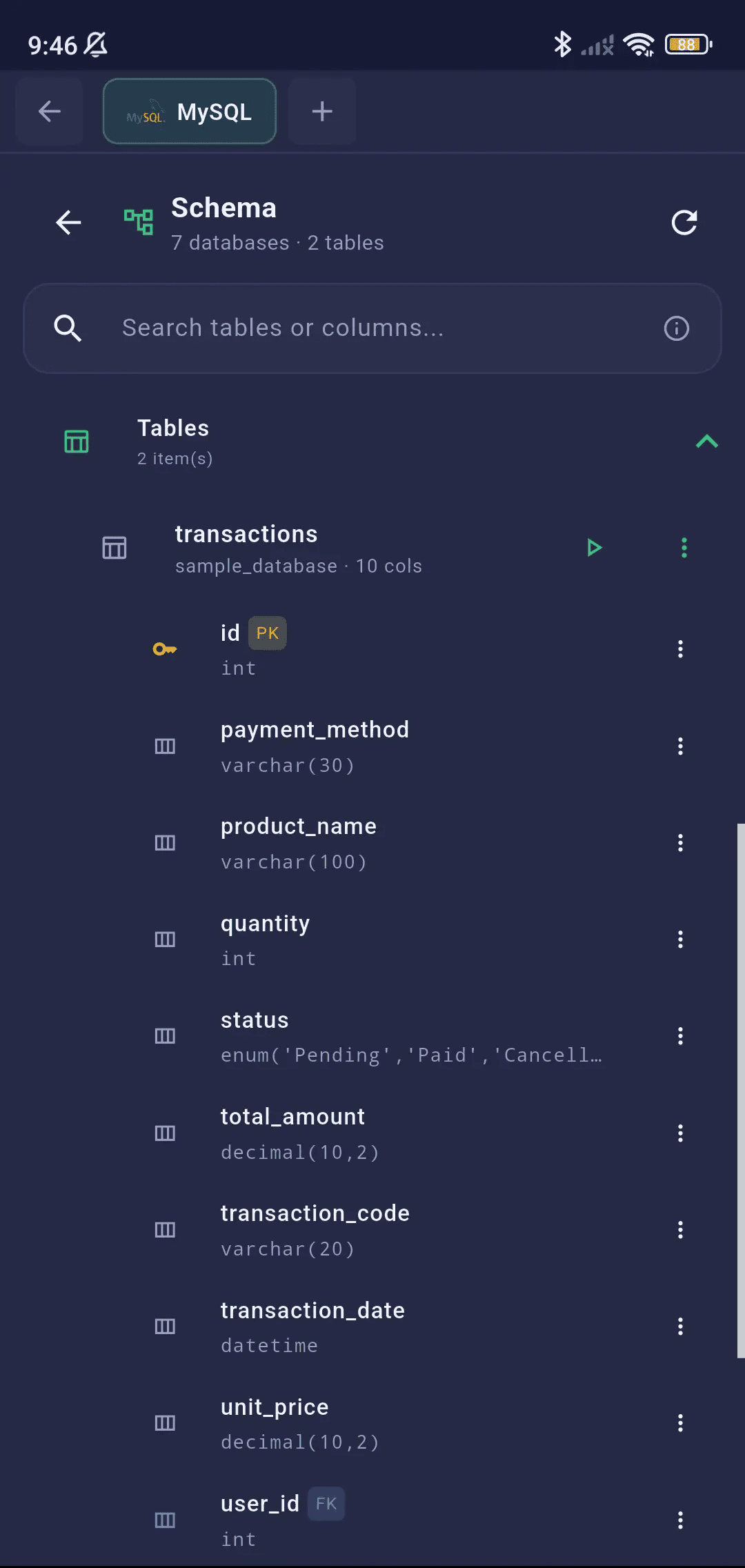
A comprehensive visual tree navigator for exploring your database structure. Browse databases, schemas, tables, columns, views, sequences, and routines — all from a collapsible sidebar panel.
Tree Navigation
Explore your database objects visually: expand tables to view column definitions, data types, index keys, and routines in a collapsible sidebar.
- Database Level: List all databases in the connection
- Schema Level: Browse schemas within each database (public, dbo, custom schemas)
- Category Folders: Tables, Views, Sequences, Routines — engine-aware visibility
- Table Level: Expand to see columns with data types, PK/FK indicators
- Lazy-loaded data — schemas, tables, and columns load on expand
- Search/filter across the entire tree hierarchy
- Scroll position preserved during refresh
- Scroll position preserved during refresh
Engine-Specific Objects
Each engine shows only the object types it supports:
| Object Type | PG | MySQL | SQLite | MSSQL | Oracle |
|---|---|---|---|---|---|
| Tables | ✓ | ✓ | ✓ | ✓ | ✓ |
| Views | ✓ | ✓ | ✓ | ✓ | ✓ |
| Sequences | ✓ | — | — | ✓ | ✓ |
| Routines | ✓ | ✓ | — | ✓ | ✓ |
Context Menu Actions
Right-click (long-press on mobile) on any schema object to access quick actions:
📂 Database
- Create Schema (PG/MSSQL)
- Refresh
📁 Schema
- Create Table
- Import Data
- Export Schema
- Refresh
🗃️ Table
- SELECT * …
- Insert Data
- Create Column
- Modify Table
- Duplicate Table
- Import Data
- Export Data
- Truncate Table
- Drop Table
📊 Column
- Modify Column
- Duplicate Column
- Drop Column
👁️ View
- SELECT * …
- Drop View
🔢 Sequence
- Drop Sequence
- Copy Name
⚙️ Routine
- Drop Function/Procedure
- Copy Name
Schema Visualizer (ERD)
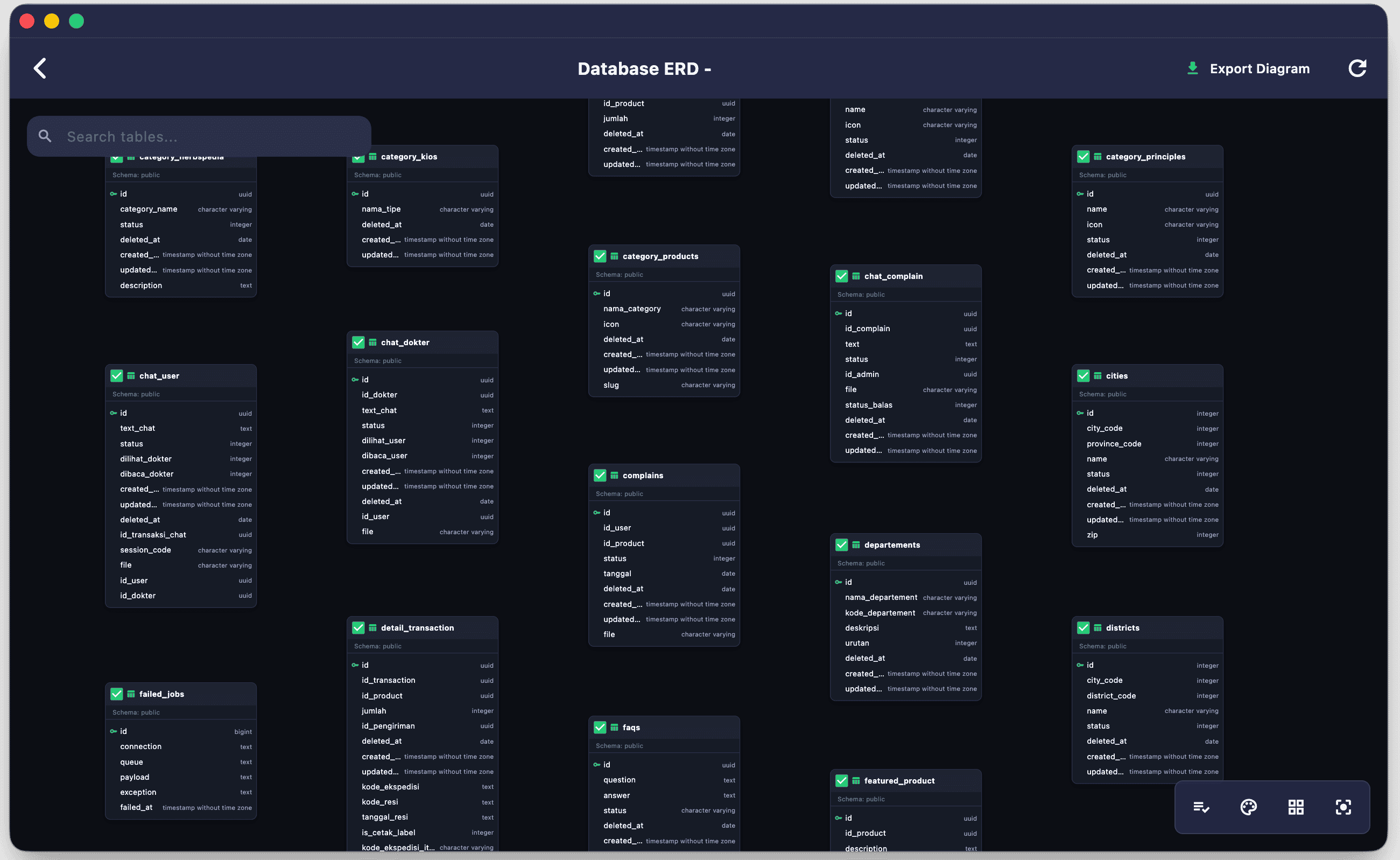
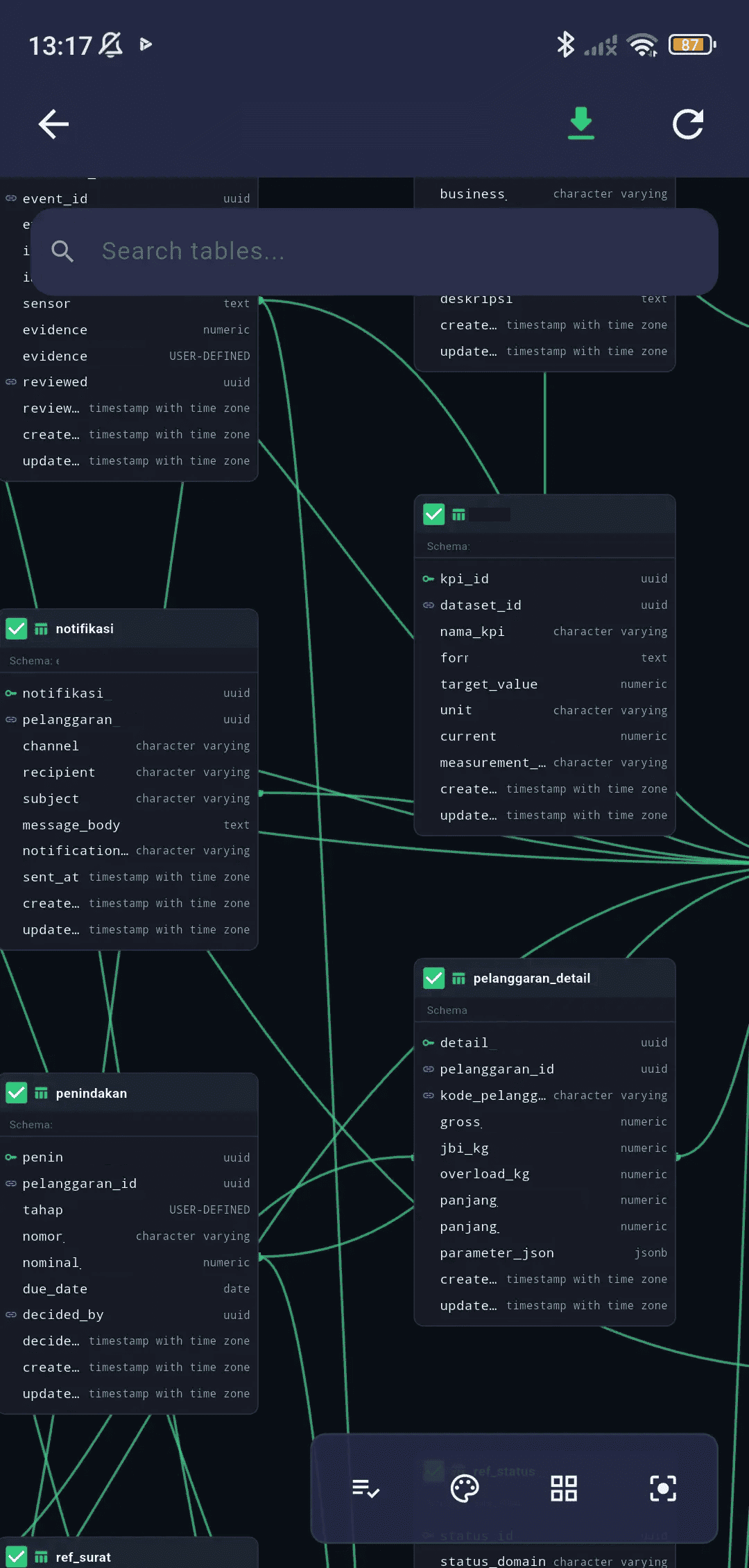
Understand complex database schemas instantly. Visualize table relationships in an interactive Entity-Relationship Diagram (ERD).
Interactive ERD Diagrams
Visualize your database tables and their foreign key relationships dynamically in an interactive diagram view.
- Auto-detect table relationships and display connection lines
- Pan and zoom controls to navigate large diagrams
- Search/filter table cards inside the diagram
- Custom appearance settings (light/dark themes, grid background, line style)
- Export ERD to high-resolution PNG, PDF, or SVG (Pro)
Generate DDL
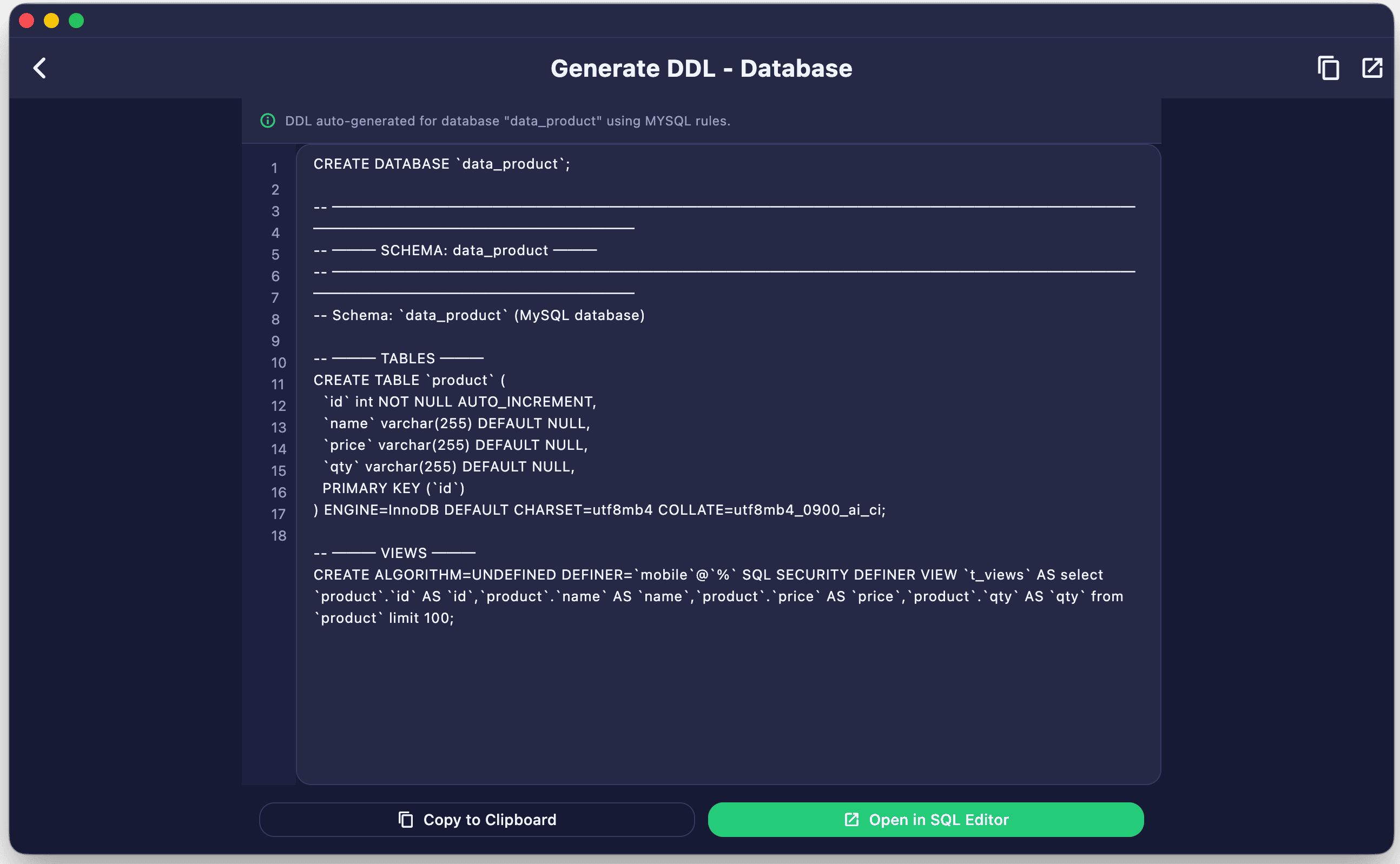
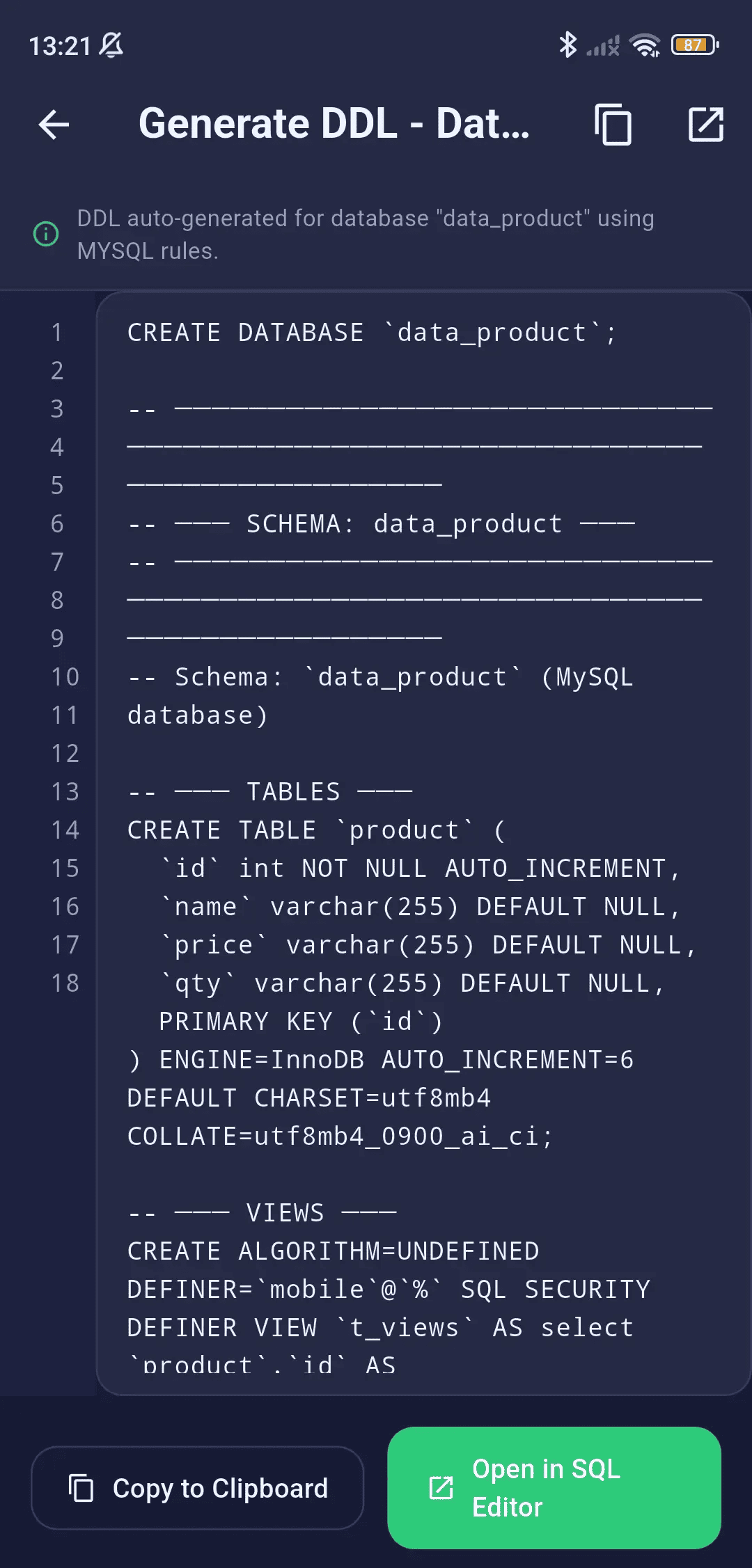
Export database structures, table schemas, views, routines, and sequences into portable SQL DDL scripts with a single click.
Generate Database DDL
Export database structures, table schemas, views, routines, and sequences into portable SQL DDL scripts with a single click.
- Generate full structure-only or data-and-structure SQL dumps
- Clean dialect DDL formatting (PostgreSQL, CockroachDB, MSSQL, MySQL, Oracle, SQLite)
- Automatic detection and sanitization of database-specific view prefixes to ensure portability
- Progress indicator showing table DDL and row formatting details
Data Management
Create, modify, and manage database objects visually without writing raw DDL — SQLSSH generates the SQL for you.
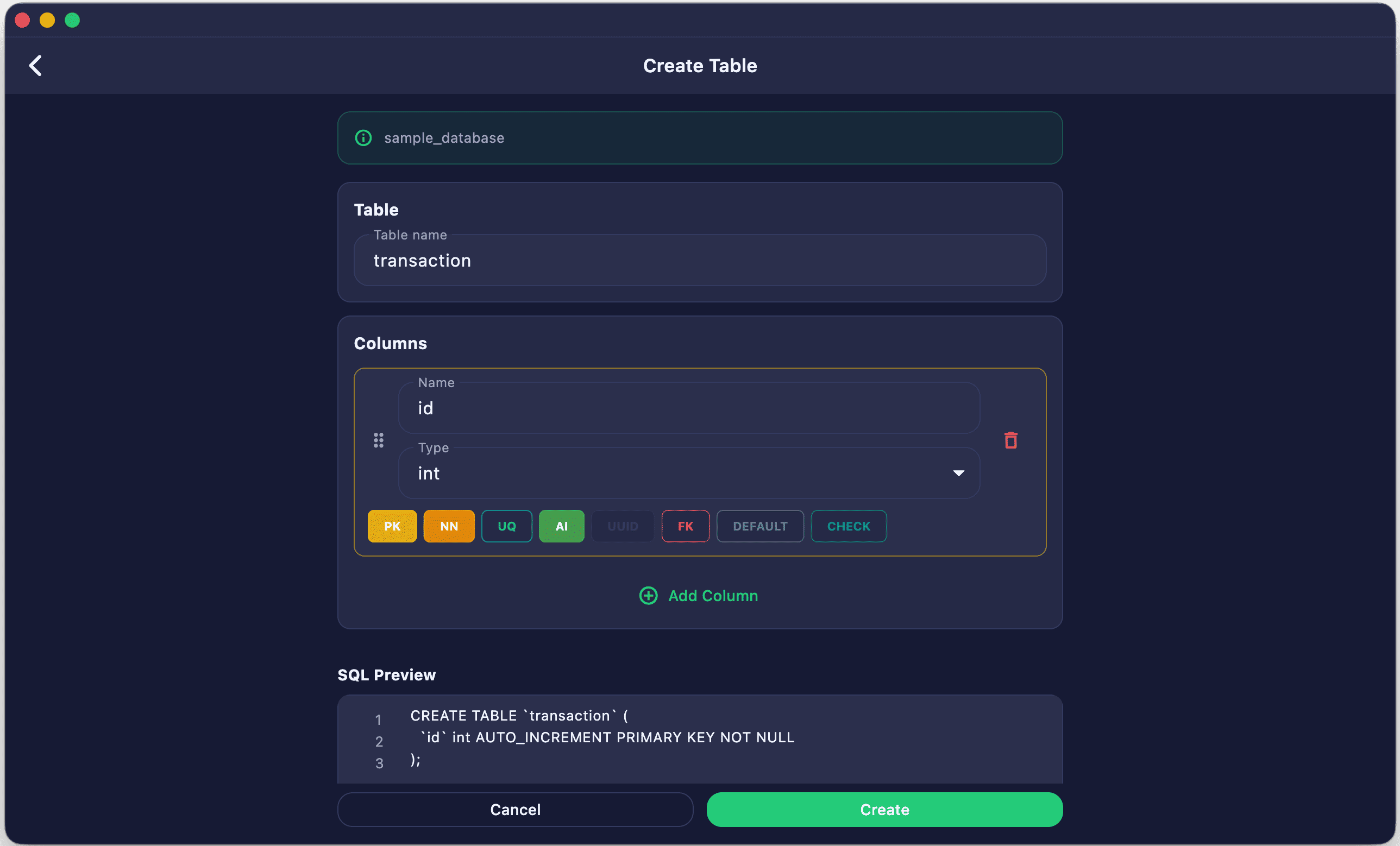
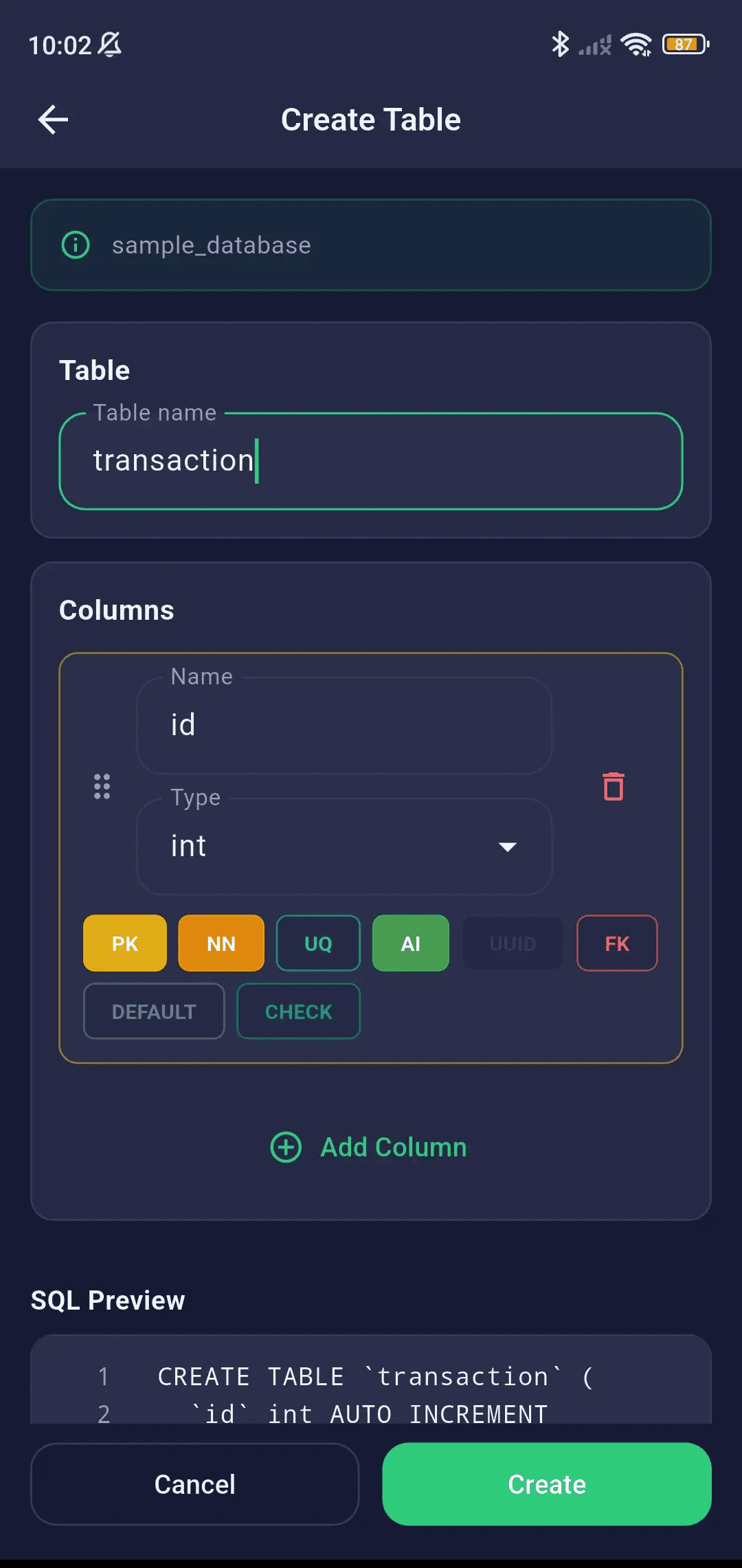
Create Table
Design new tables visually using an intuitive column builder that automatically generates engine-compatible DDL statements.
- Visual table designer with column name, type, and constraints
- Engine-specific data type dropdowns
- Primary Key, Not Null, Unique, Default value configuration
- SQL preview before execution
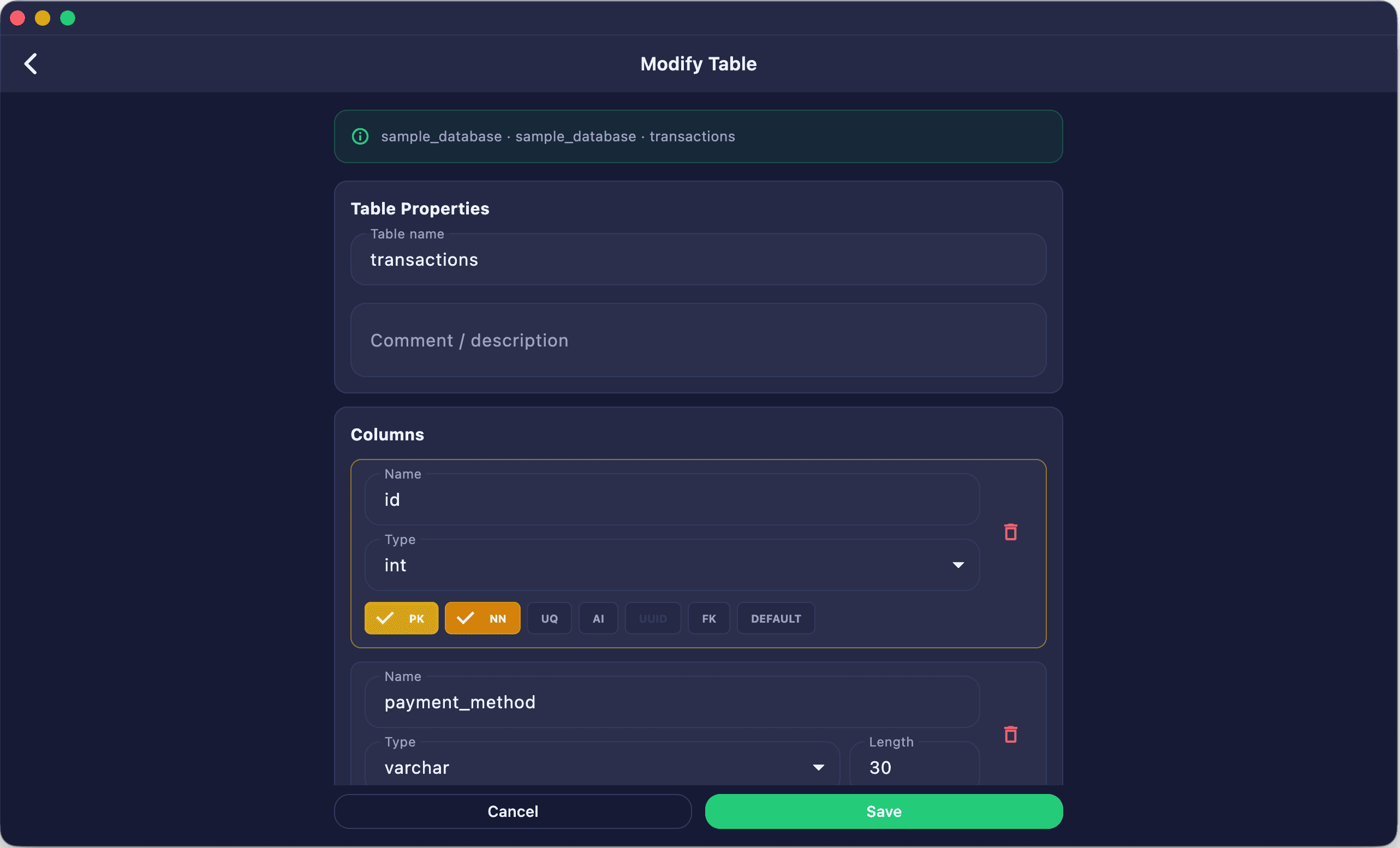
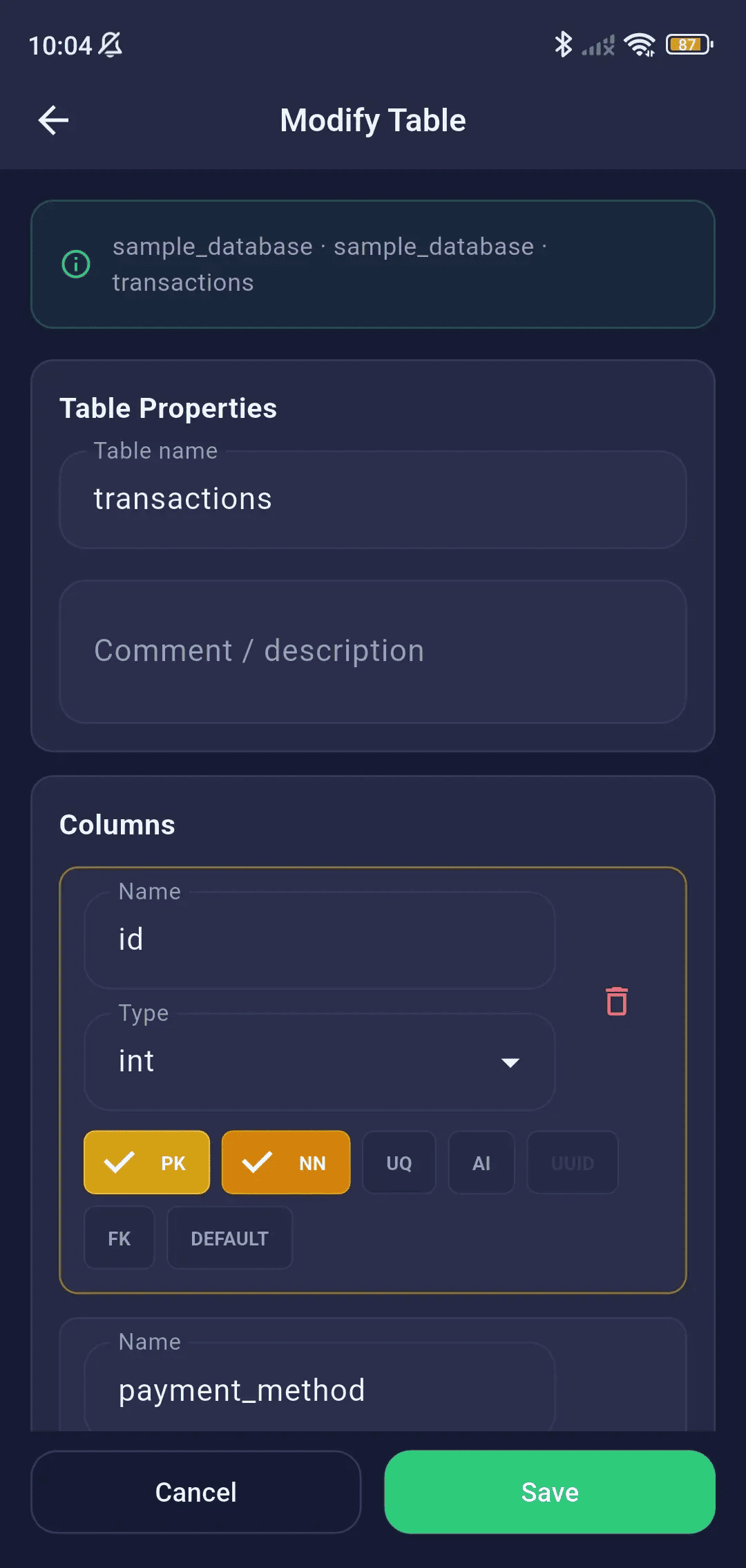
Modify Table
Alter existing tables: add columns, change constraint rules, rename indexes, or duplicate tables with database-safe ALTER commands.
- Rename tables with dialect-specific ALTER statements
- Add, modify, and drop columns
- Modify column types and constraints
- Duplicate column definitions
Insert Data
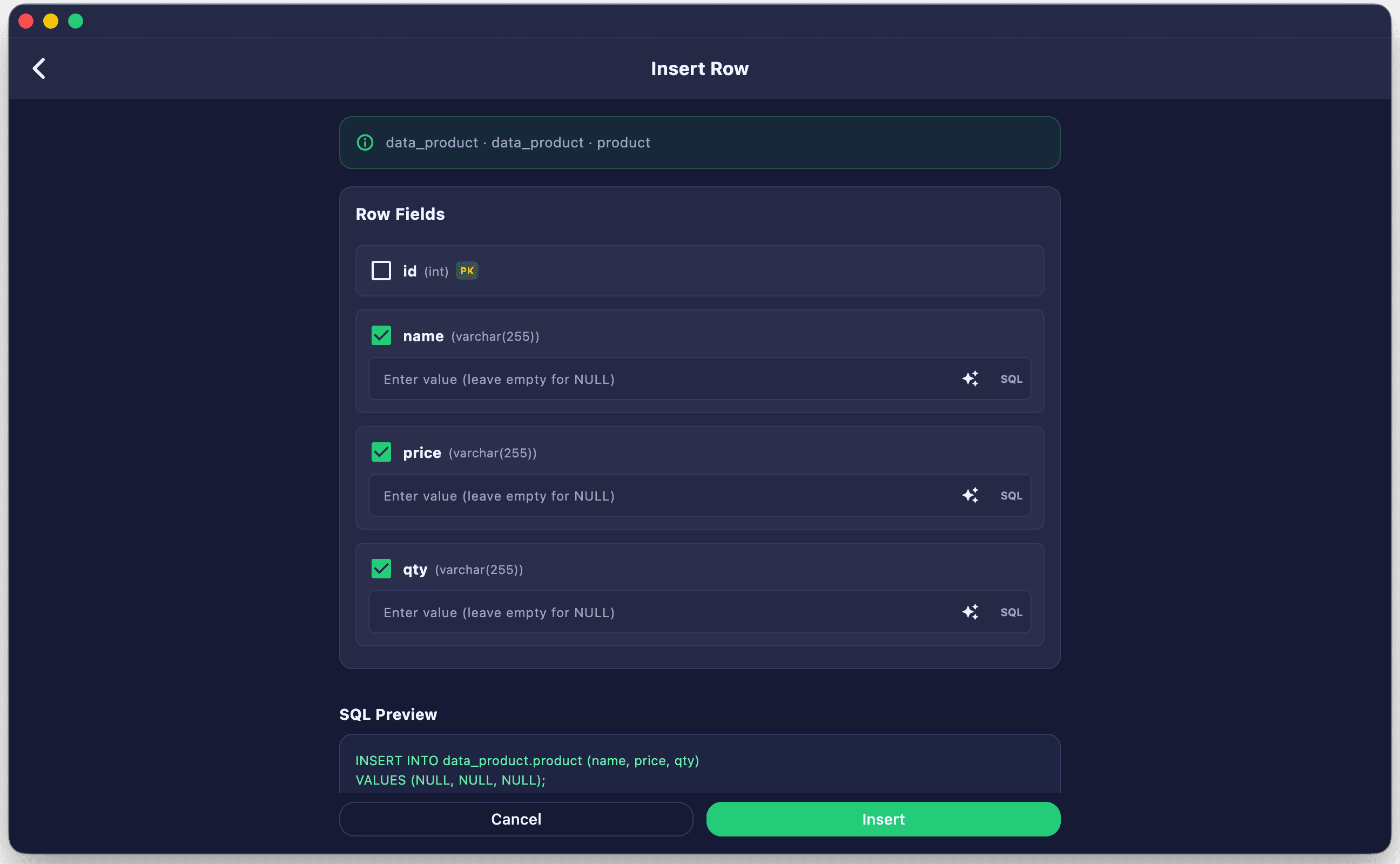
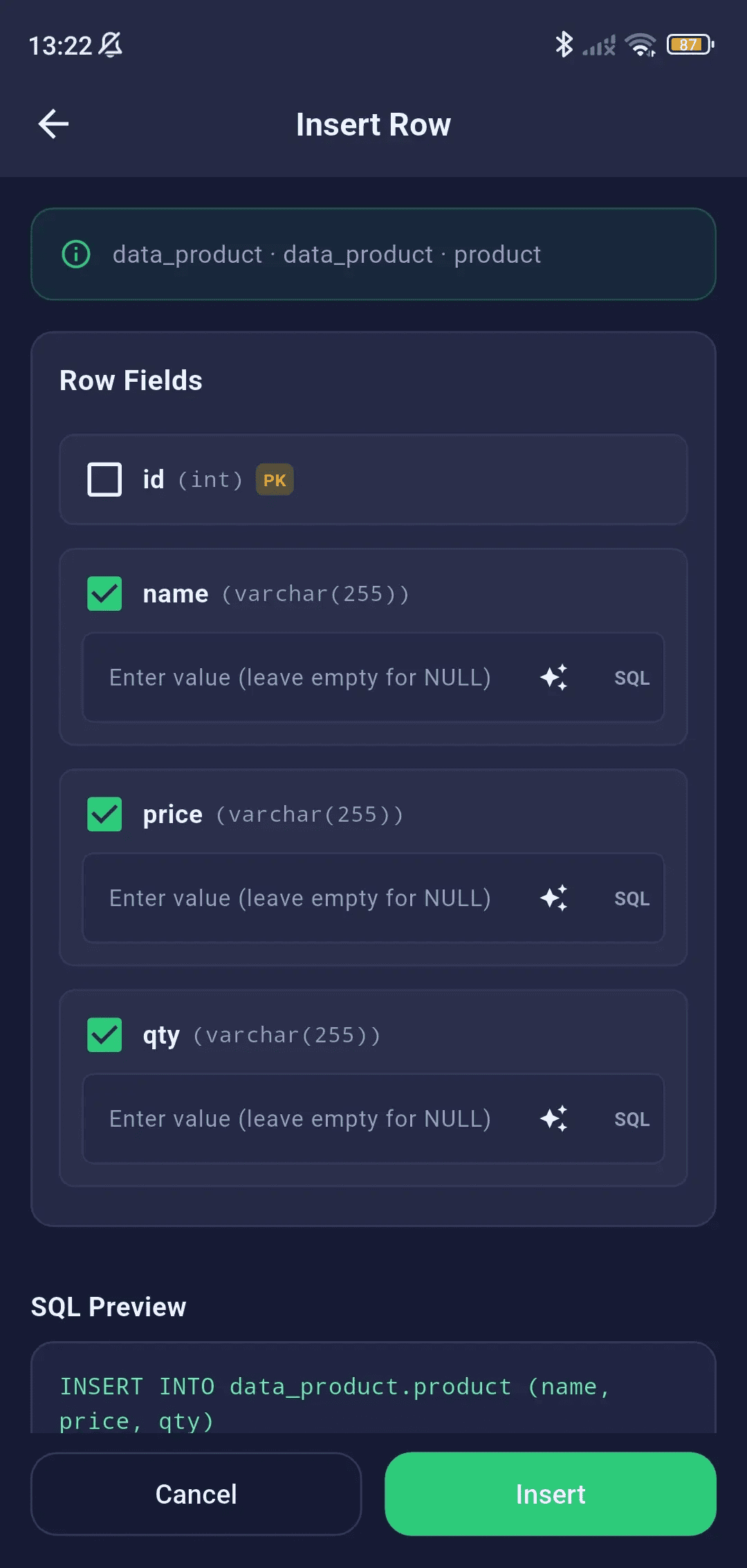
Insert rows into active tables using form-based data entry with automatic type-checking and null support.
- Form-based row insertion with field labels matching column names
- Data type validation before insert
- Null toggle per field
- Generates INSERT INTO statement and executes
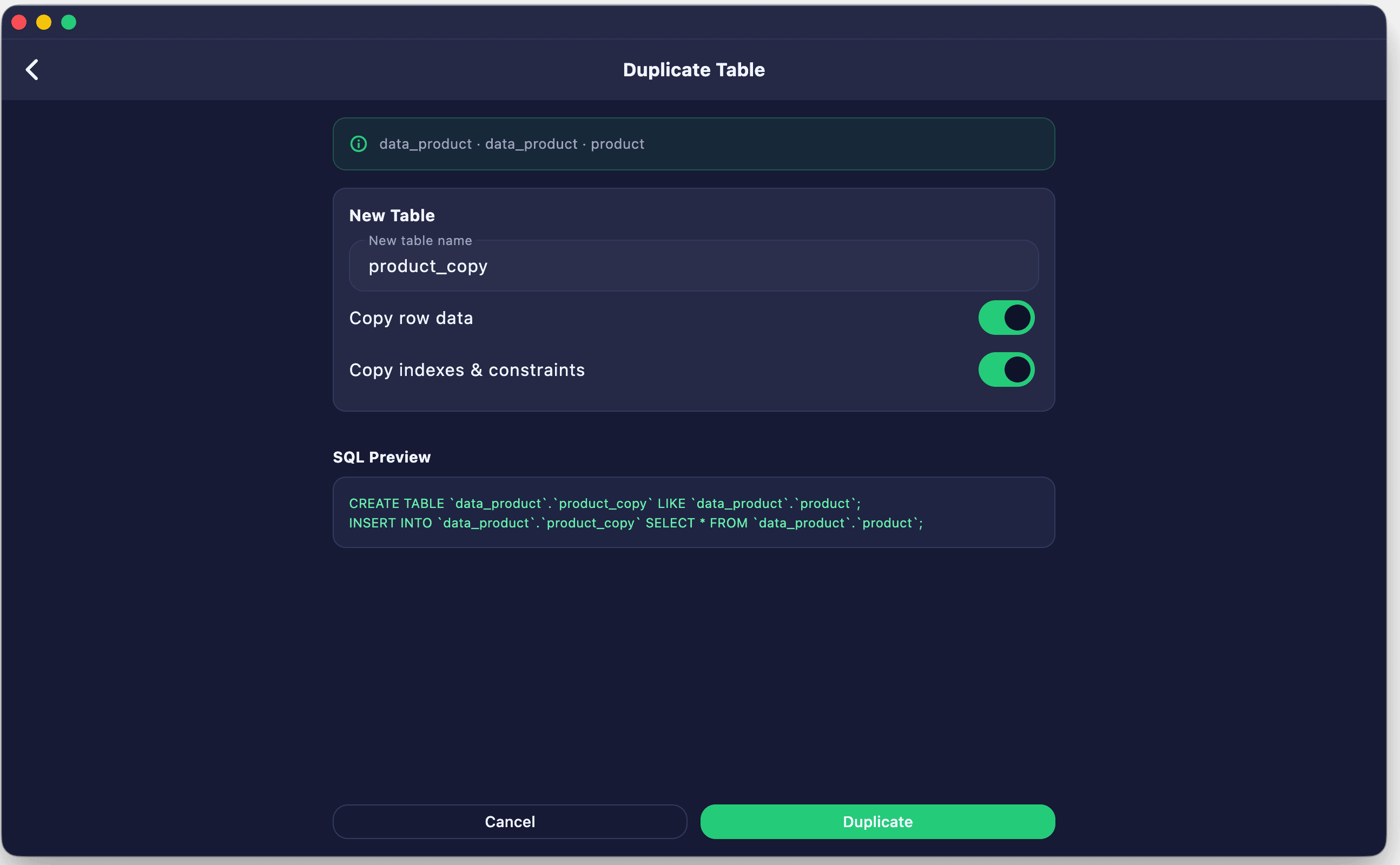
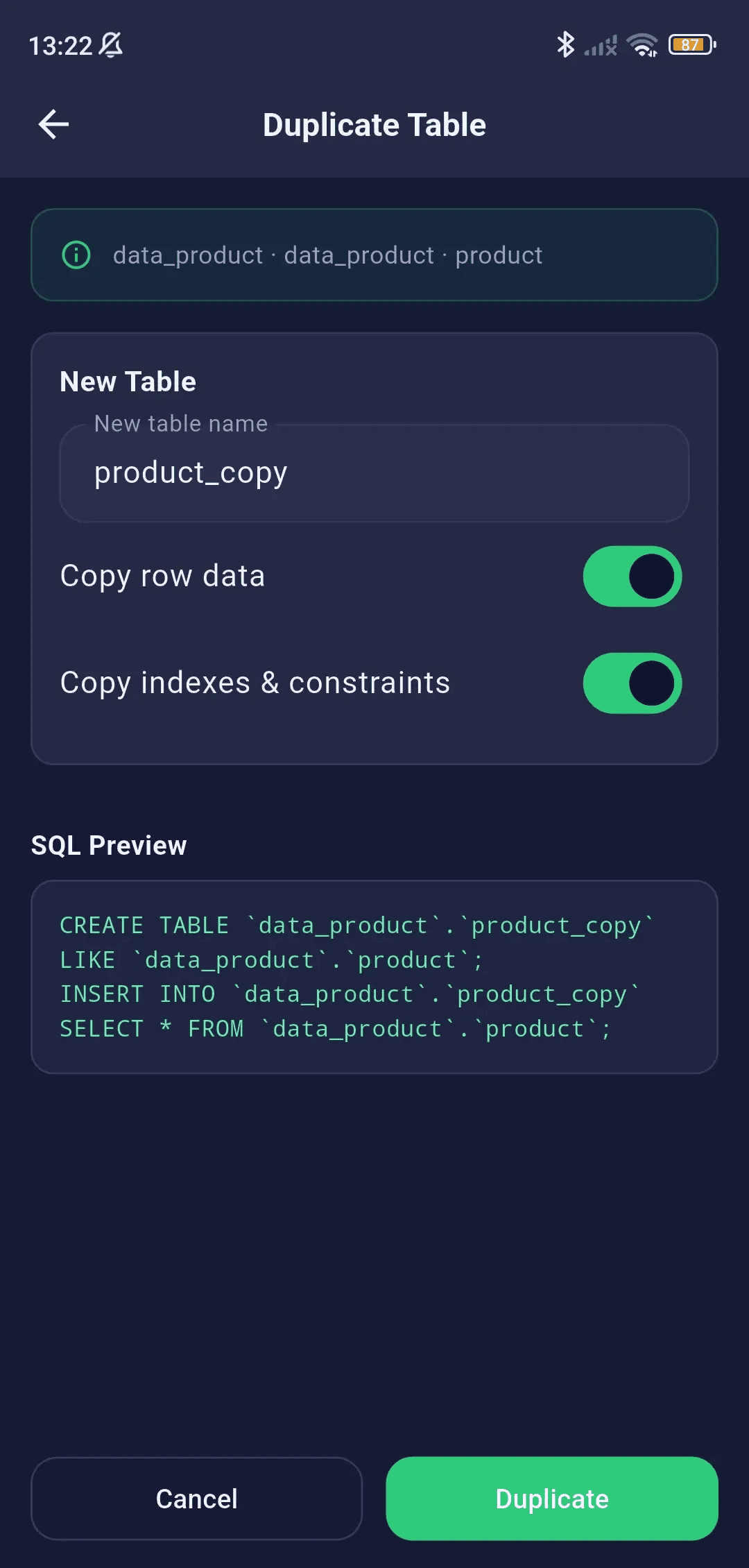
Duplicate Table
Clone table definitions and schema structures visually, with the option to duplicate both structure and existing data.
- Clone table structure with a new name
- Option to include existing data or structure only
- Engine-specific CREATE TABLE AS / SELECT INTO generation
Import Data
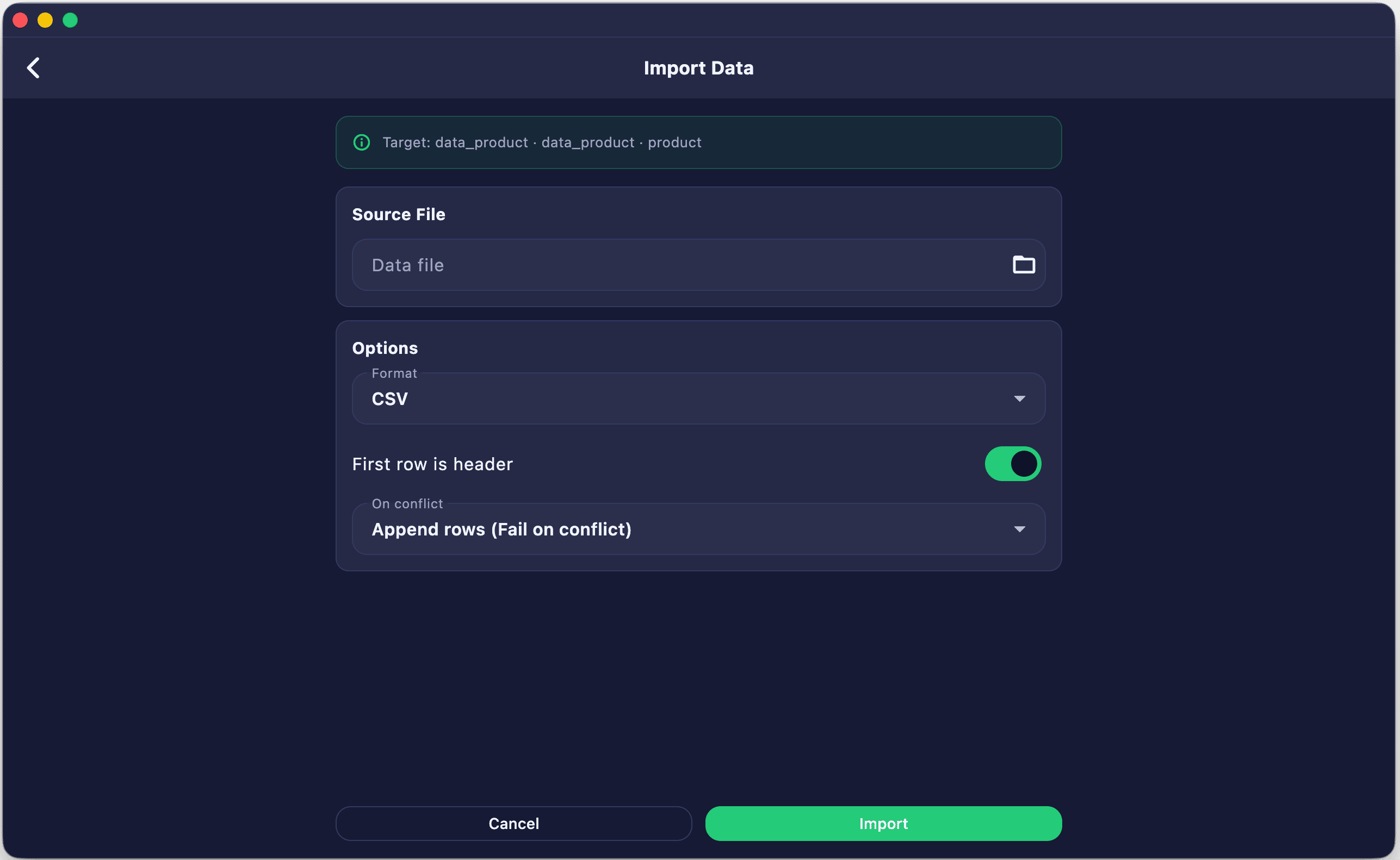
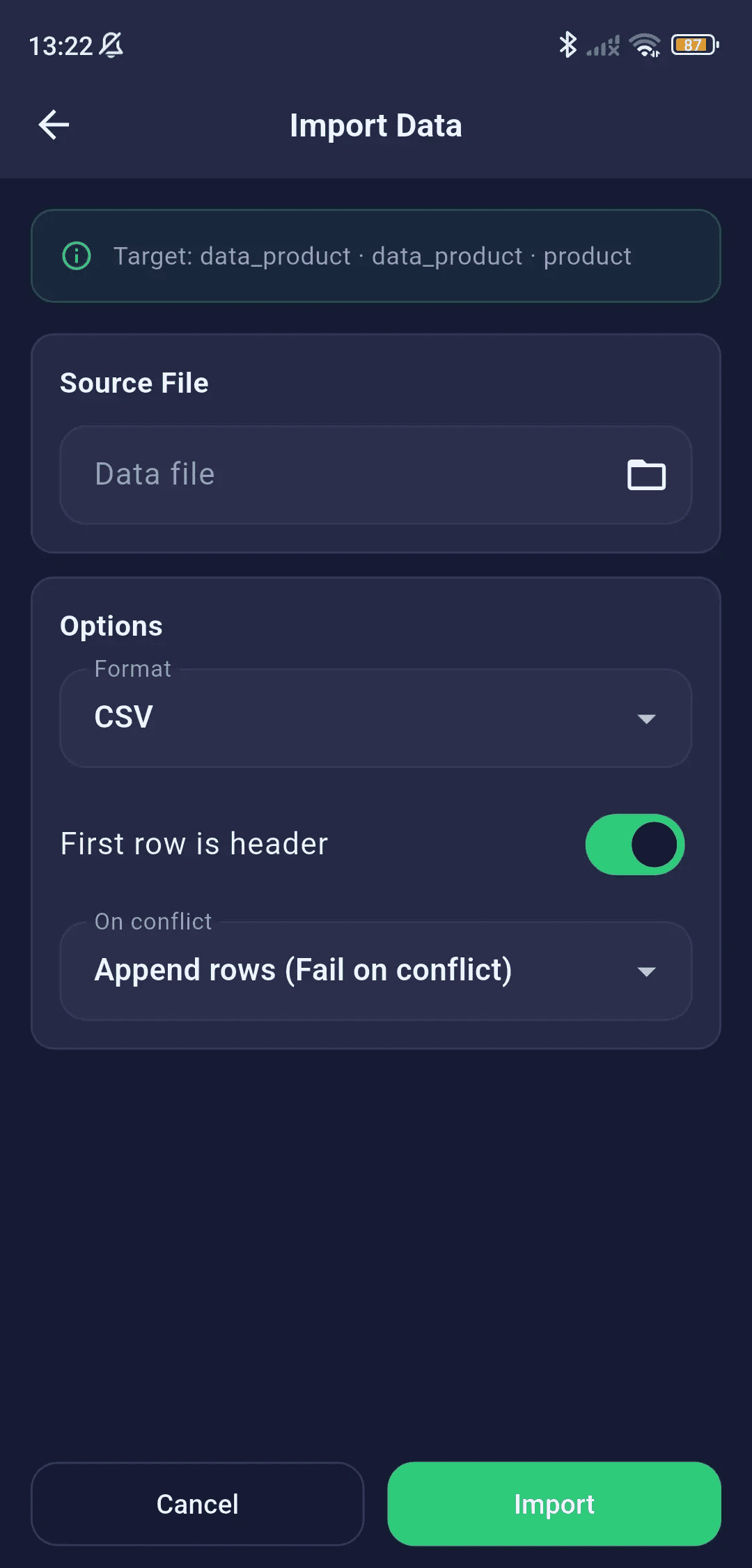
Ingest CSV or JSON datasets directly into your tables with pre-mapped columns and batch-optimized insert operations.
- Import CSV or JSON files directly into a table
- File picker for selecting source file
- Column mapping preview
- Bulk INSERT generation for efficient loading
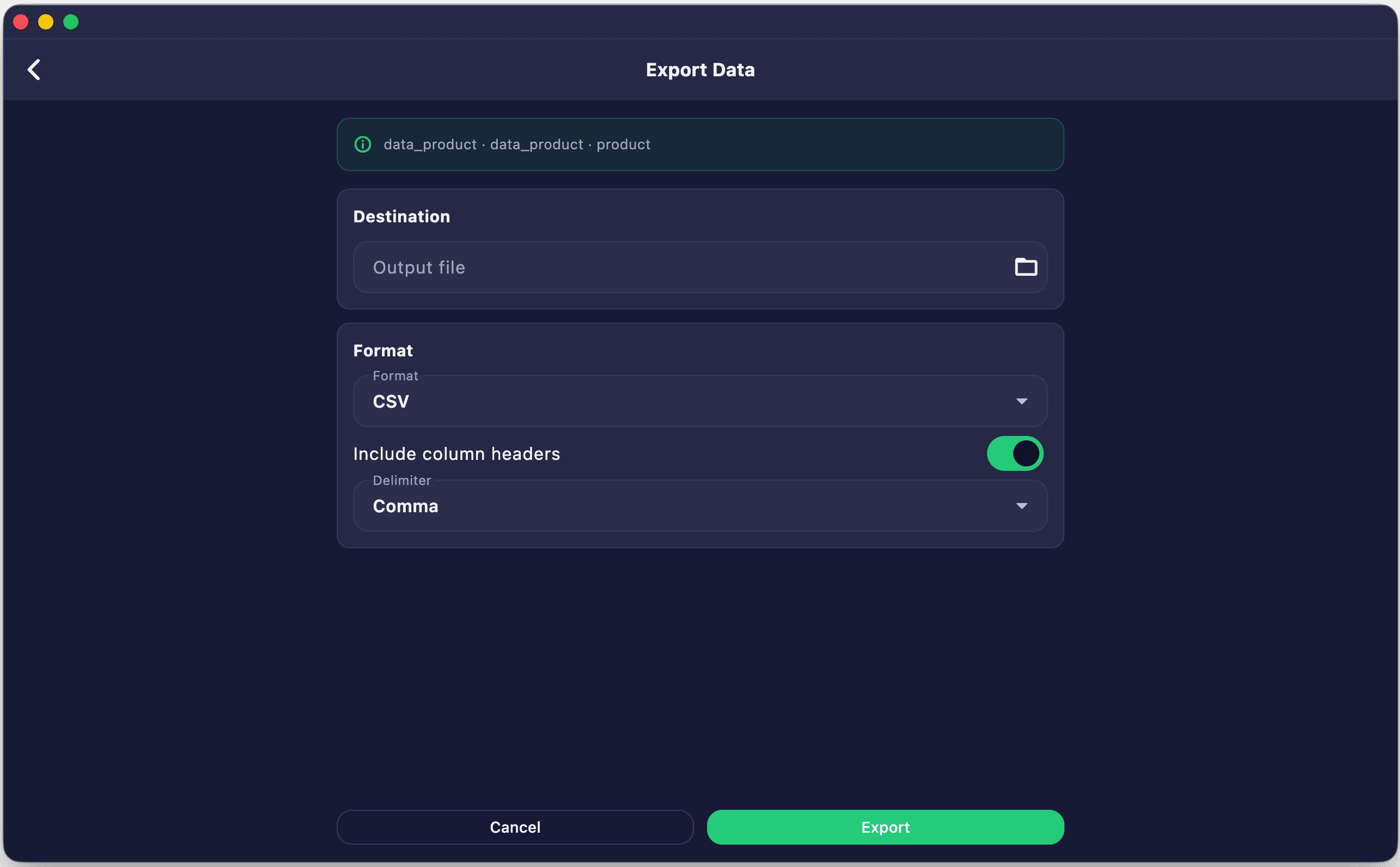
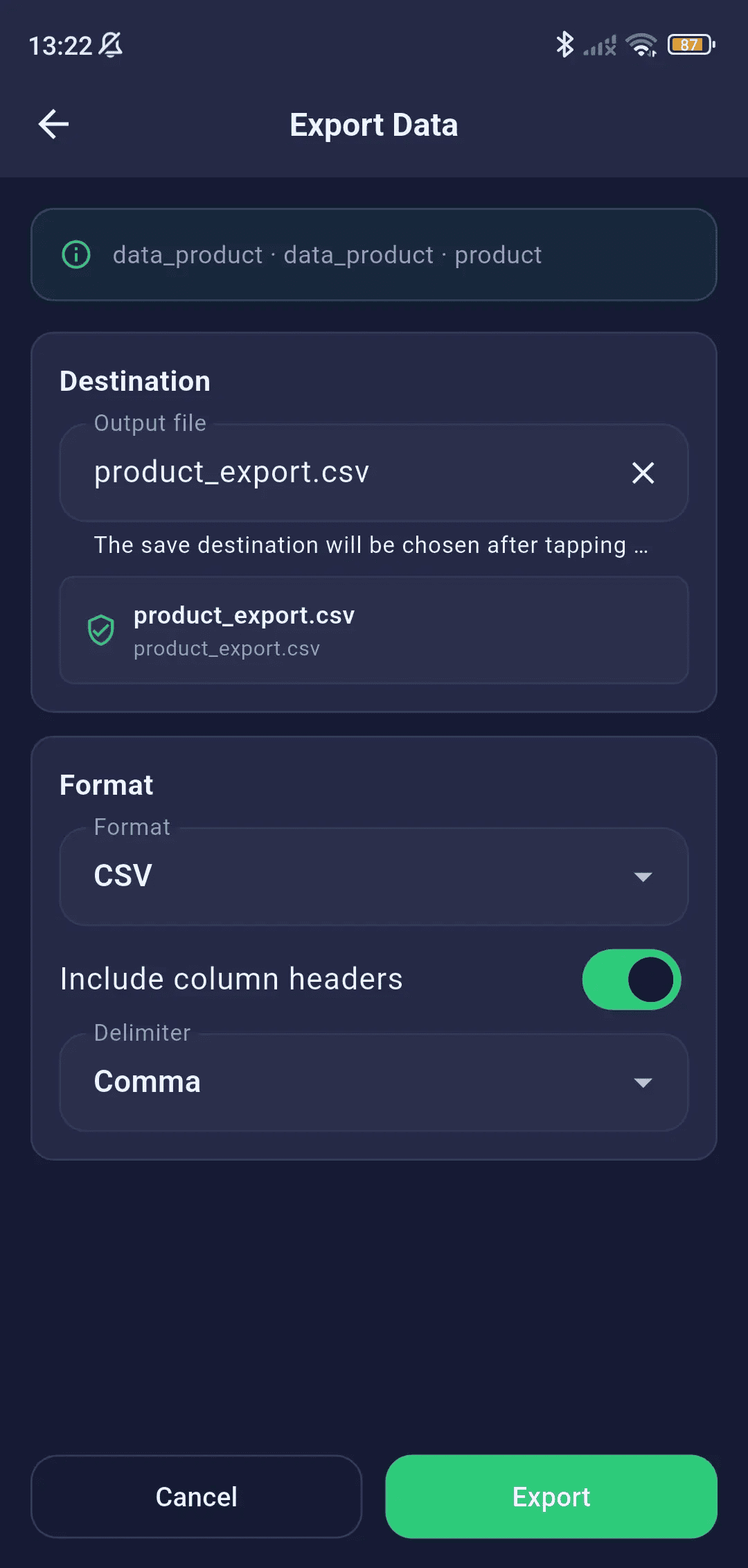
Export Data & Schema
Export query results or whole tables to CSV, JSON, or SQL inserts. You can also generate the DDL script for entire schemas.
- Export query results to CSV, JSON, or SQL INSERT format
- Custom CSV delimiter (comma, semicolon, tab, pipe)
- Include/exclude column headers option
- Desktop: choose save folder, mobile: system share sheet
- Export entire schema structure as SQL DDL
Destructive Actions with Confirmation
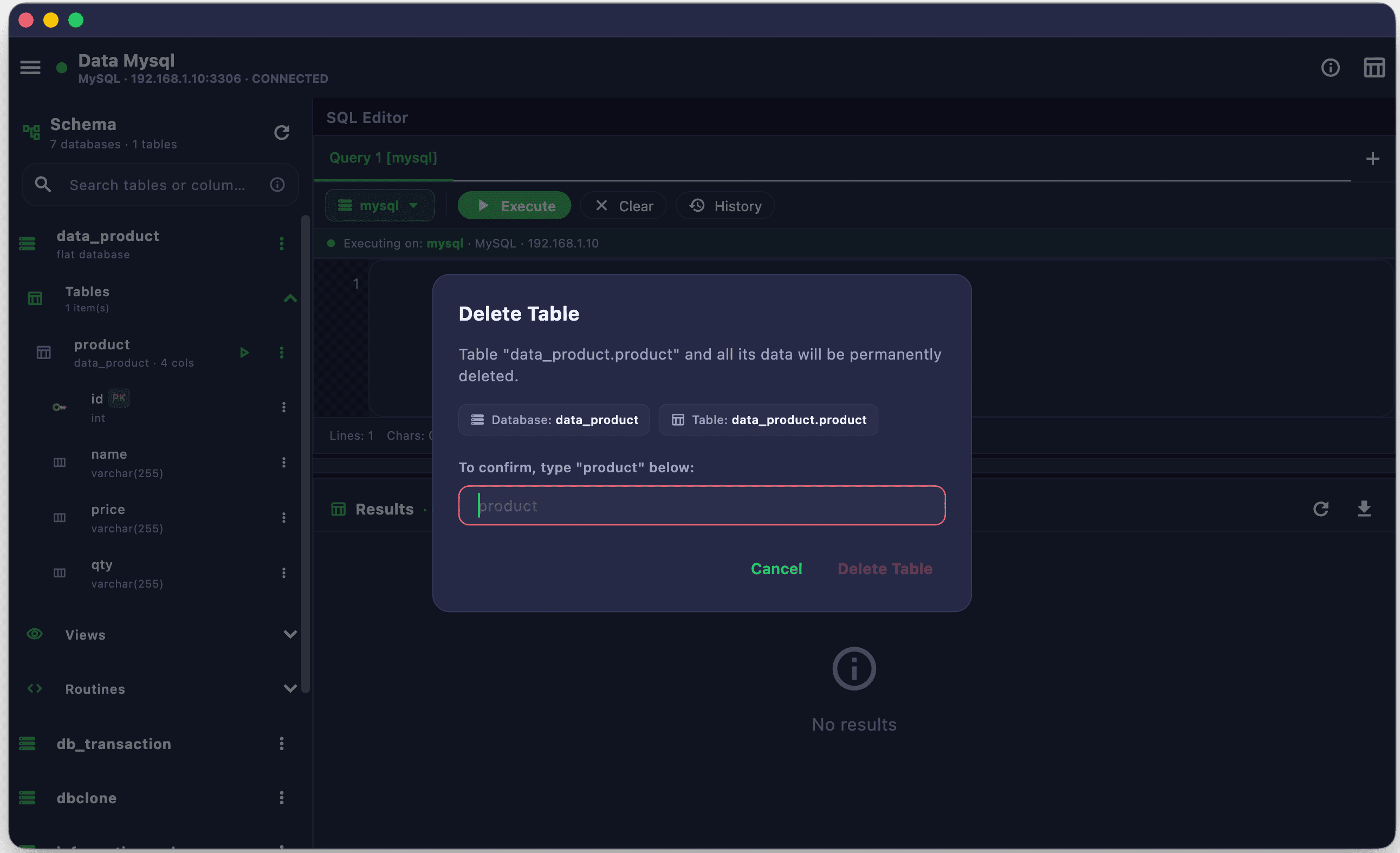
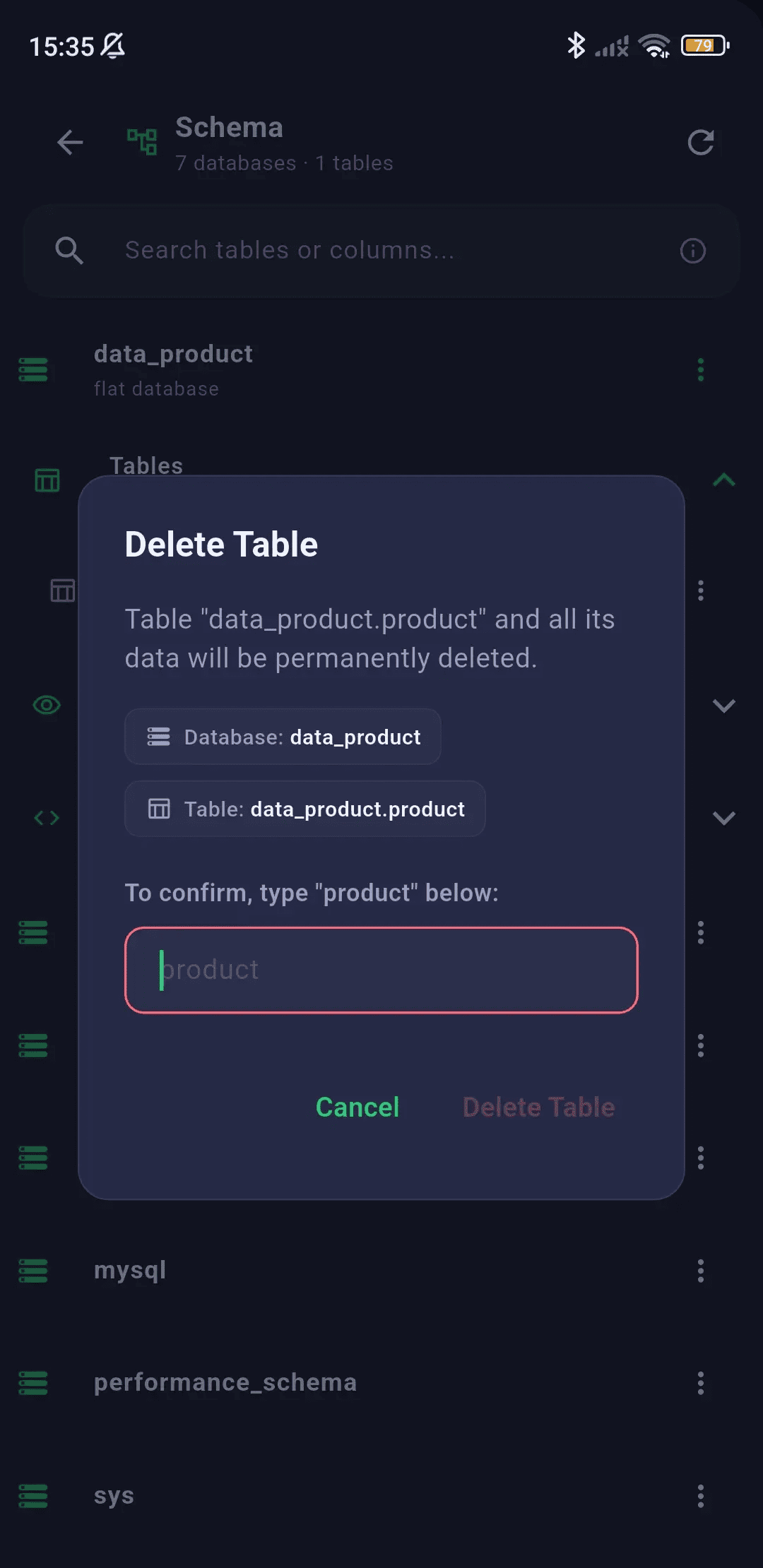
All destructive DDL operations show a confirmation dialog with the exact SQL that will be executed:
- Truncate Table — Remove all data while keeping the table structure
- Drop Table — Permanently delete the table and all its data
- Drop Column — Remove a specific column from a table
- Drop View — Remove a view definition
- Drop Sequence — Remove a sequence object
- Drop Routine — Remove a function or stored procedure
Results & Data Grid
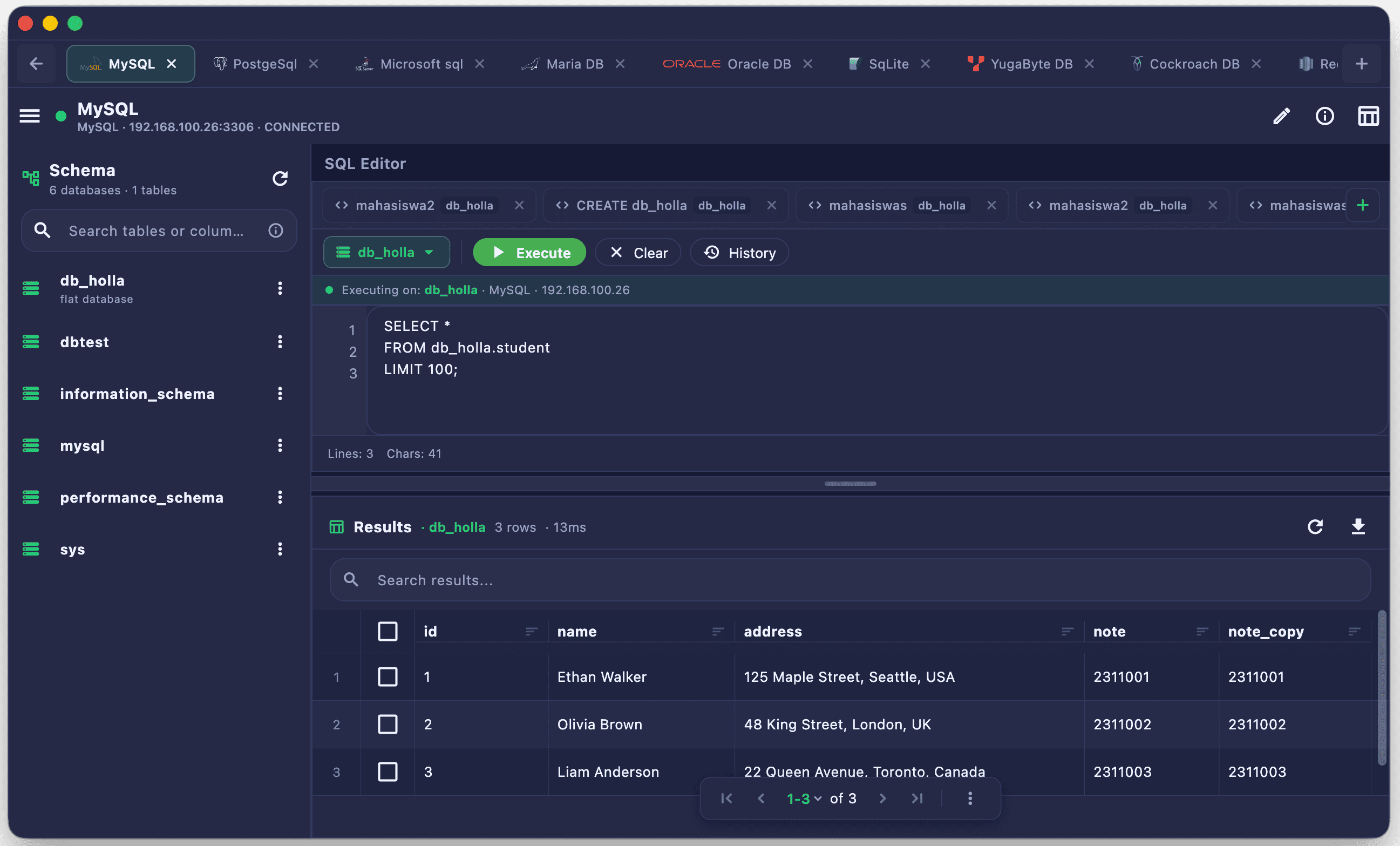
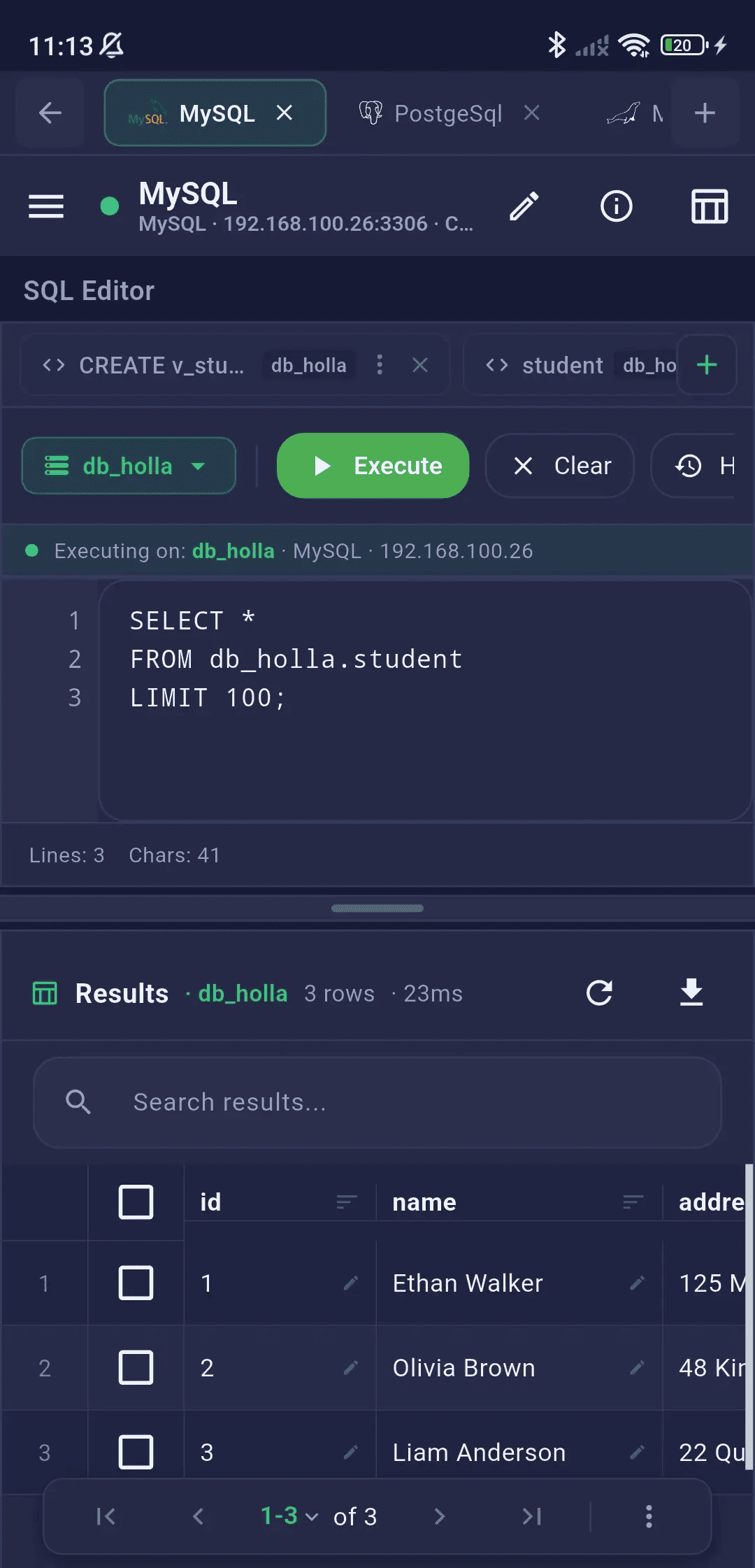
Examine query results in a fast, scrollable data grid with sorting, pagination, and instant data export.
Data Grid
Analyze large query results inside a scrollable grid, with native sorting, quick cell copying, and distinct null highlighting.
- High-performance scrollable table for large result sets
- Column headers with data type indicators
- Horizontal and vertical scroll for wide tables
- Row count and execution time display
- Cell value copy on tap
- Null values highlighted distinctively
Pagination
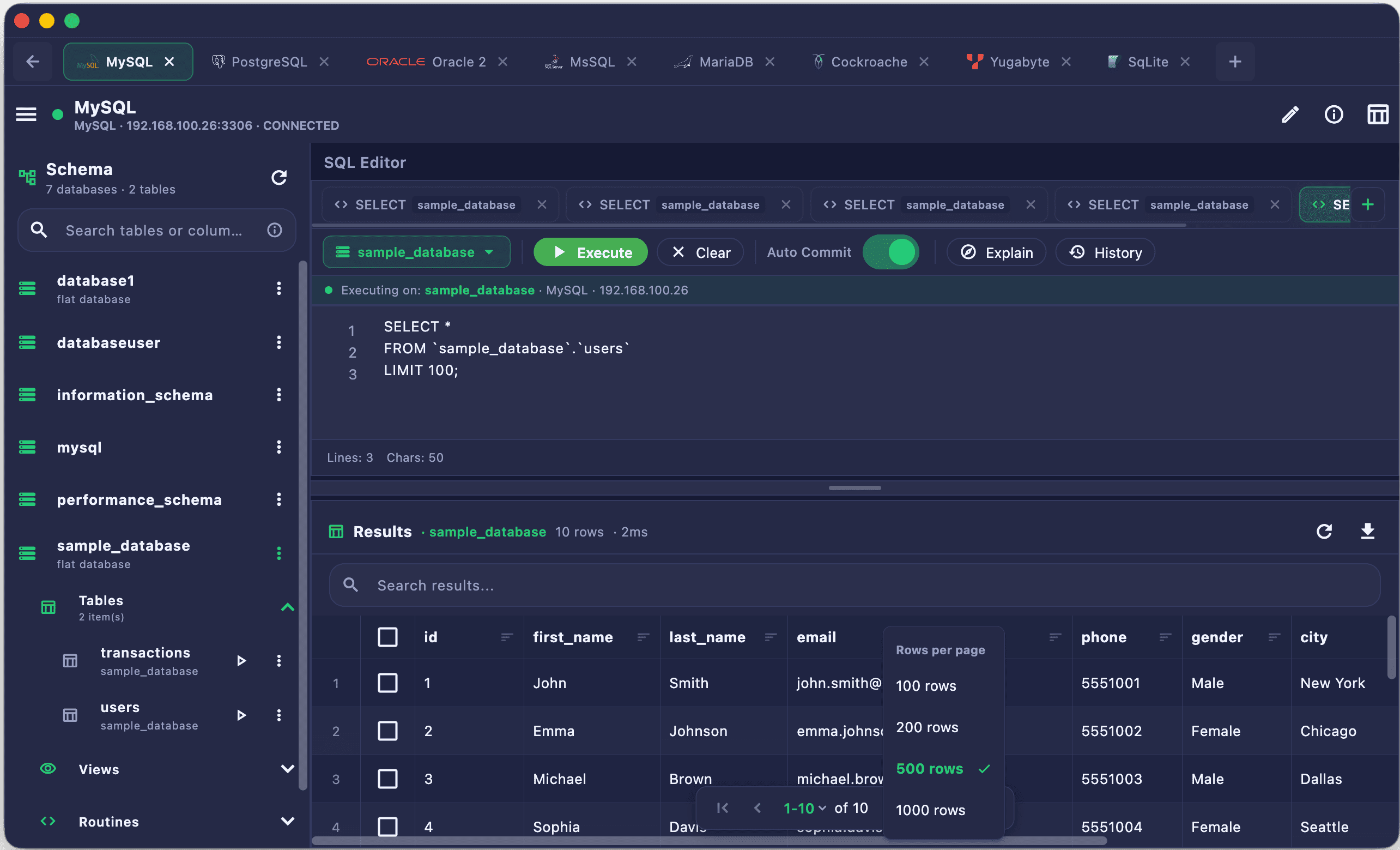
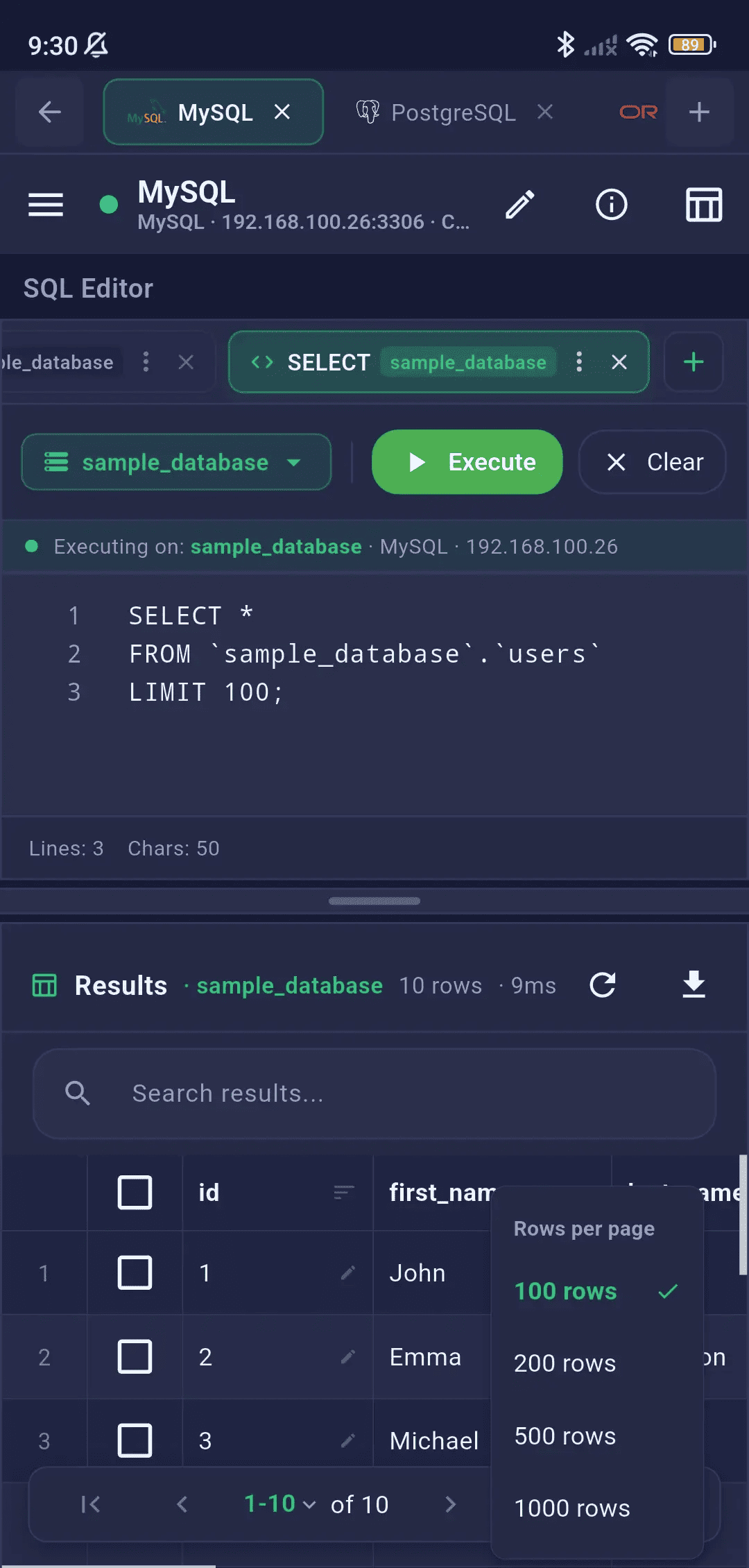
Navigate millions of rows smoothly using page-based loading controls and custom grid rows-per-page limits.
- Page-based navigation for large result sets
- Configurable rows per page
- Page dropdown selector for quick jumps
- Previous / Next page buttons
- Total rows indicator
Query History & Snippets
Automatically track every executed query and save your most-used SQL commands as bookmarked snippets for instant reuse.
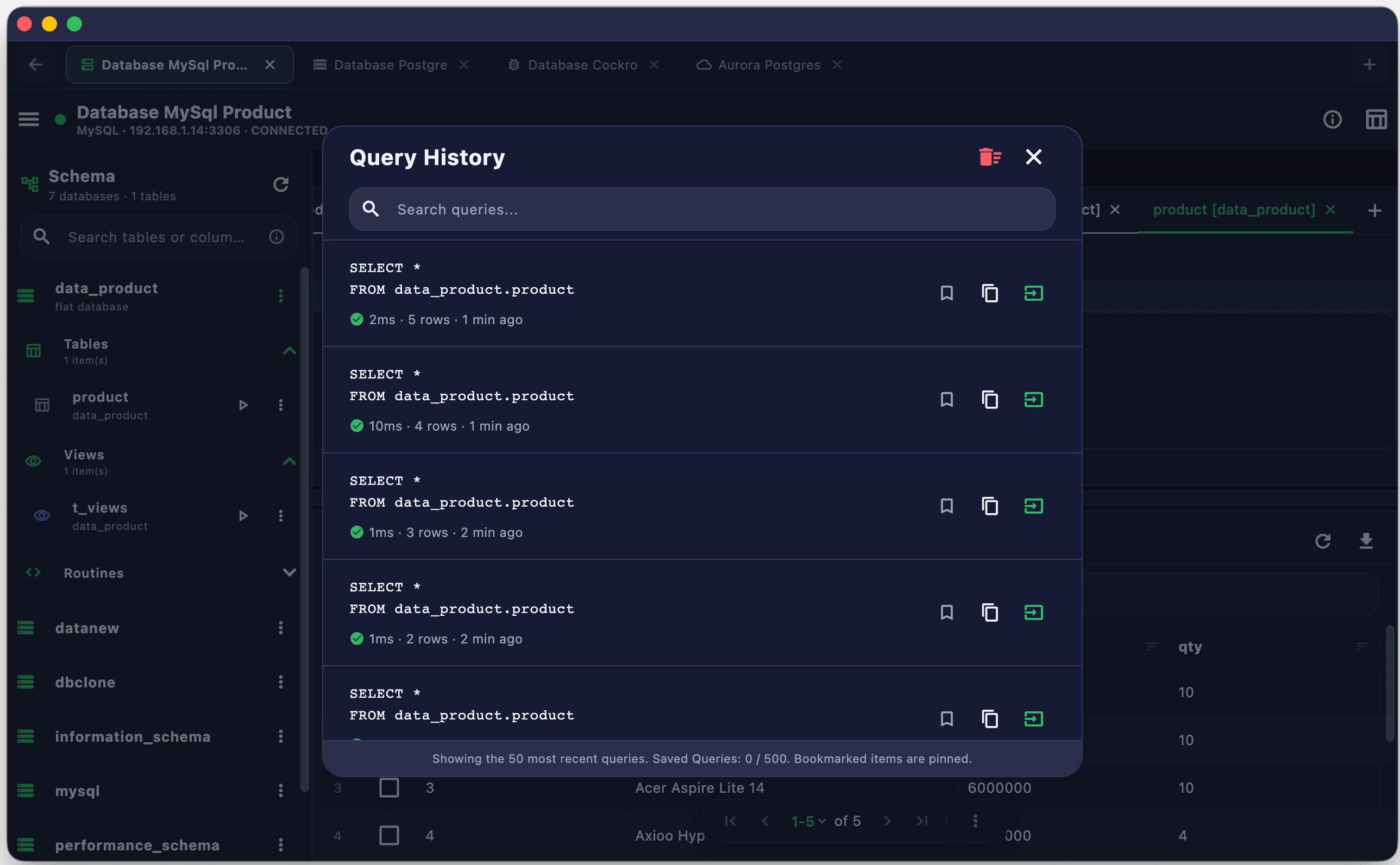
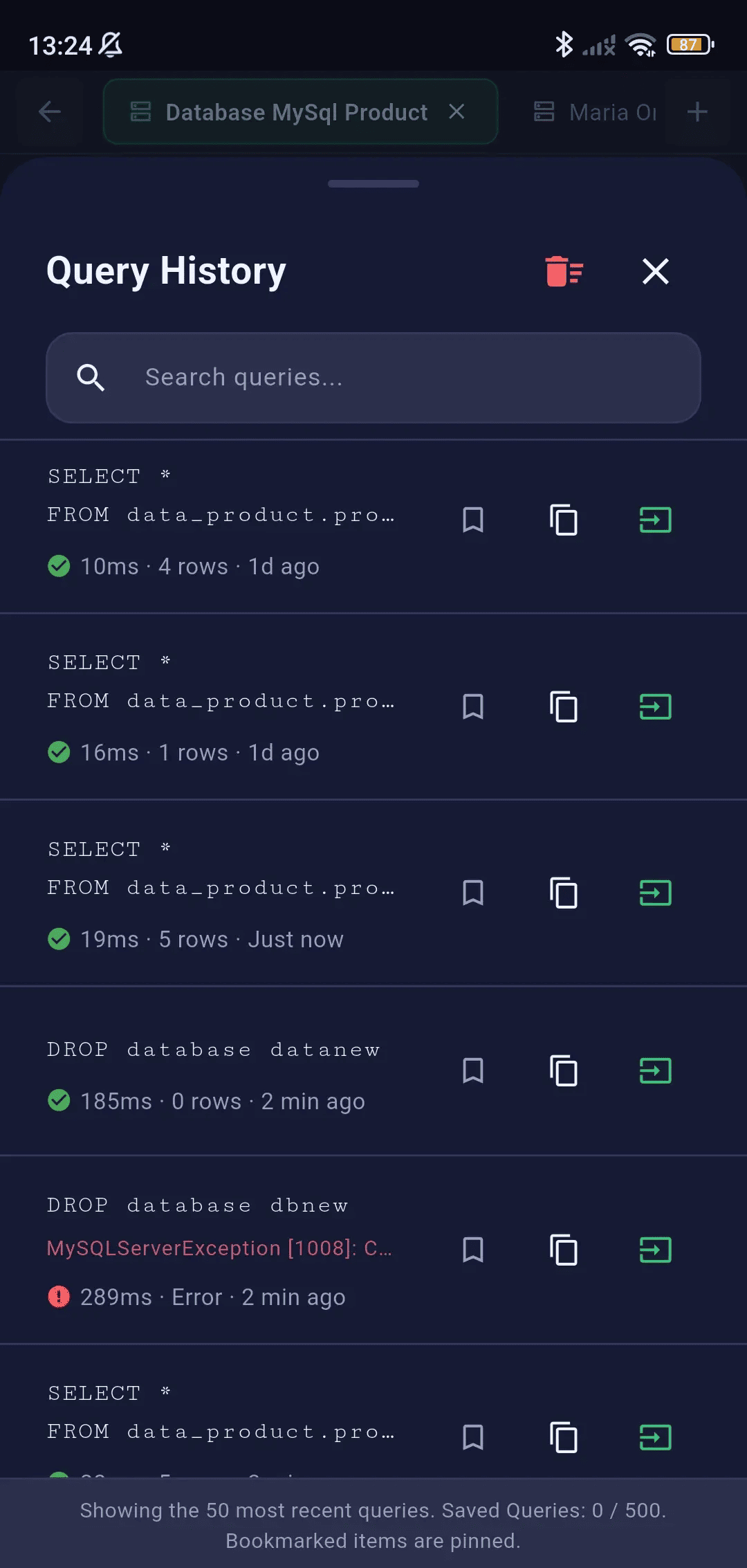
Query History
Access your execution log to review past statements and query durations. Simply click to re-insert them into the editor.
- Auto-records the 50 most recent executed queries
- Timestamp and database context for each entry
- Tap to re-insert query into the editor
- Swipe to delete individual history entries
- Full query preview in expandable card
Saved Queries (Bookmarks)
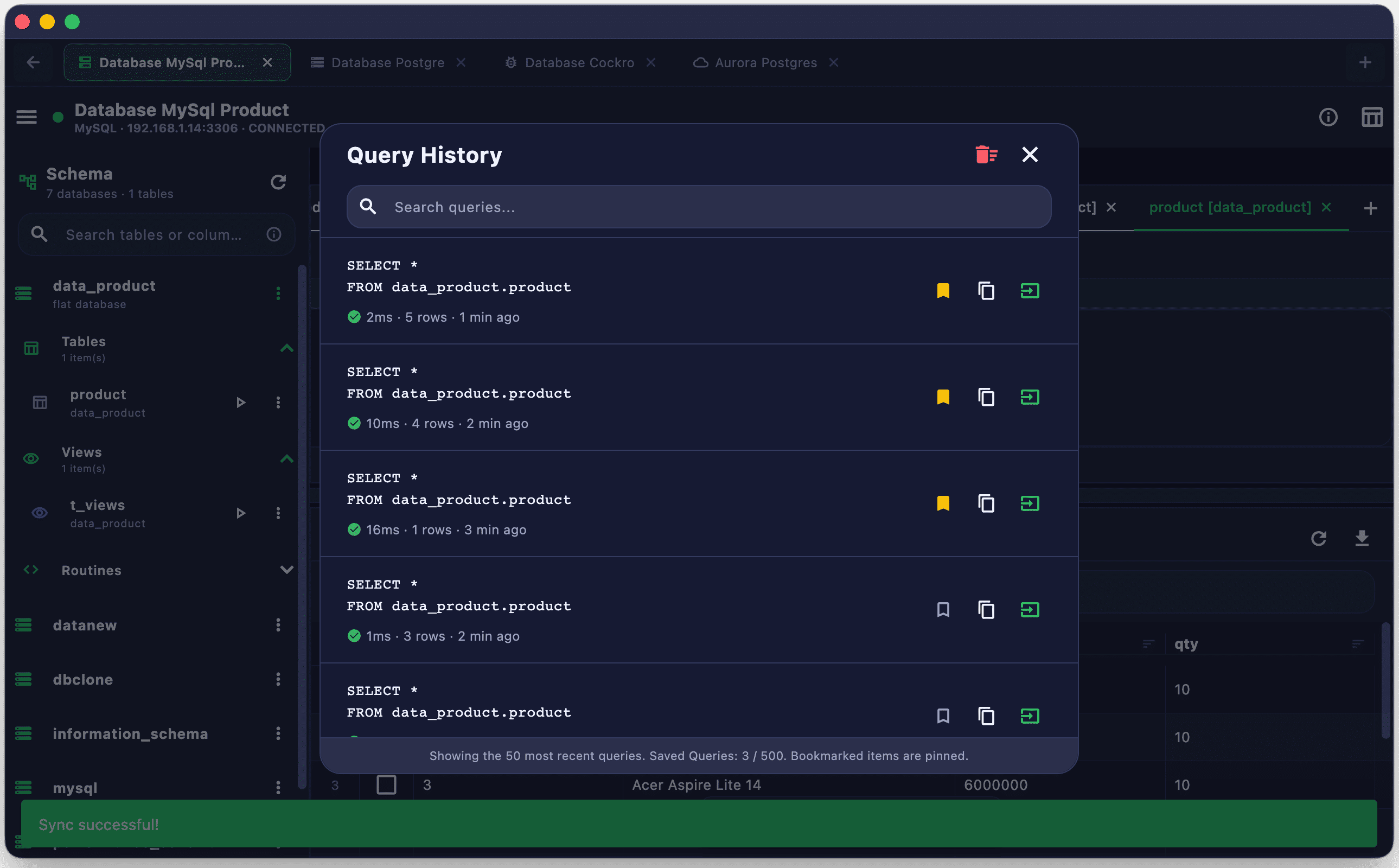
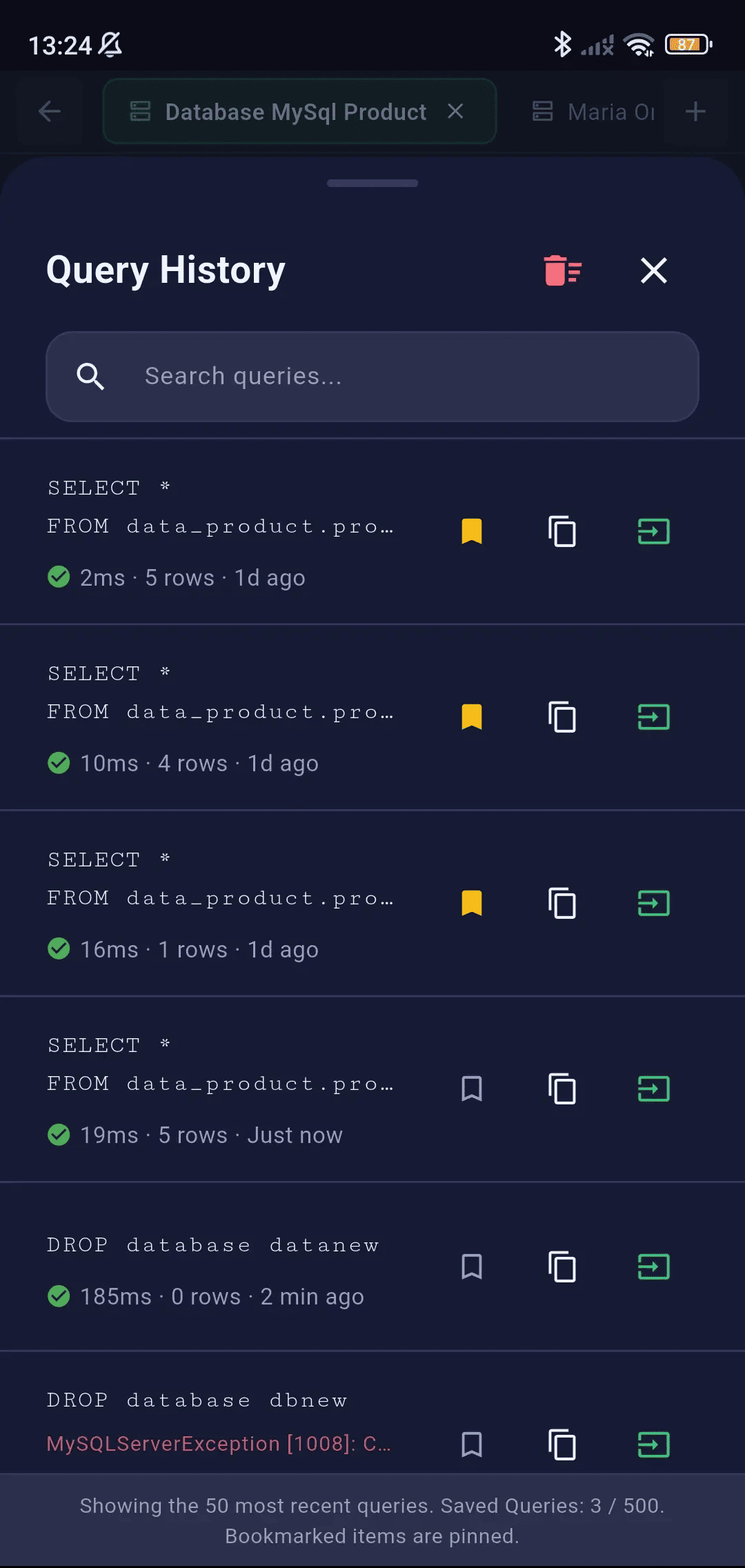
Pin frequently used scripts at the top of your list. Execute bookmarked statements instantly with a single click.
- Bookmark queries to pin them permanently
- Bookmarked items pinned at the top of the history list
- Free tier: up to 10 saved queries
- Pro tier: up to 500 saved queries
- One-tap execution of saved queries
SSH Terminal
A full interactive SSH command terminal built directly into the application. Run server commands, manage files, edit scripts, and monitor infrastructure without leaving SQLSSH.
Terminal Features
Interact with remote hosts via a fully featured interactive terminal shell that supports ANSI colors and standard terminal shortcuts.
- Full interactive Bash/Zsh/sh shell session
- ANSI color support for colorful terminal output
- Terminal resizing and scrollback buffer
- Keyboard shortcuts for common operations
- Copy/paste support from terminal output
- Multiple concurrent SSH sessions
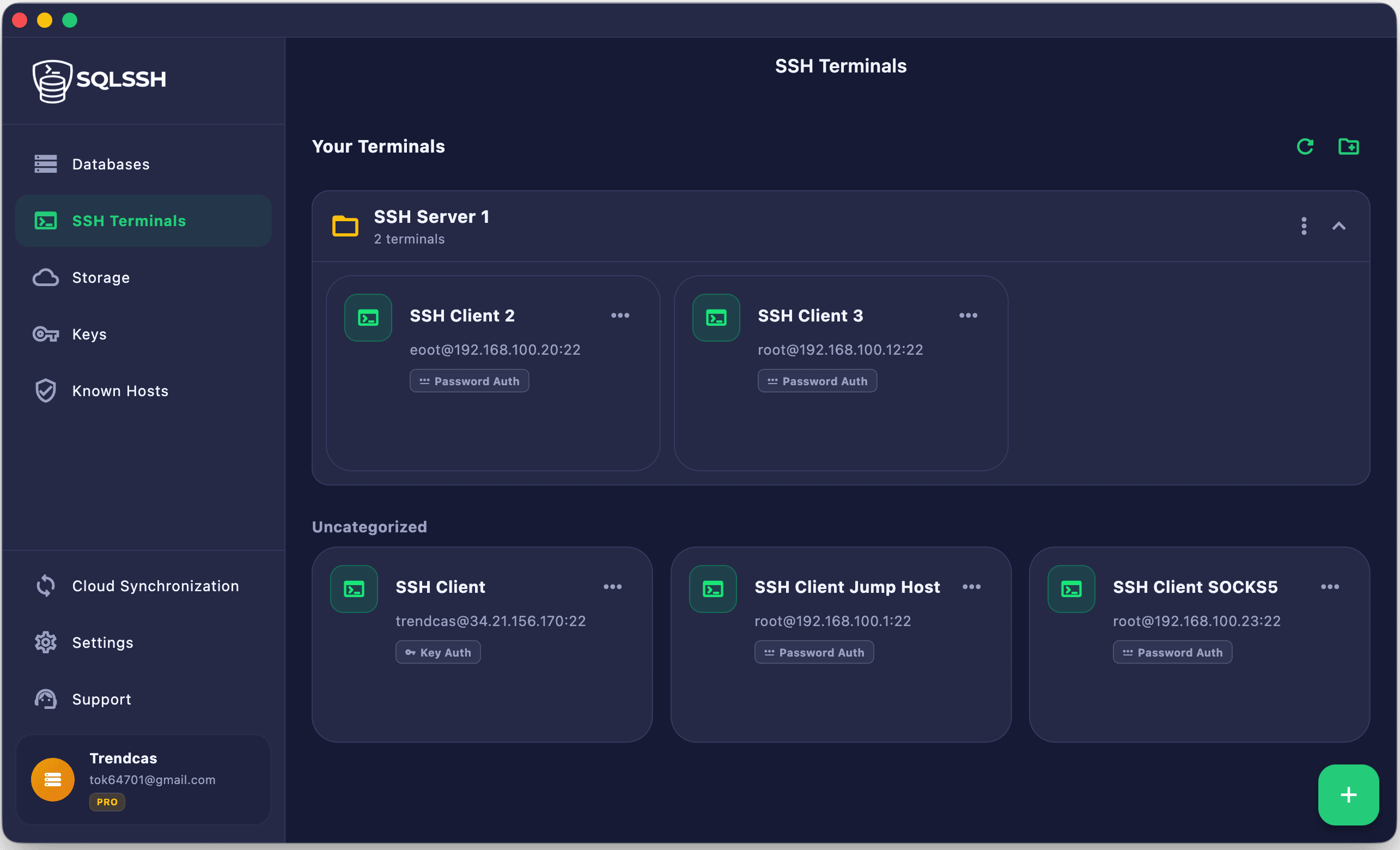
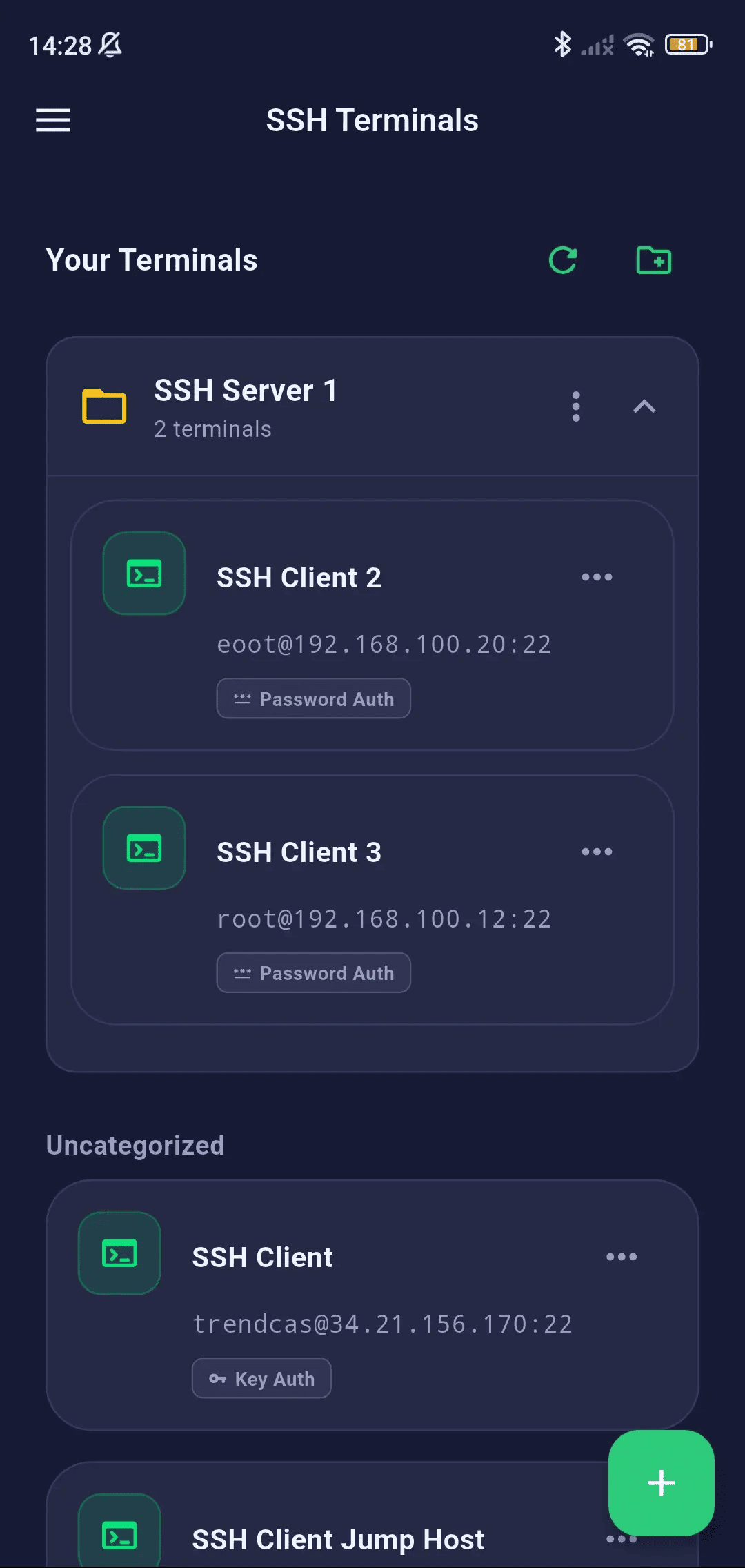
SSH Client Manager
Save and organize your server profiles. Connect securely with password credentials or key manager profiles.
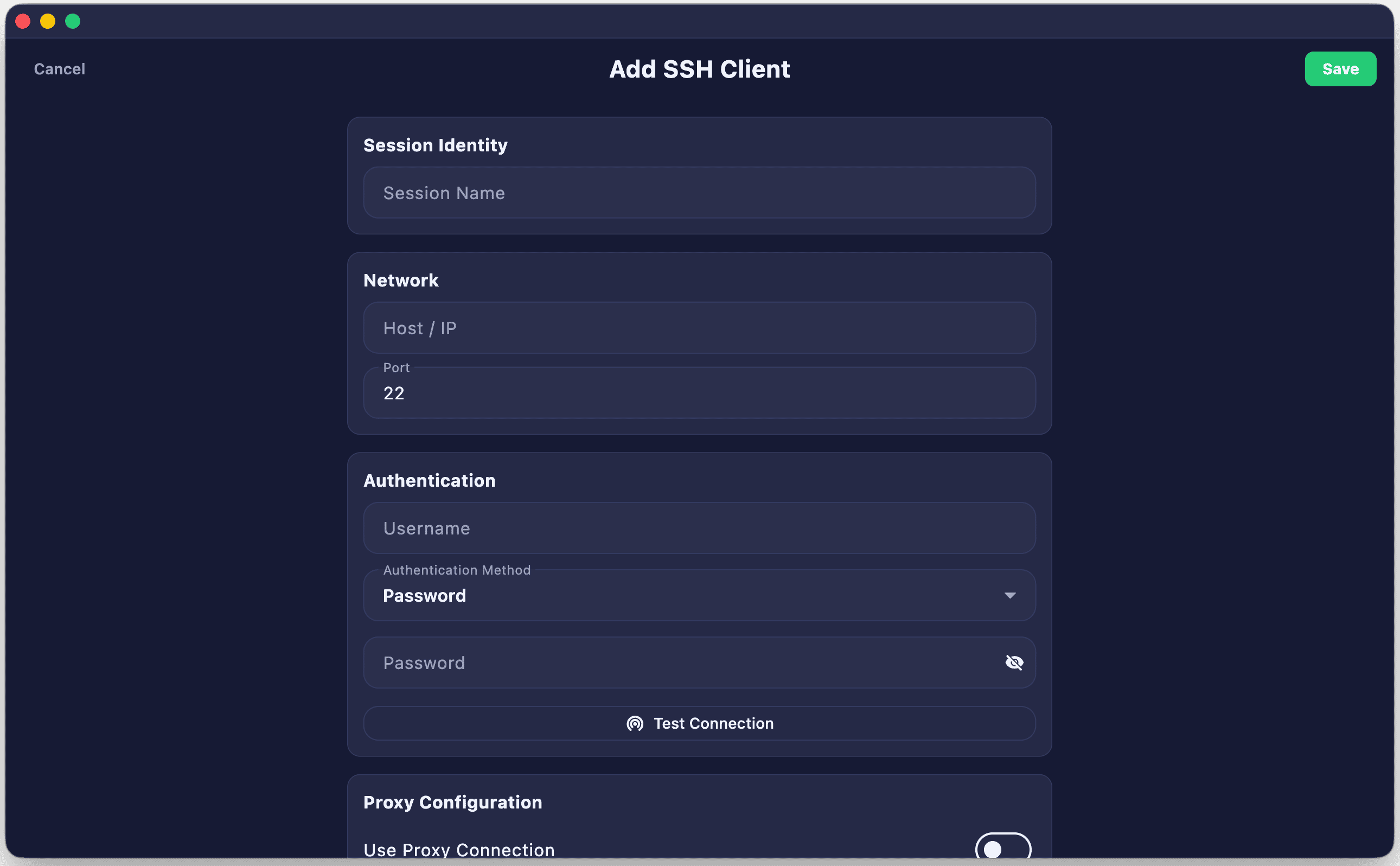
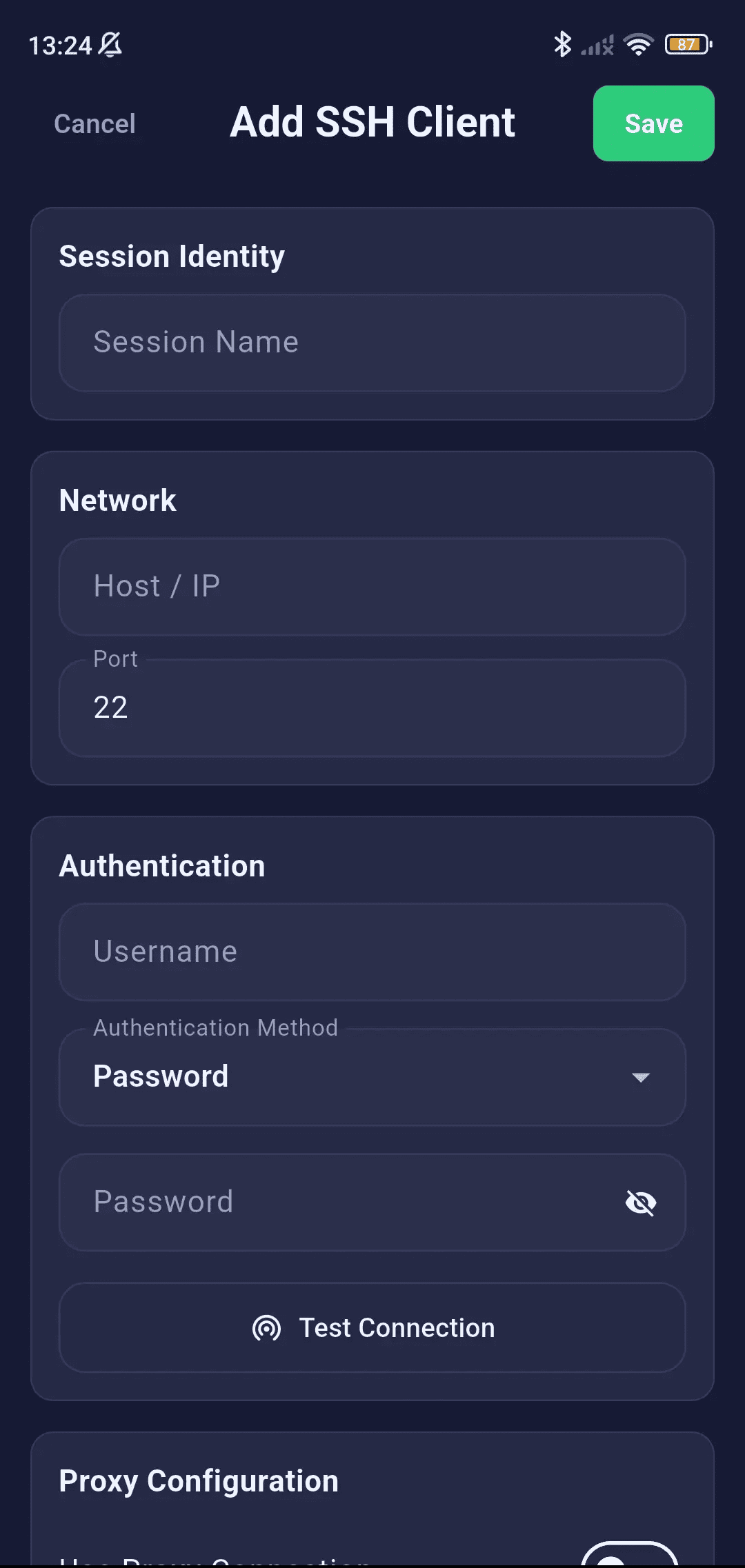
- Save SSH client connection profiles (host, port, username)
- Auth methods: Password, Private Key (file or Key Manager)
- Passphrase-protected keys with secure storage
- Jump Host / Bastion server for multi-hop SSH
- SOCKS5 and HTTP CONNECT proxy routing
- Quick connect from saved SSH client list
- Edit, duplicate, and delete saved SSH profiles
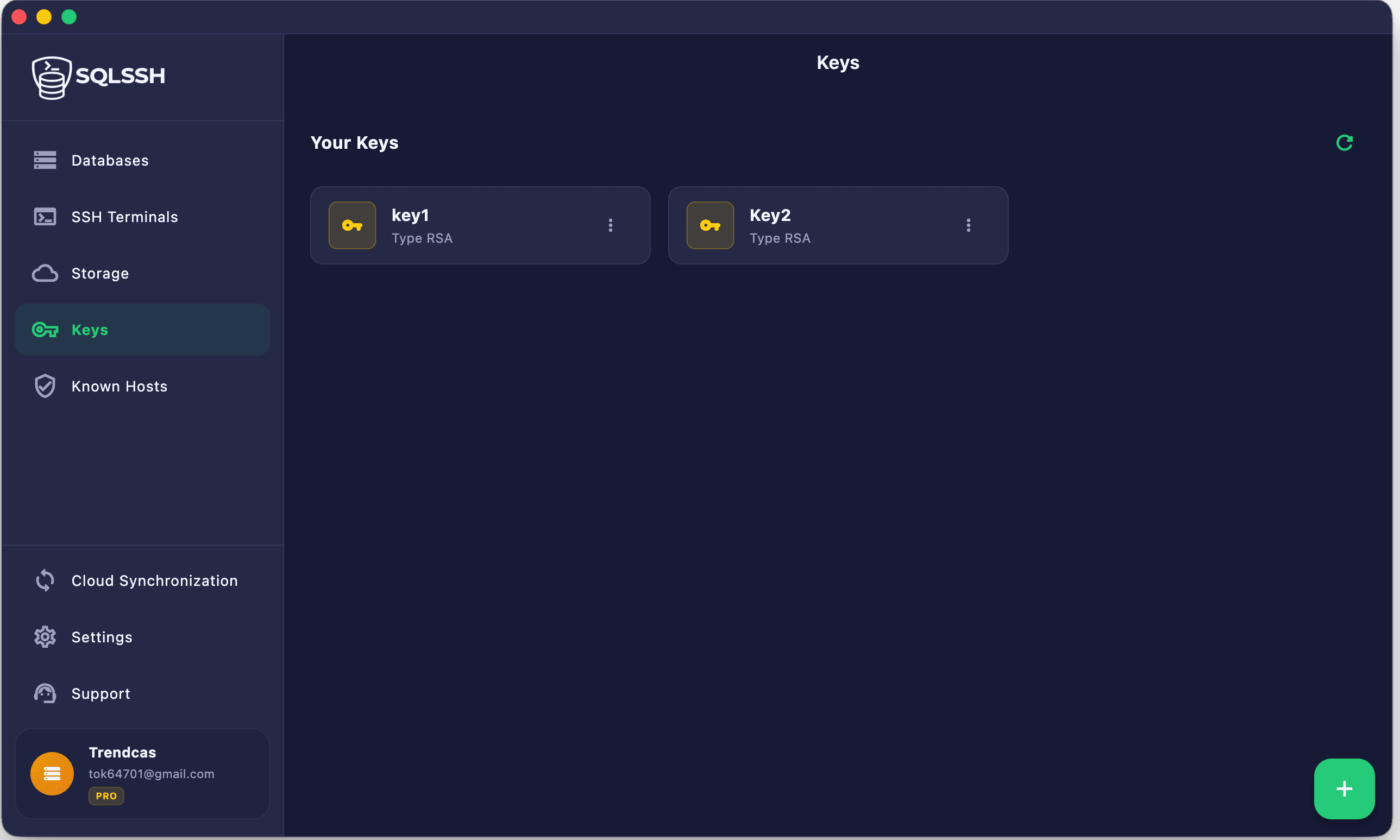
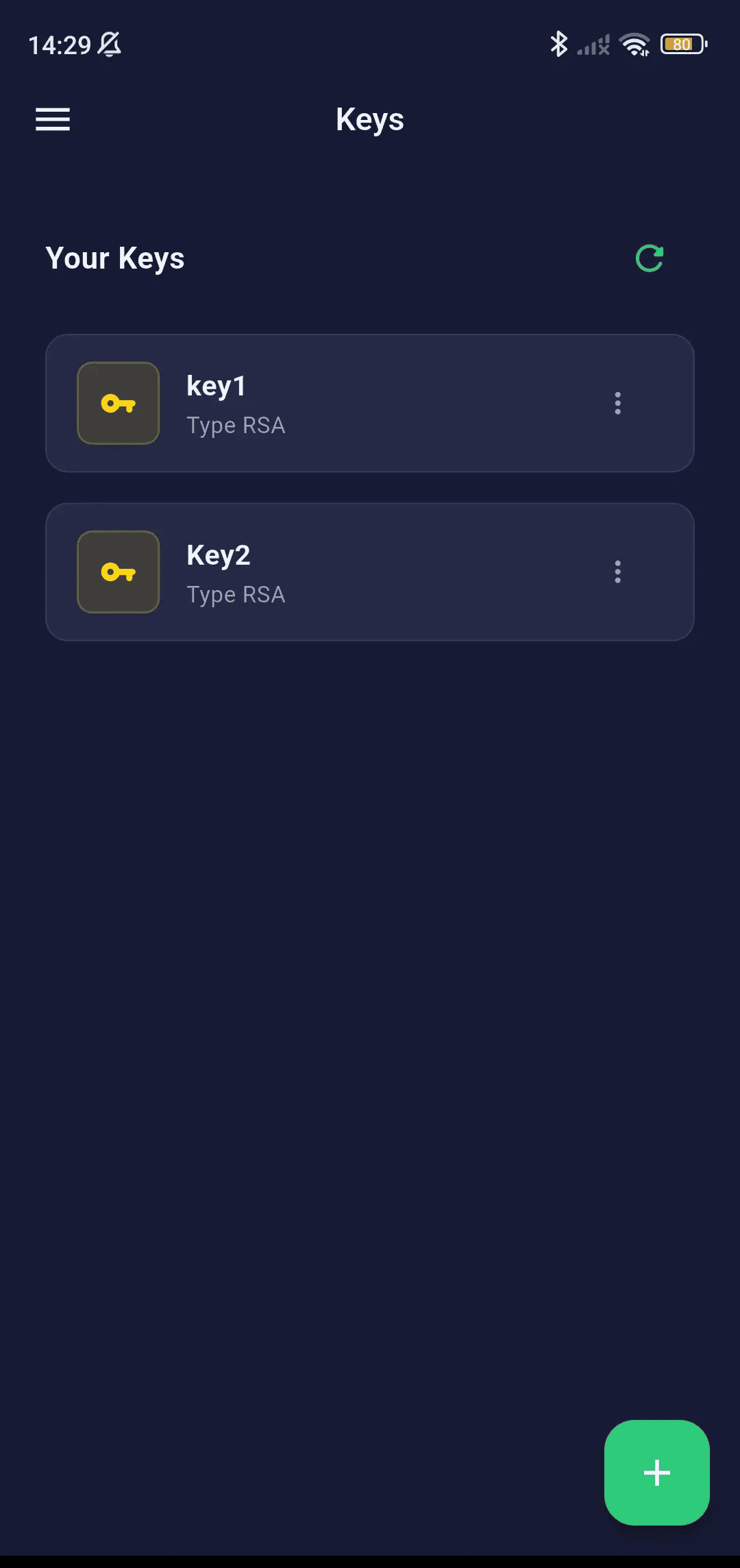
SSH Key Manager
Store, import, and organize private SSH keys securely on-device. Keys are encrypted using the platform's secure enclave and never exposed as plaintext.
SSH Key Manager
Generate or import RSA/Ed25519 private keys. Store passphrases securely inside the platform's hardware enclave.
- Import Keys — Import existing
id_rsa,id_ed25519, or other PEM-format private keys from file - Create Keys — Generate new SSH key pairs directly in-app
- Passphrase Support — Store passphrase-protected keys with encrypted passphrase storage
- Key Selection — Reference saved keys when configuring SSH tunnels or SSH client profiles
- Secure Storage — Keys stored in iOS/iPadOS Keychain / Android Keystore / Windows DPAPI
- Delete Keys — Remove keys permanently from secure storage
Tunneling & Proxy
Access databases inside private subnets and behind firewalls using SSH bastion tunneling, jump hosts, and proxy servers.
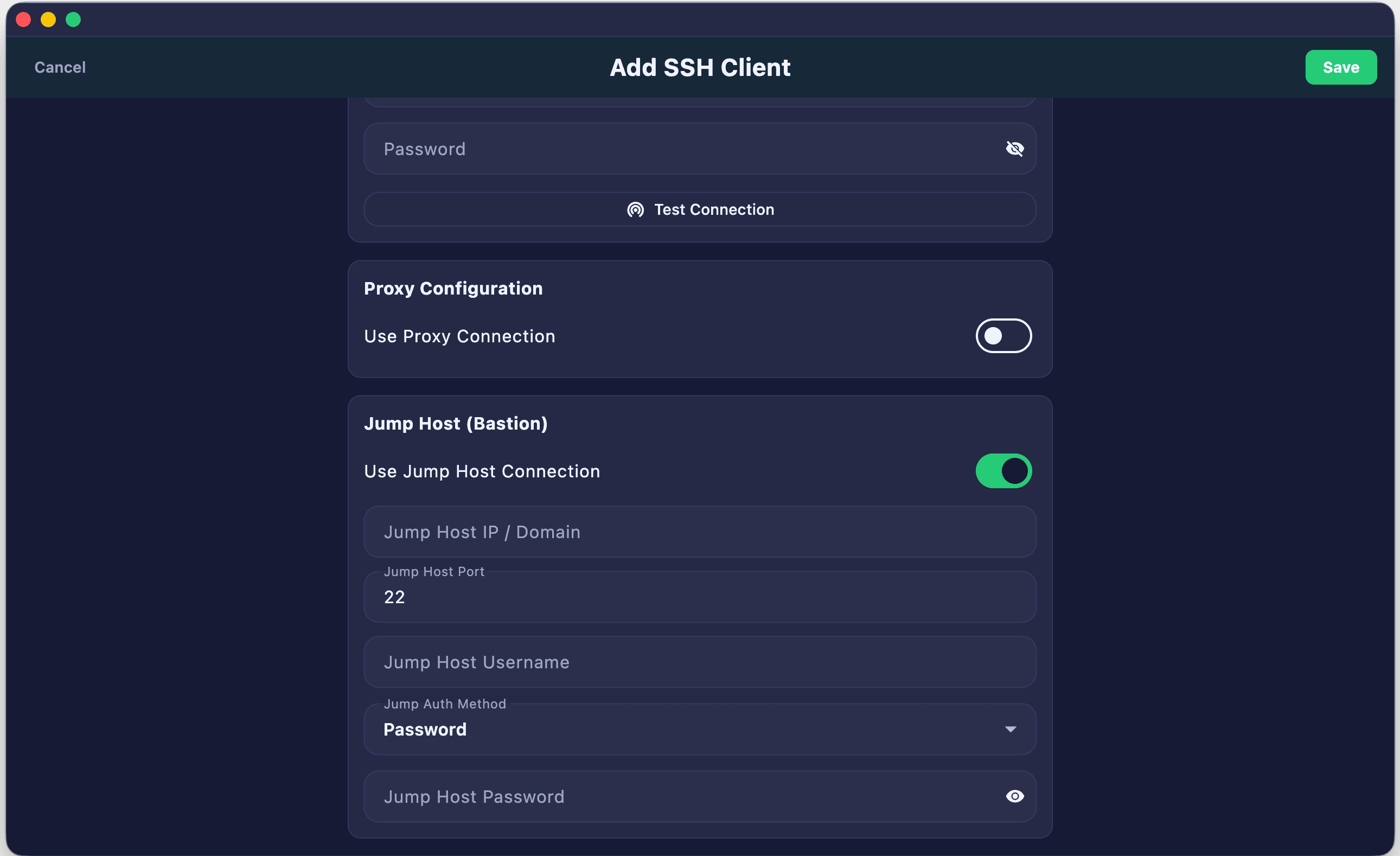
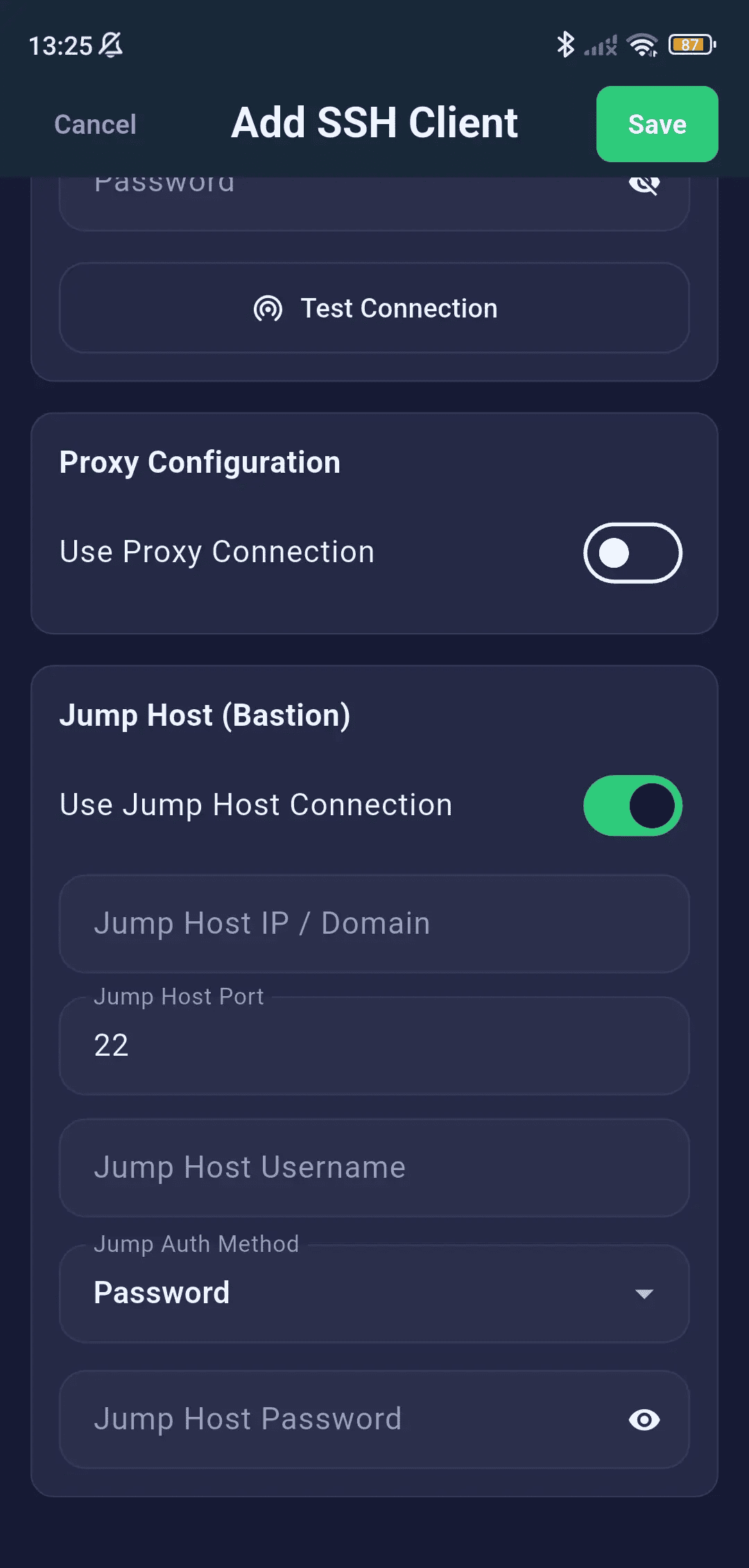
SSH Bastion / Jump Host
Establish multi-hop tunnels to access databases stored securely in isolated virtual private clouds.
- Multi-hop SSH tunneling through a bastion server
- First hop: App → Jump Host (public IP)
- Second hop: Jump Host → Database Server (private VPC)
- Independent auth for jump host and tunnel (Password or Key)
- Full passphrase and Key Manager integration
SOCKS5 & HTTP Proxy
- SOCKS5 proxy with optional authentication
- HTTP CONNECT proxy for corporate environments
- Configurable host, port, username, and password
- Works in combination with SSL/TLS and SSH tunneling
Storage Browser
Manage files and folders on your remote and cloud storage servers natively. SQLSSH includes a high-performance SFTP and AWS S3 browser that makes file management seamless.
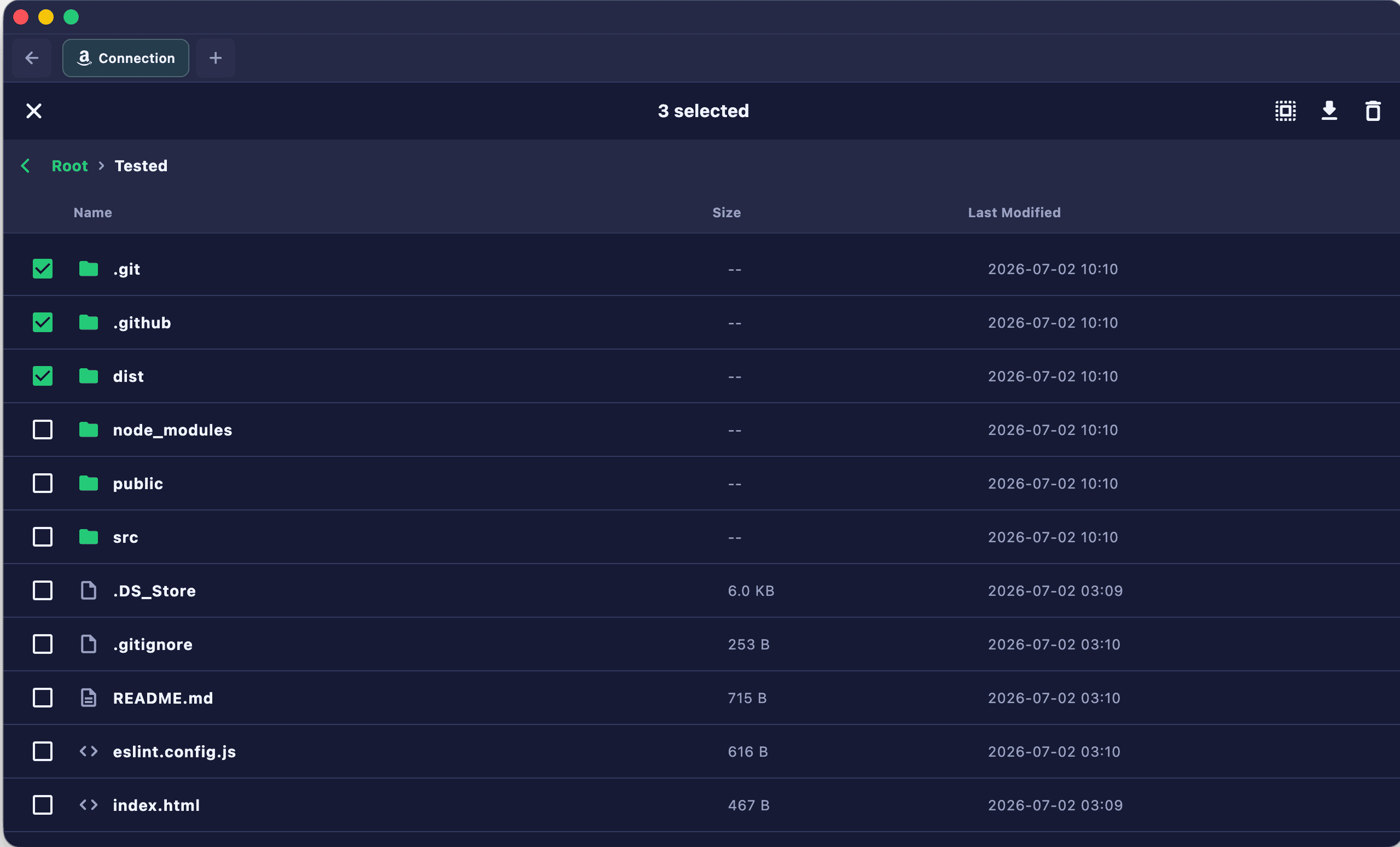
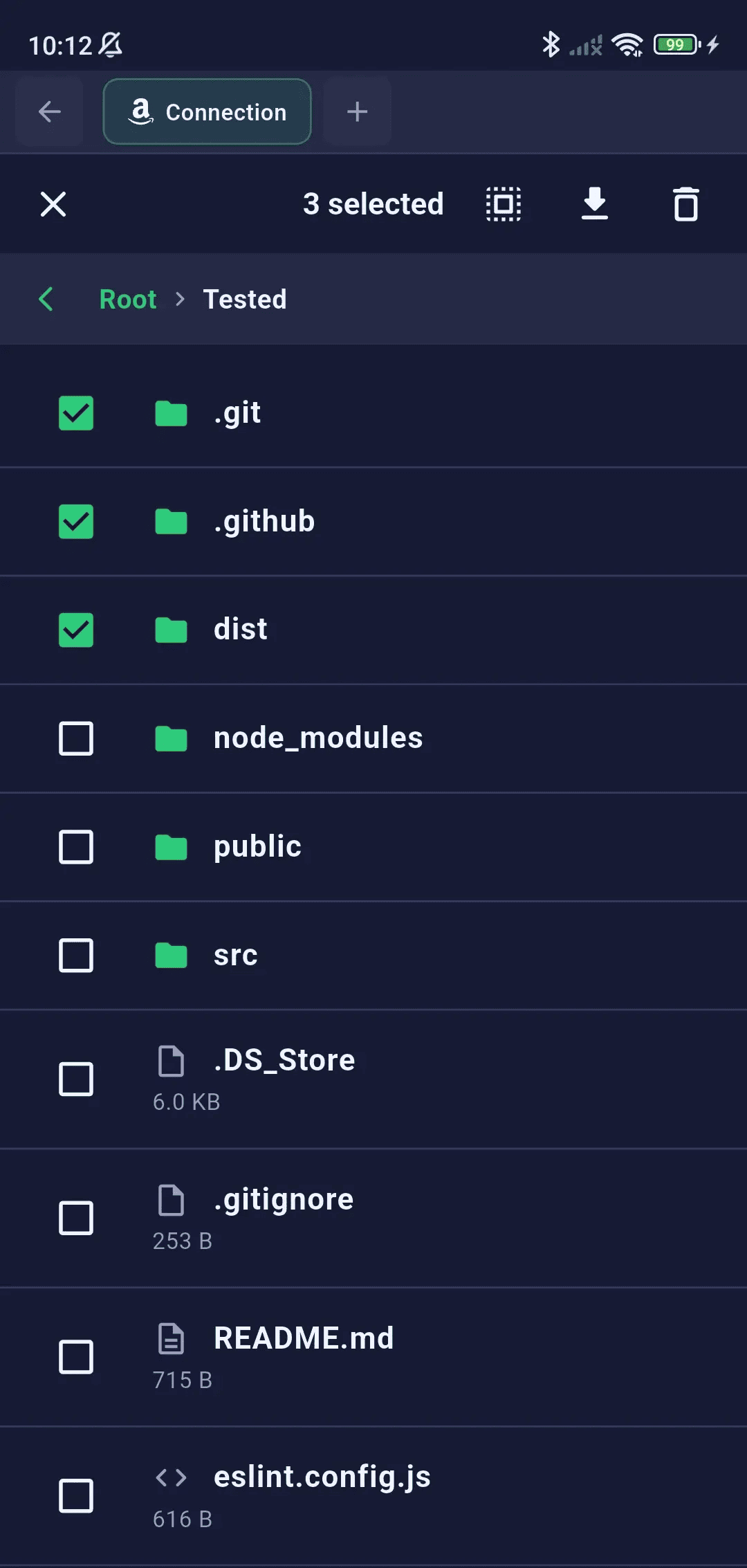
File & Folder Explorer
Navigate remote directory trees with an intuitive split-pane or tabbed explorer layout featuring inline navigation and fast path search.
- Breadcrumbs Navigation — Interactive path bar for fast folder jumping
- Path Search & Filter — Quickly filter files and directories in the current view
- List & Grid Views — Switch between compact list views and grid layouts
- In-Place Editing — Open, edit, and save text-based files directly on the server
- File Operations — Create, rename, delete, and duplicate files/directories
In-Place File Editor
Edit files directly on the server without downloading them locally first. Save changes instantly back to SFTP or S3 compatible storage.
- Direct File Editing — In-place text and code editor for remote file modification
- Syntax Highlighting — Visual support for config, JSON, YAML, dotenv, and shell scripts
- Safe Backups — Automated file backup before modifications are written to remote servers
- Diff Verification — Side-by-side change comparison before saving remote modifications
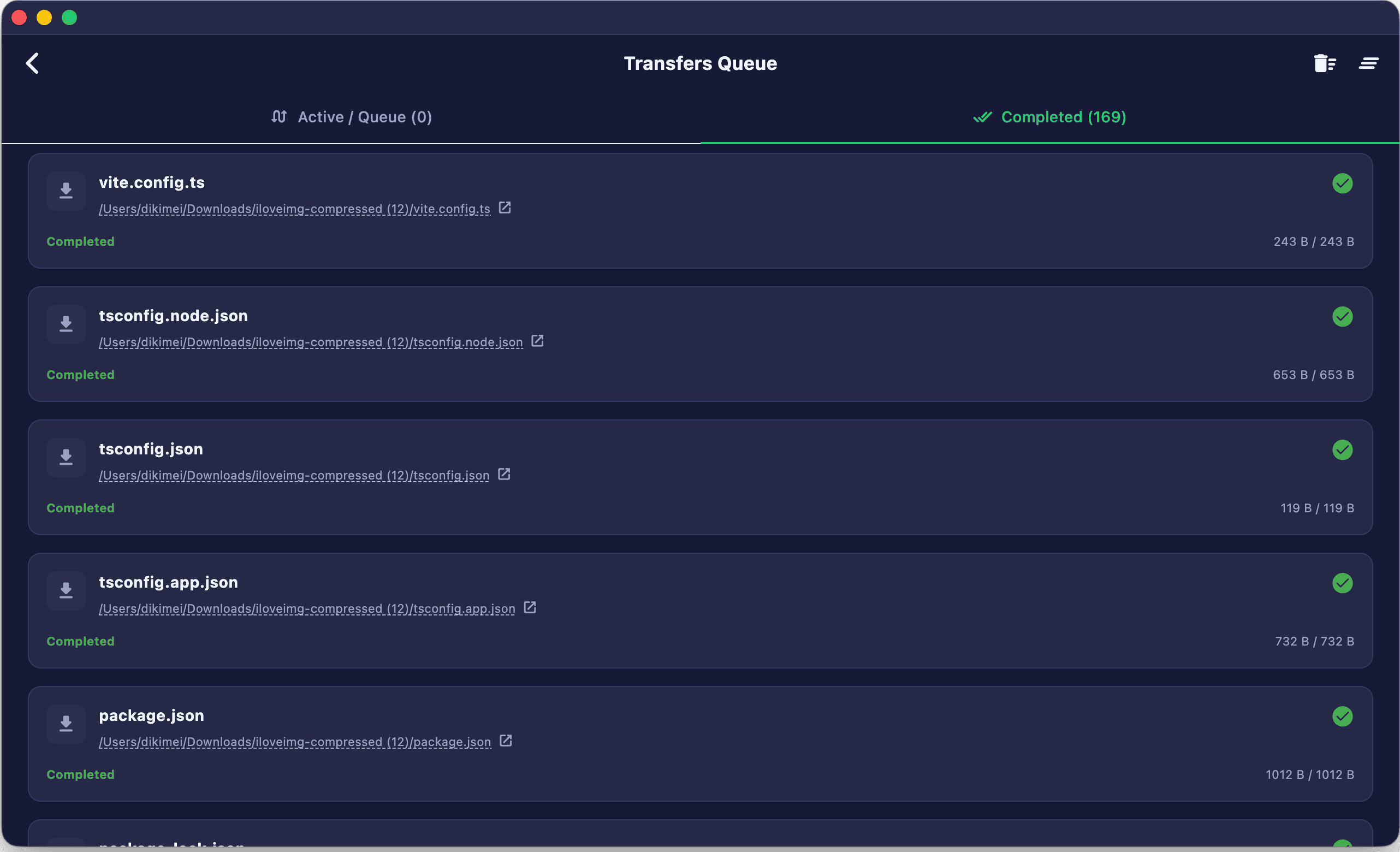
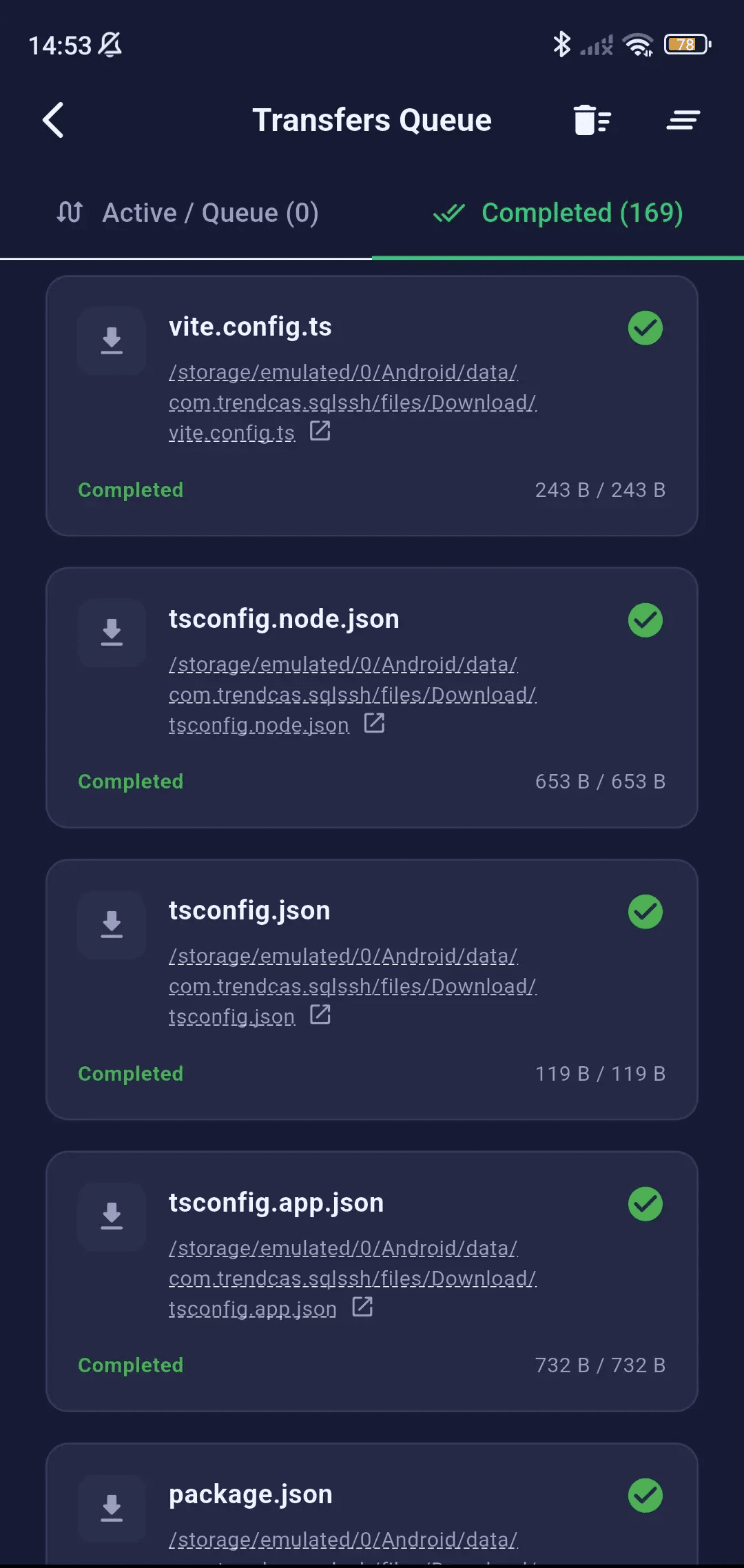
Background Transfer Queue
Transfer files, folders, and logs in the background without blocking your SQL queries or terminal sessions. Monitor speeds, queue items, and transfer status in real-time.
Non-Blocking Queue Manager
Manage multiple concurrent file transfers in the background without freezing or blocking your database query or terminal tasks.
- Interactive Panel — View and control all active, queued, and completed jobs
- Real-Time Metrics — Progress bar with percentage, speed (MB/s), and estimated time remaining (ETA)
- Task Control — Pause, resume, and cancel buttons for individual transfers
- System Notifications — Background notifications when a large transfer completes or fails
Resilient Transmission
Ensure data integrity across unstable networks with automated connection checking and chunked transmission.
- Chunked Operations — Chunked uploads/downloads for extremely large files
- Auto-Recovery — Automatic transfer retry on network dropped events
- Detailed Logs — Transfer logs containing successful transfers, failed files, and error details
- Secure Data Streams — Secure data stream transport utilizing SFTP SSH/TLS channels
Security & Biometrics
SQLSSH is built with a local-first, zero-knowledge security architecture. Your credentials never leave your device unencrypted.
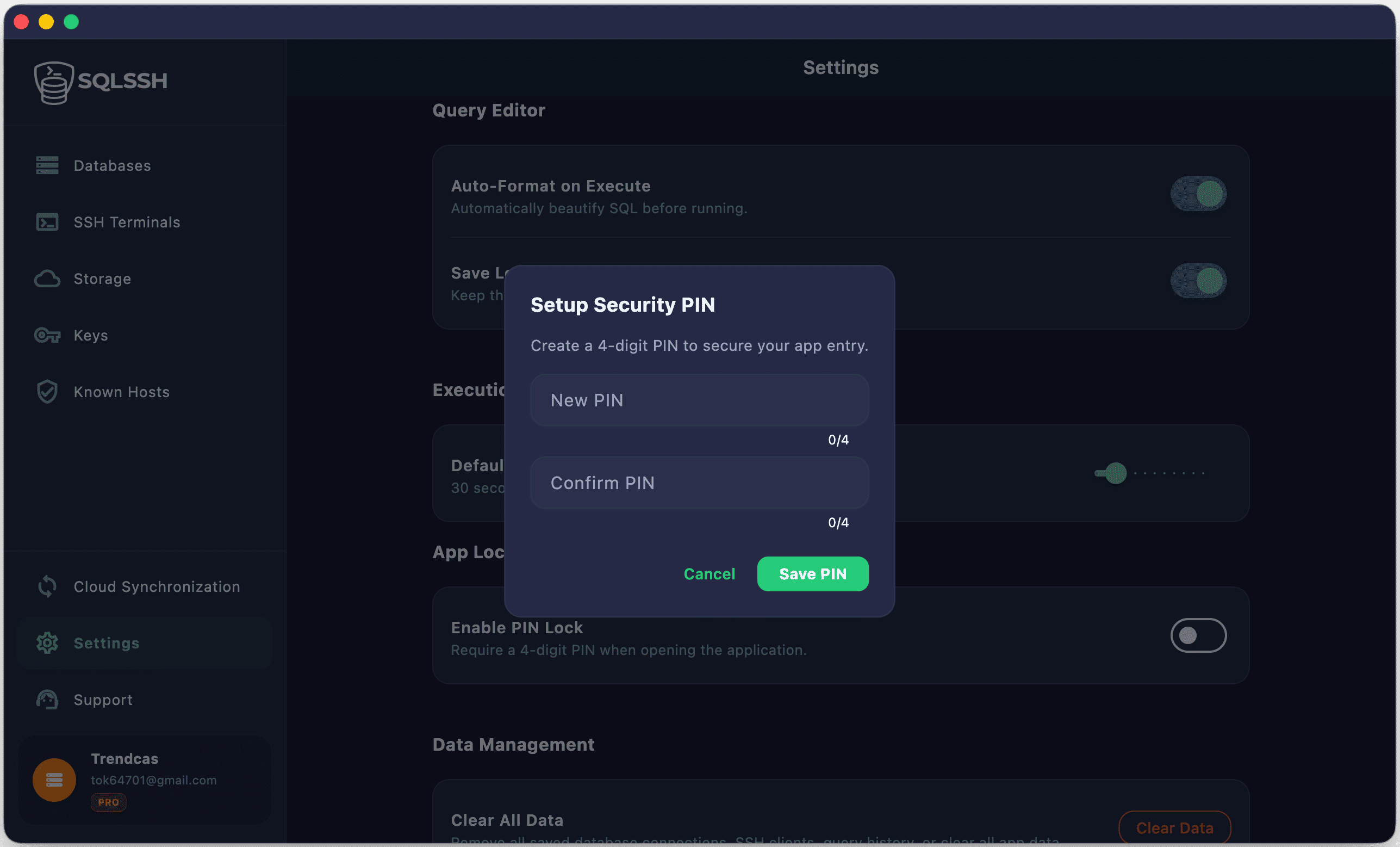
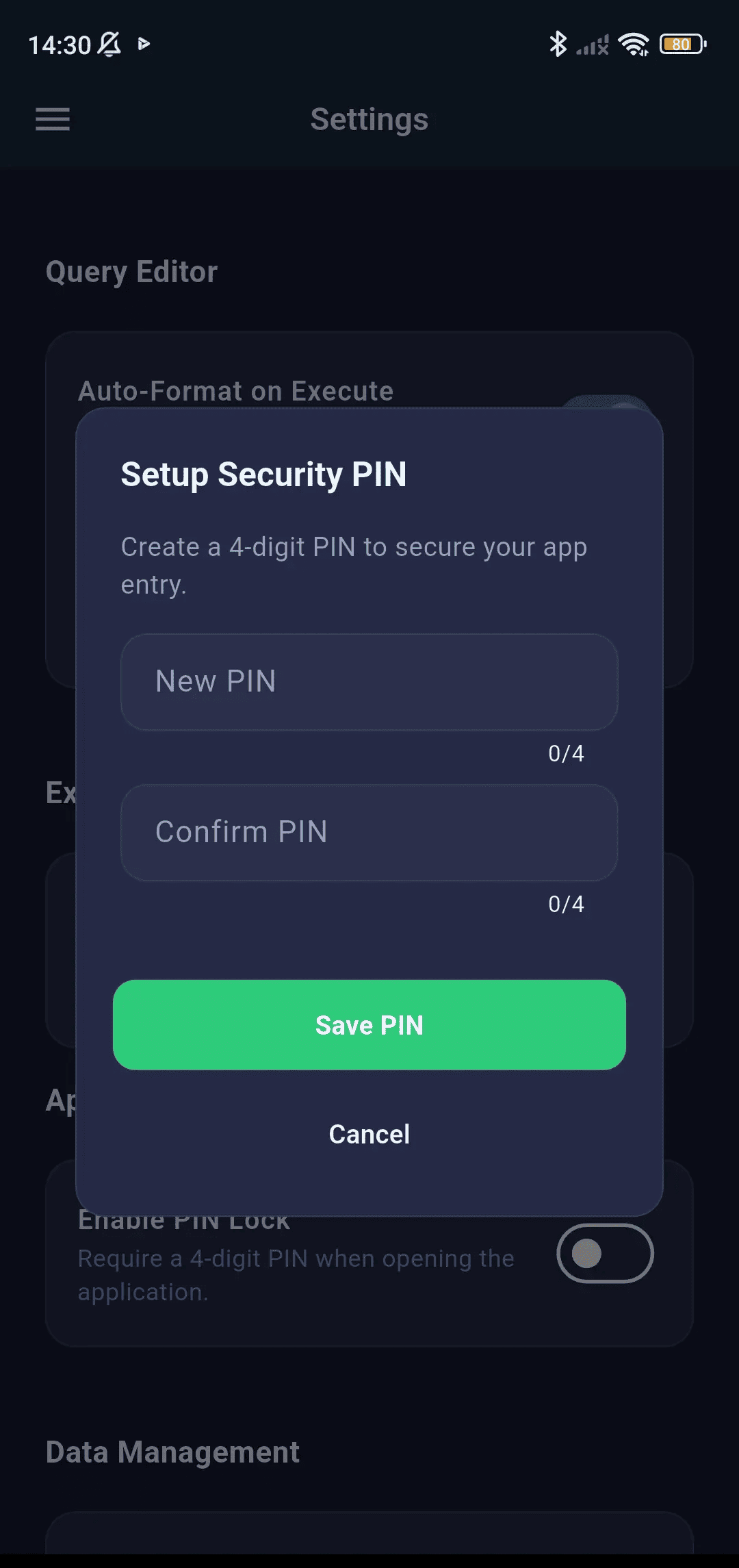
Biometric App Lock
Isolate database passwords and private keys behind biometric validation prompts like FaceID or fingerprint scanning.
- FaceID — iOS/iPadOS/macOS biometric authentication
- Fingerprint — Android/Windows biometric scanner
- PIN Code — Fallback numeric passcode entry
- Auto-lock on app minimize / background
- Configurable lock timeout
Credential Encryption
- AES-256 Encryption — All stored passwords and keys encrypted at rest
- Hardware-Backed Storage — iOS/iPadOS Keychain, Android Keystore, Windows DPAPI
- Zero-Knowledge — Credentials stored locally, never sent to servers
- Direct IP Connection — No middleman proxy servers between app and database
Multi-Factor Authentication (MFA)
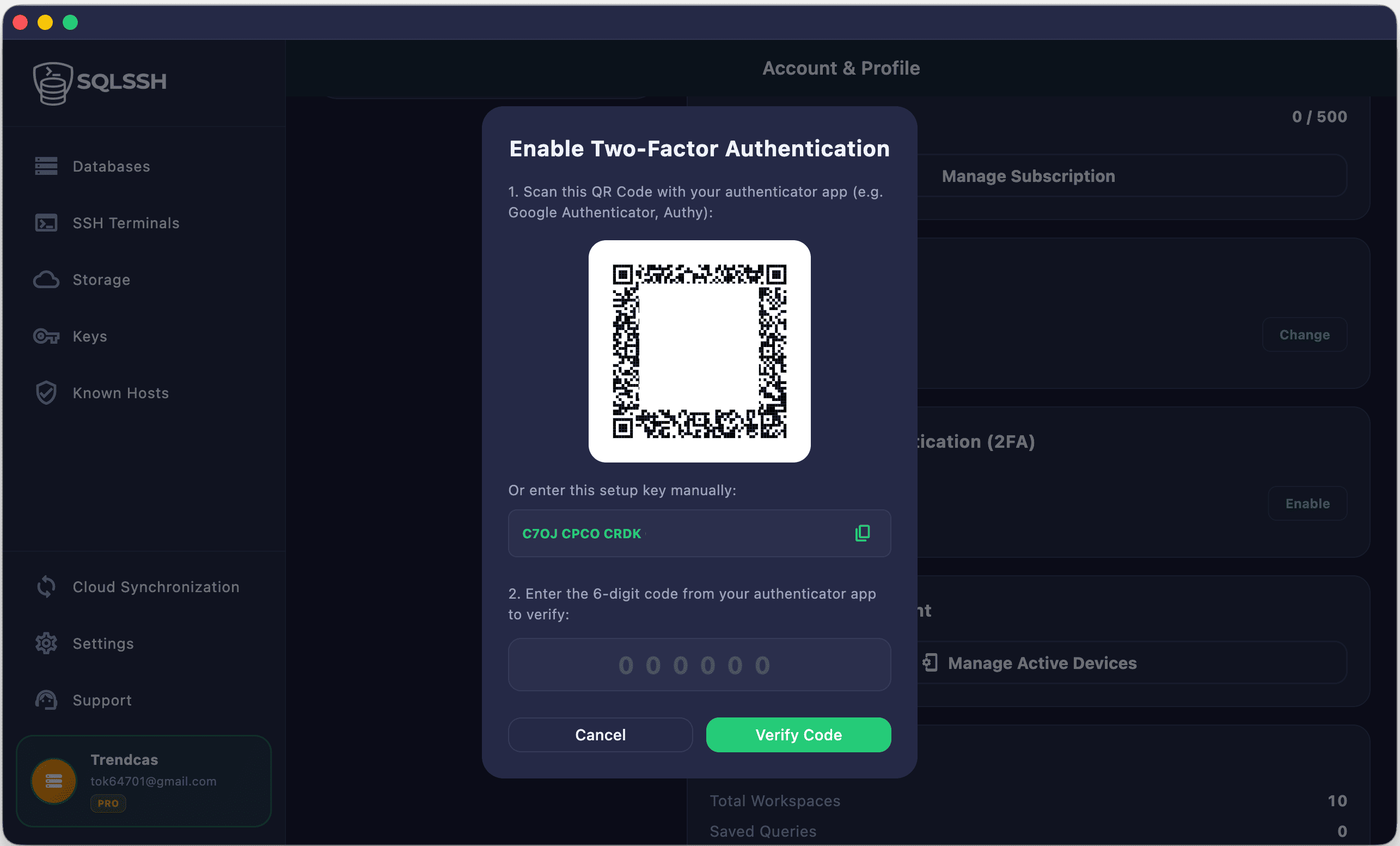
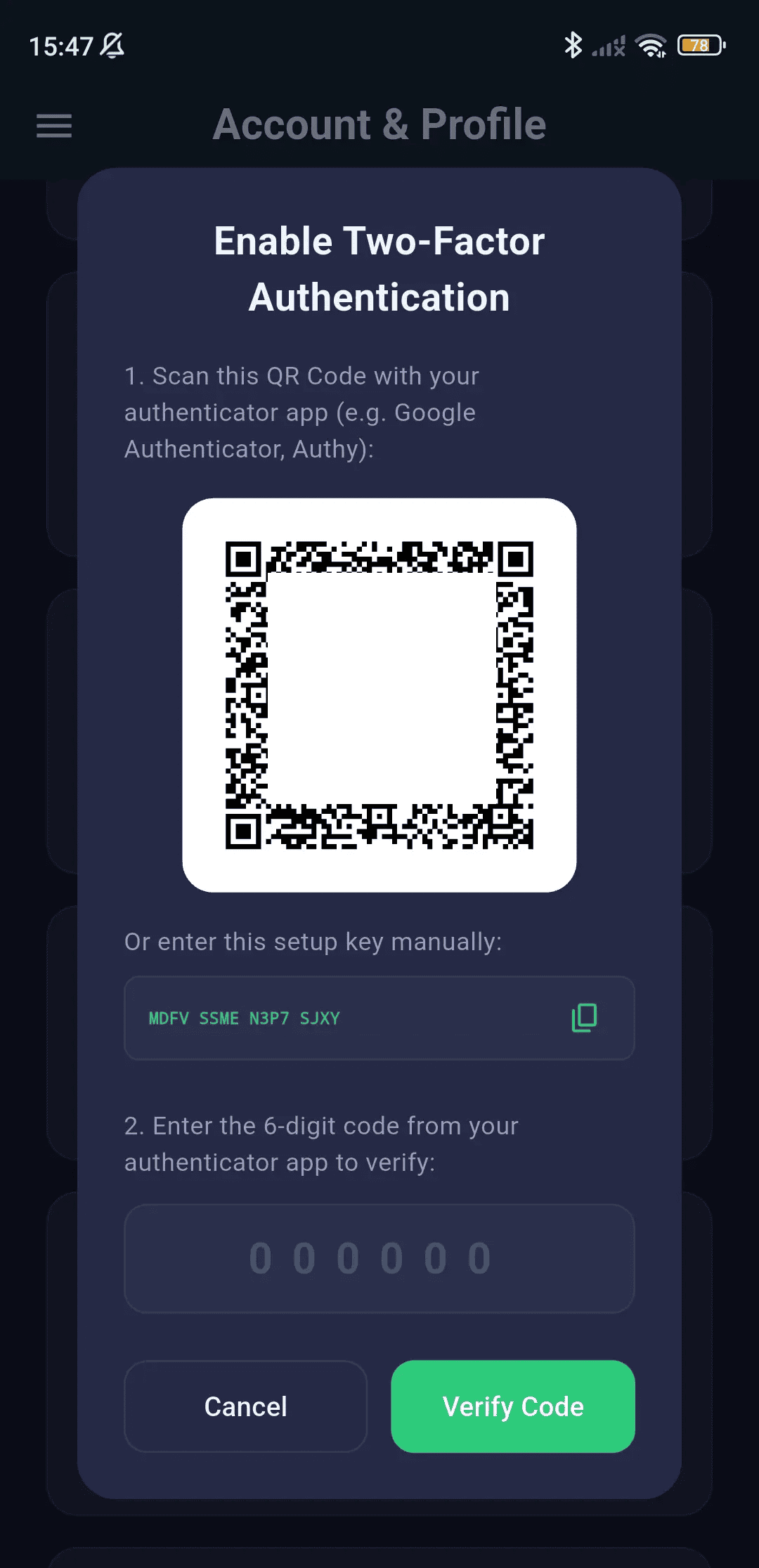
- TOTP-Based MFA — Google Authenticator, Authy, or any TOTP app
- QR Code Setup — Scan QR to enroll a new authenticator device
- Recovery Codes — Backup recovery codes in case of device loss
- MFA for Sync — Required MFA verification before resetting sync encryption password
Session Revocation & Auto-Wipe
- Remote Session Revocation — Invalidate active sessions remotely from other devices instantly
- Automated Local Data Wipe — Upon revocation or sign out, the client automatically wipes local SQLite databases, query histories, and settings
- Hardware-Level Enclave Erase — Secure credential storage is permanently wiped from the platform's hardware enclaves
- Offline Safety — Devices verify session freshness and automatically trigger a clean wipe if security tokens are expired or revoked
Cloud Sync (E2EE)
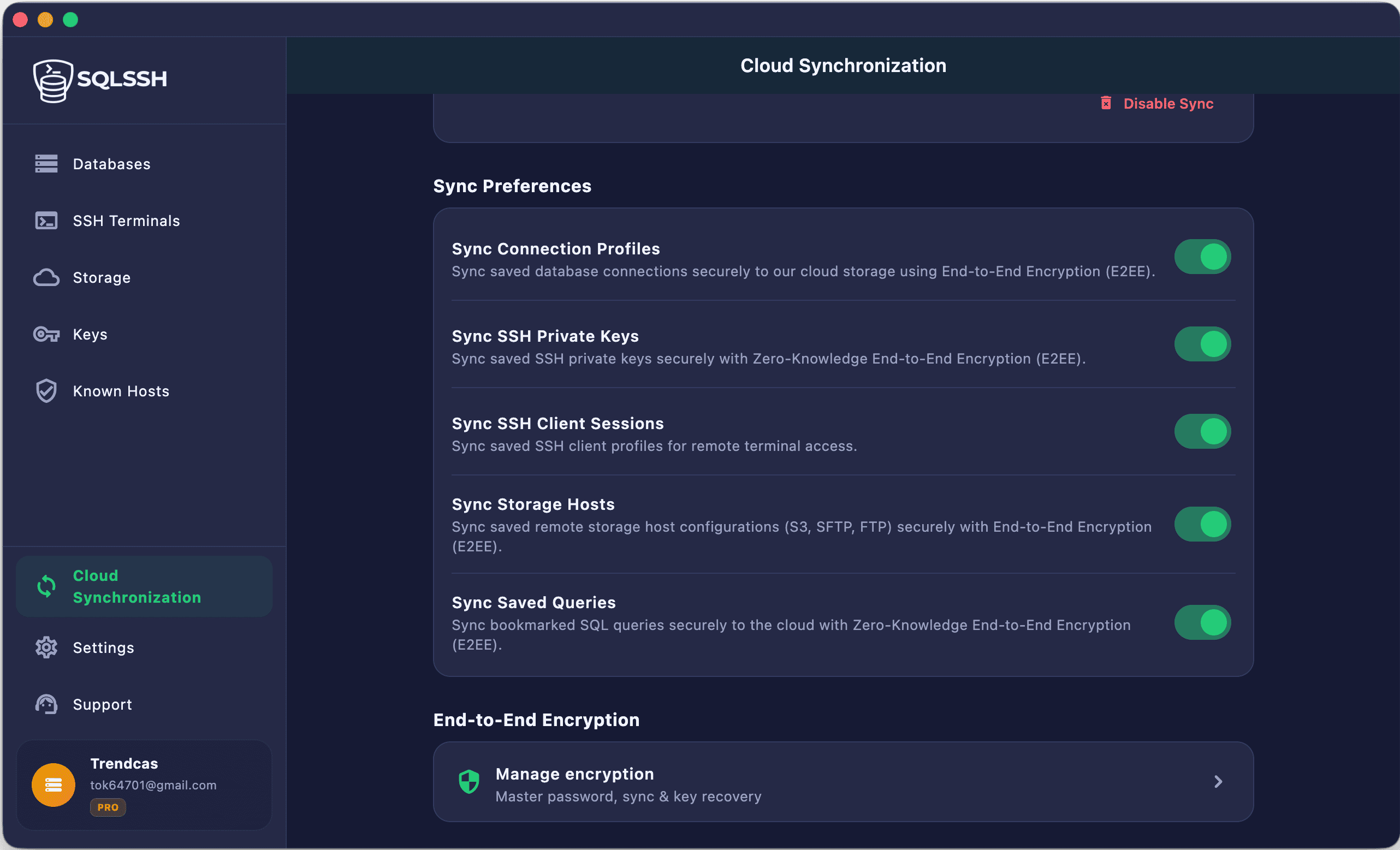
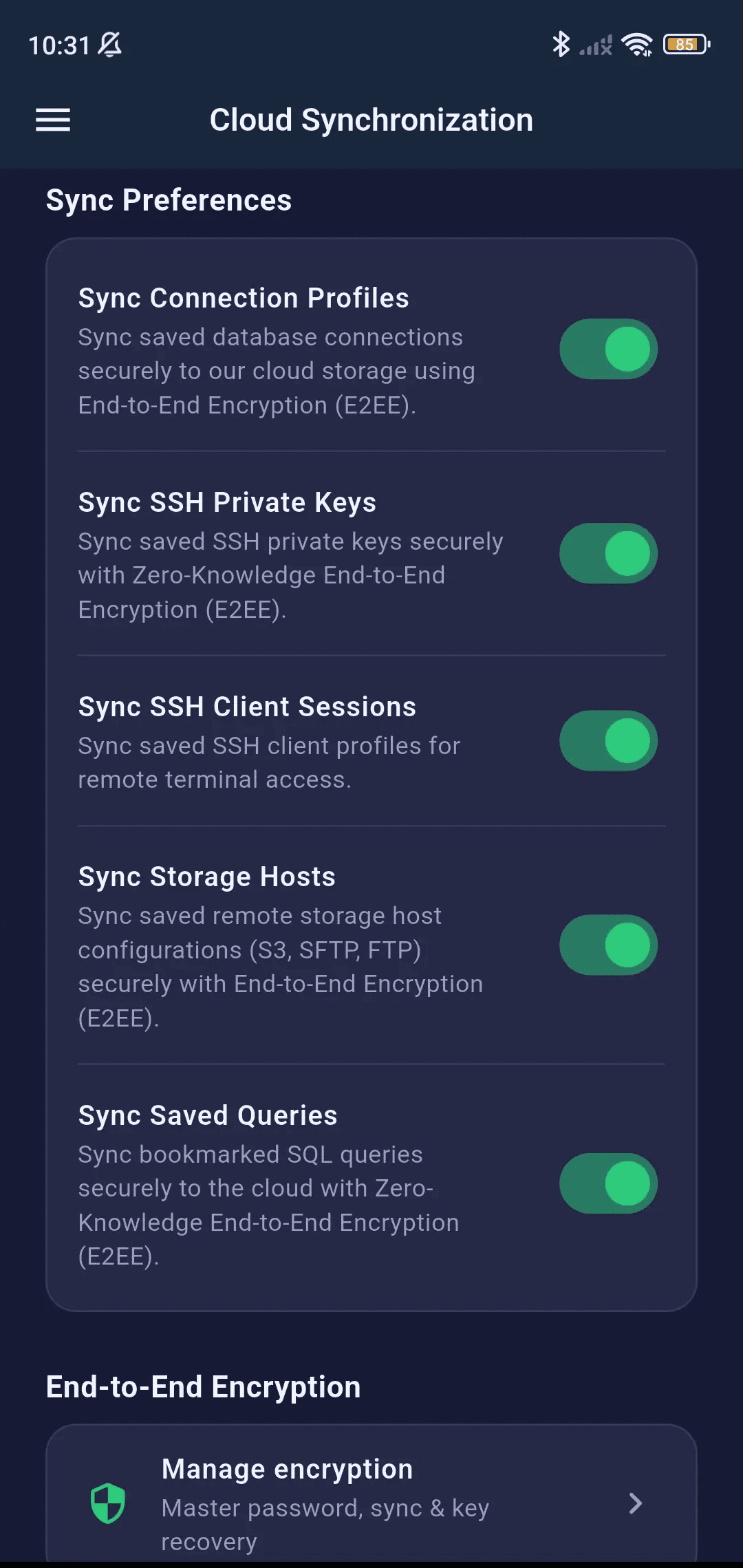
Synchronize your connection profiles, query history, and SSH clients across all your devices with end-to-end encrypted cloud sync. Your data is encrypted locally before upload — we can never read your credentials.
How Sync Works
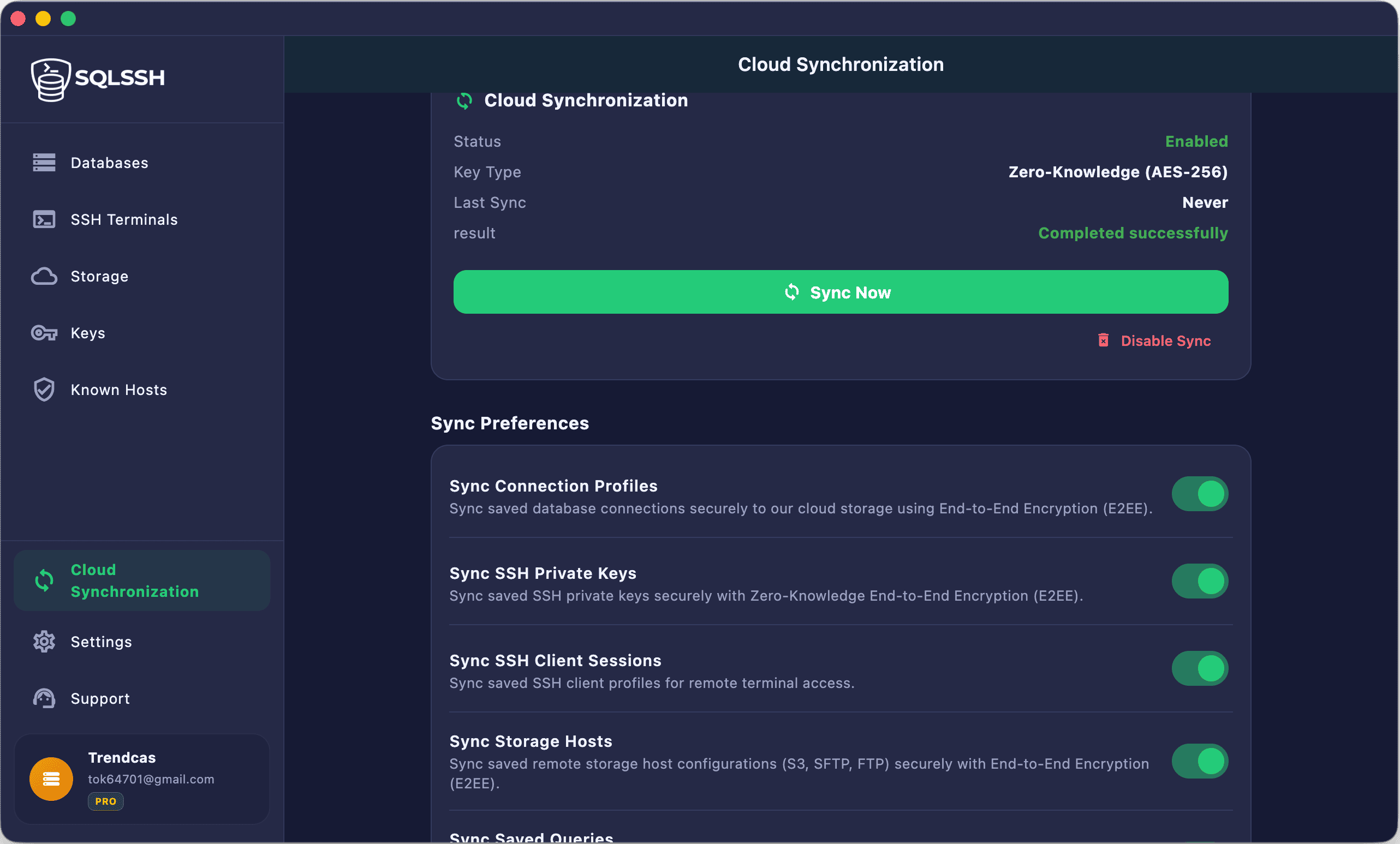
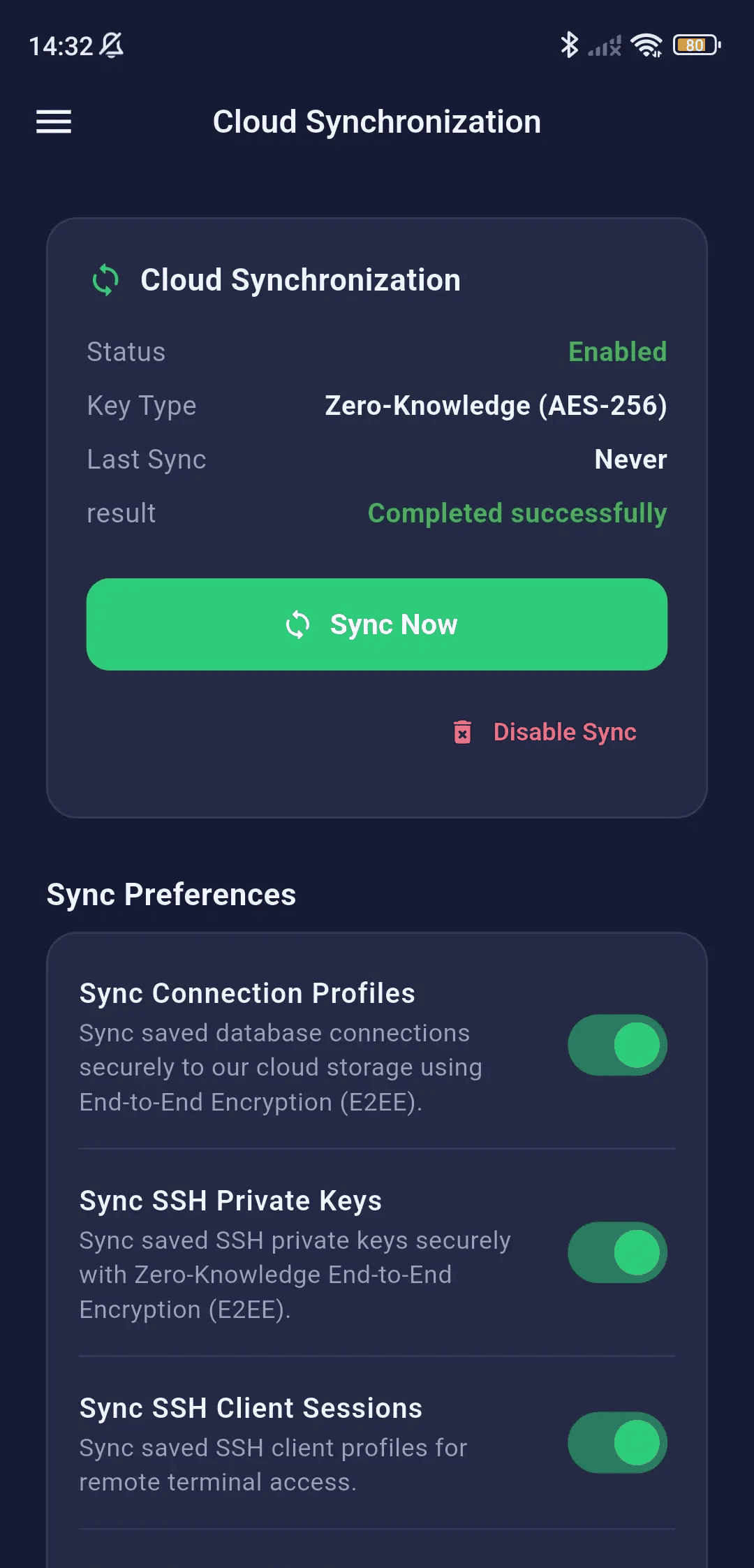
Synchronize connection settings and query history across all your platforms using end-to-end client-side encryption.
- Master Password — Set a secret key used for AES-256 E2EE encryption
- Data encrypted on-device before upload
- Encrypted blob stored in secure cloud
- Decrypted on-device upon download to other devices
- Master password never transmitted — zero-knowledge architecture
Synced Data
- Database connection profiles (all fields including SSH tunnel config)
- SSH client profiles
- Saved query bookmarks
- Connection folder organization
Sync Management
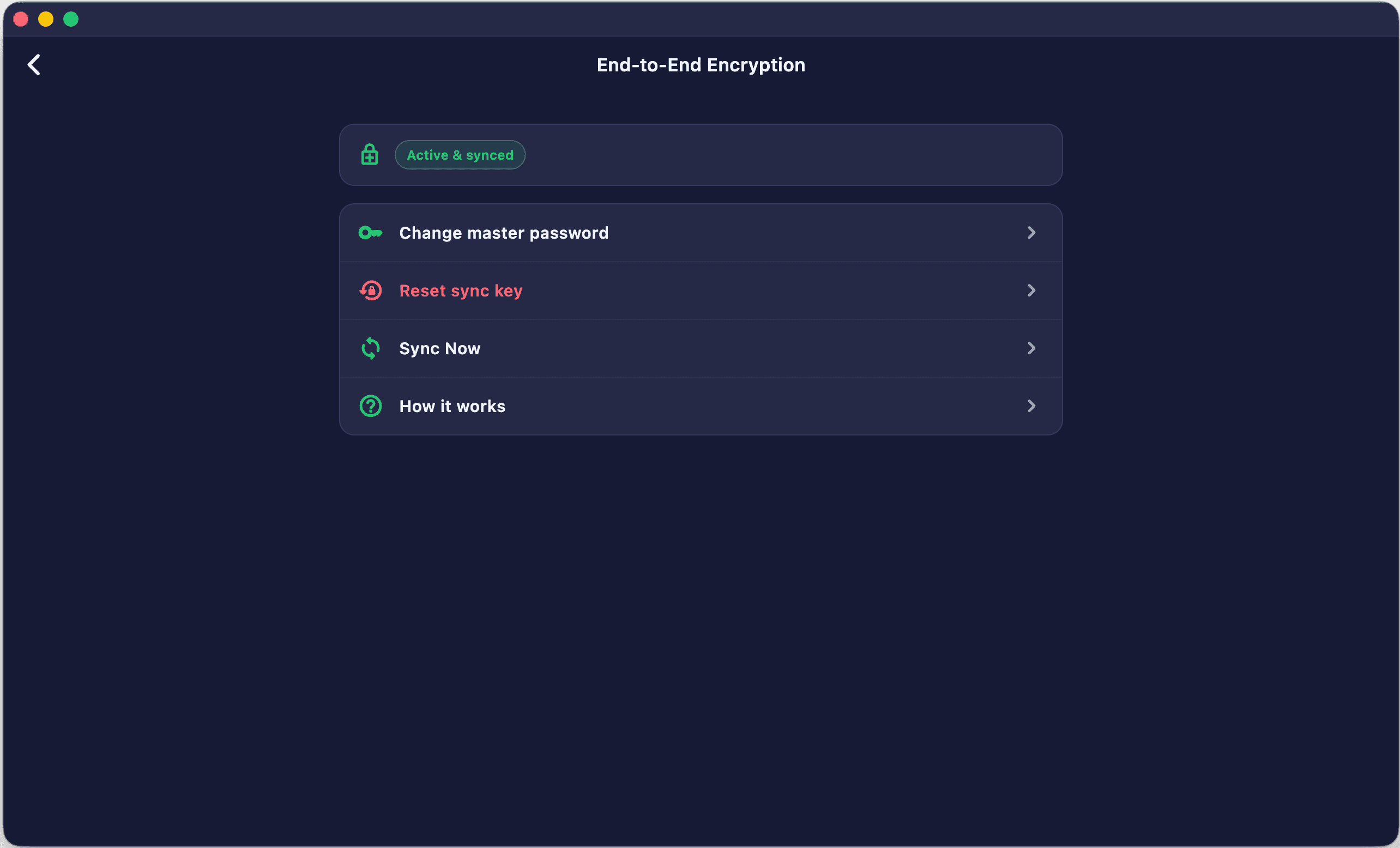
- Change master password with OTP/MFA verification
- Reset master password (re-encrypts from local data)
- Force push local data to cloud
- Pull latest data from cloud

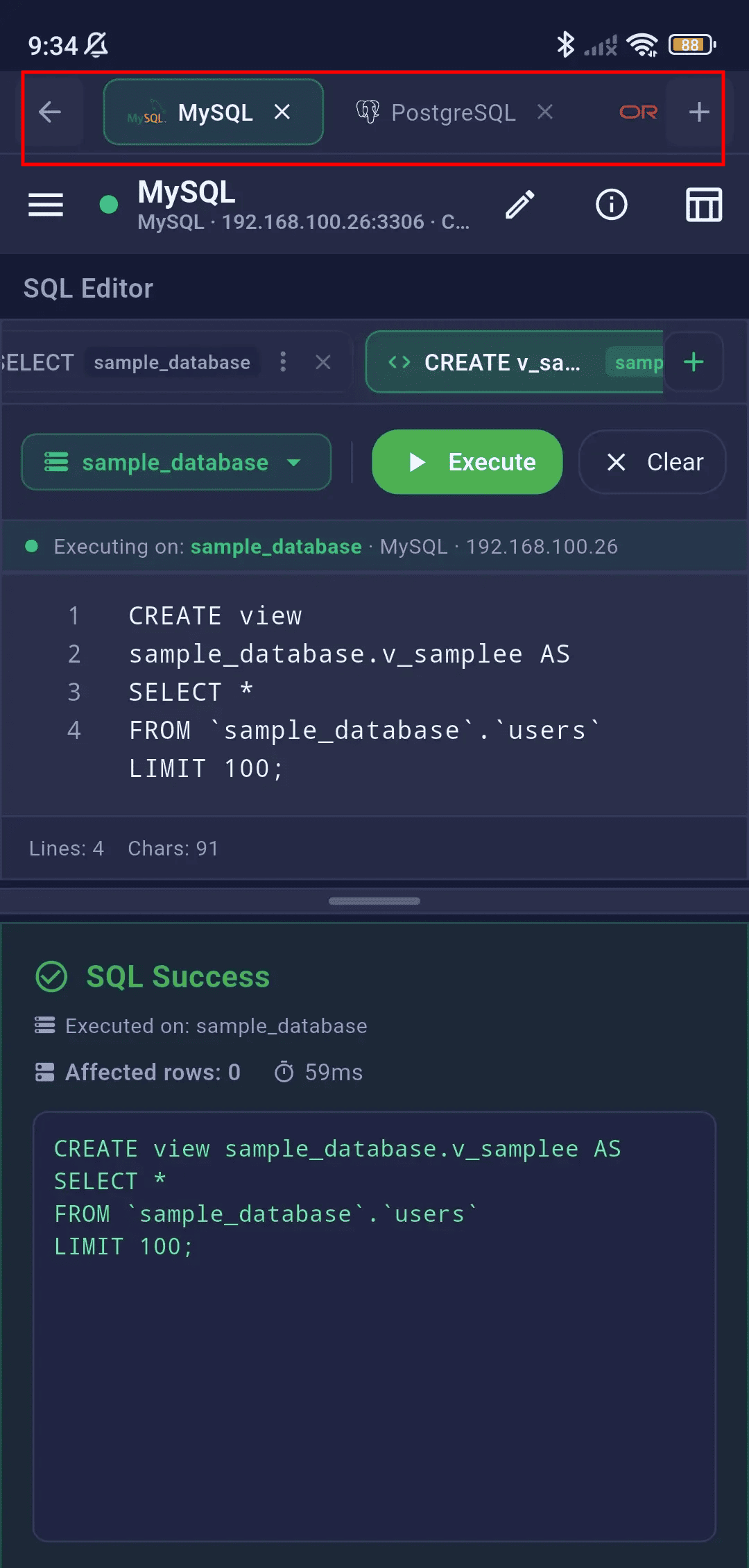
Multi-Session Tabs
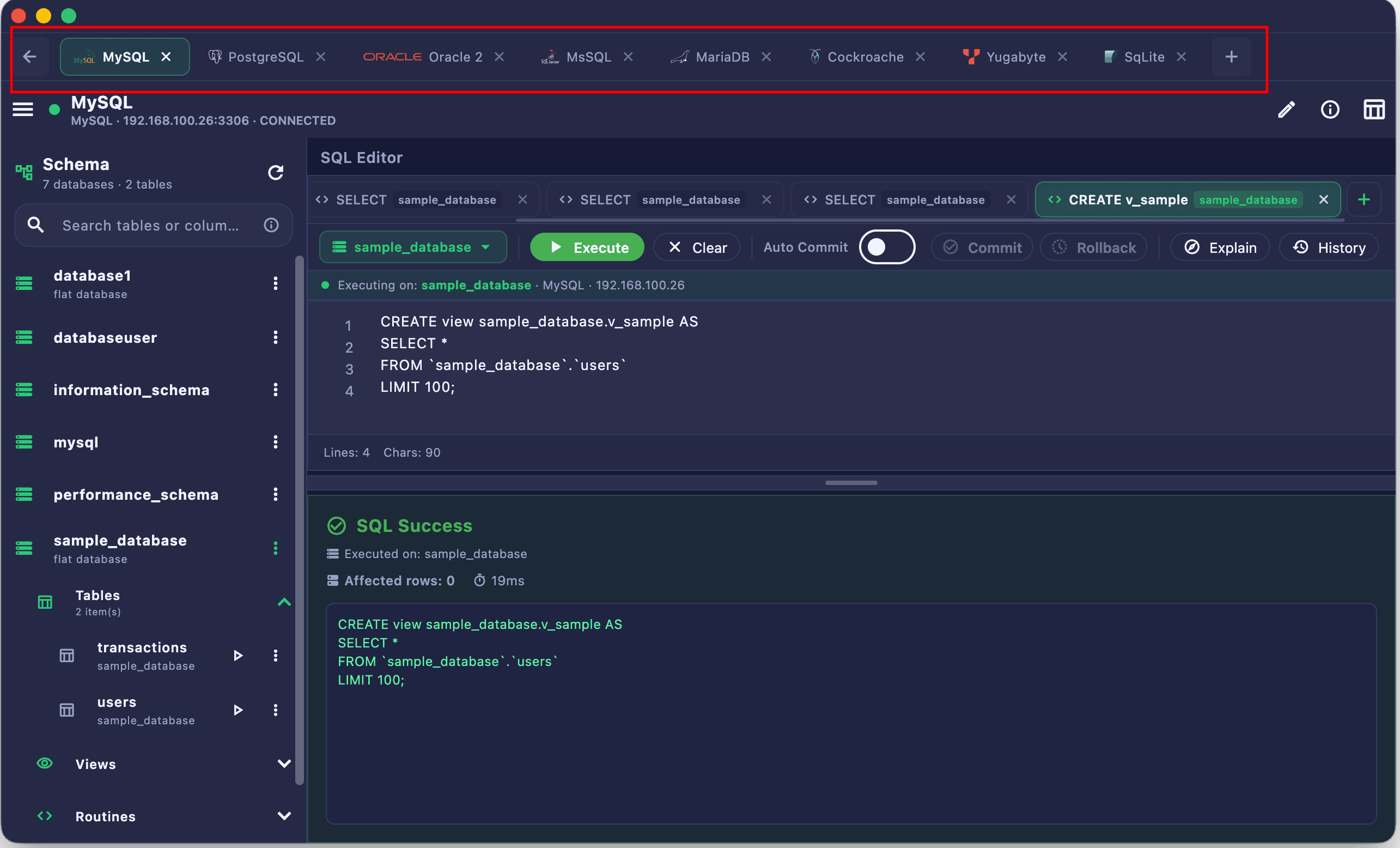
Open multiple database connections simultaneously in separate workspace tabs. Switch between different servers, databases, and query contexts instantly.
Multi-Session Tabs
Maintain multiple active database connections simultaneously and toggle workspaces instantly from a top tab strip.
- Tab Bar — Horizontal tab strip showing all open sessions
- Independent Workspaces — Each tab has its own SQL editor, results grid, and schema browser
- Quick Switch — Tap tabs to switch between sessions instantly
- Close Tabs — Close individual sessions or close all
- Session Persistence — Tabs maintain state (query text, results) until closed
- Free tier: 1 session / Pro: up to 10 concurrent sessions
Themes & Settings
Customize your workspace appearance and behavior with premium themes, font settings, and advanced query configuration.
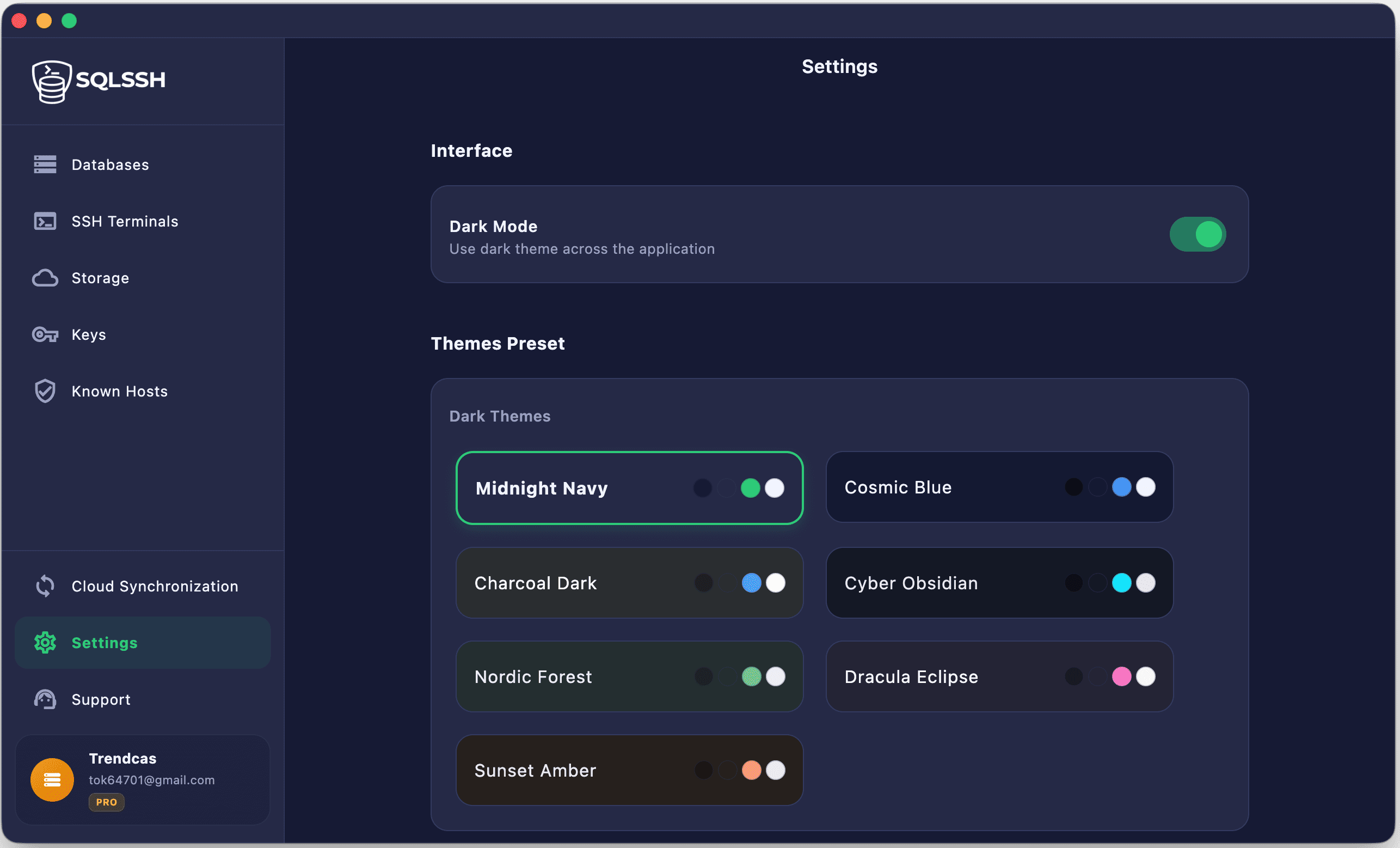
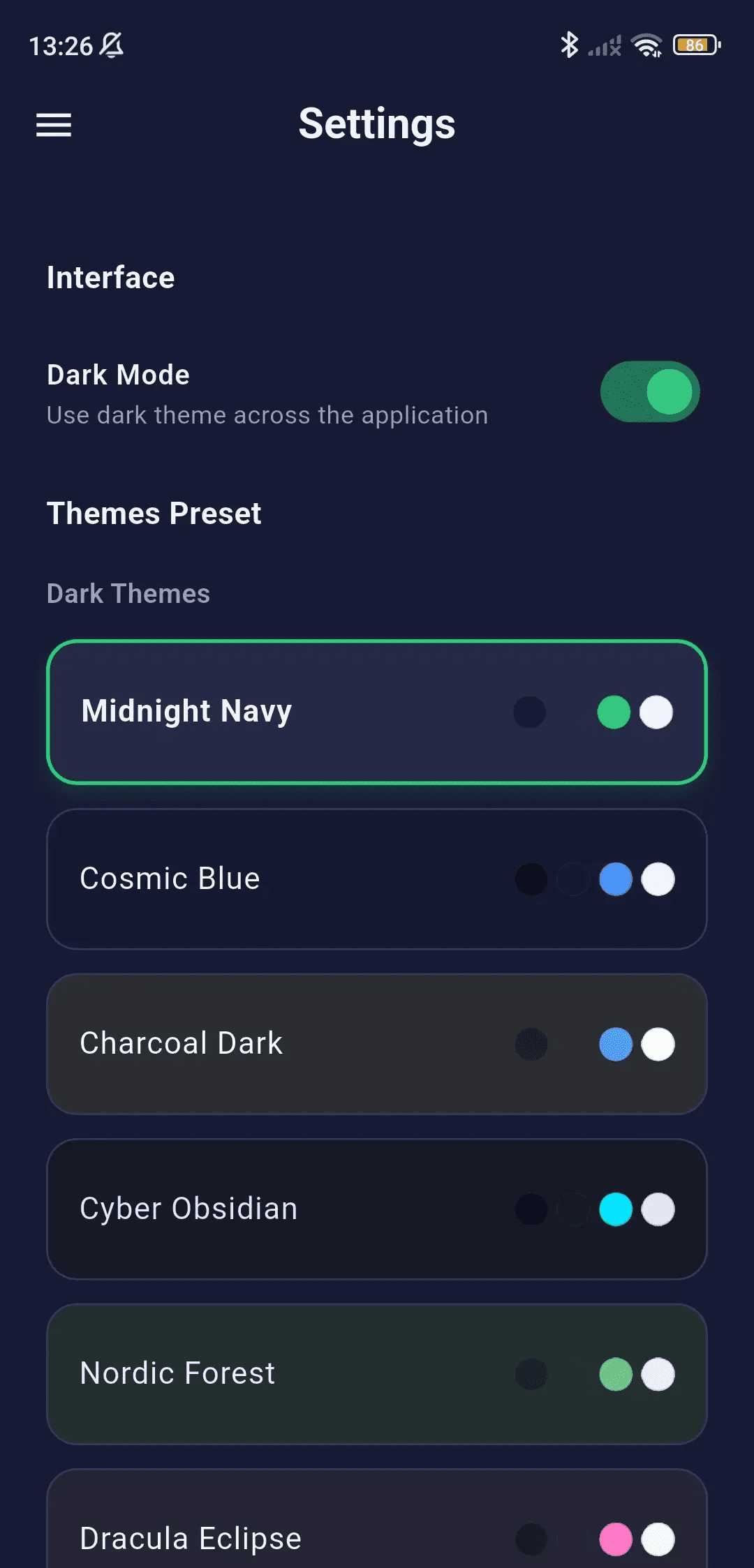
Themes
Personalize your workbench environment by choosing from multiple curated light and dark aesthetic themes.
- Free: Basic Light and Dark themes
- Pro: 5 Premium Dark + 5 Premium Light themes
- Real-time theme preview
- Consistent theming across all screens
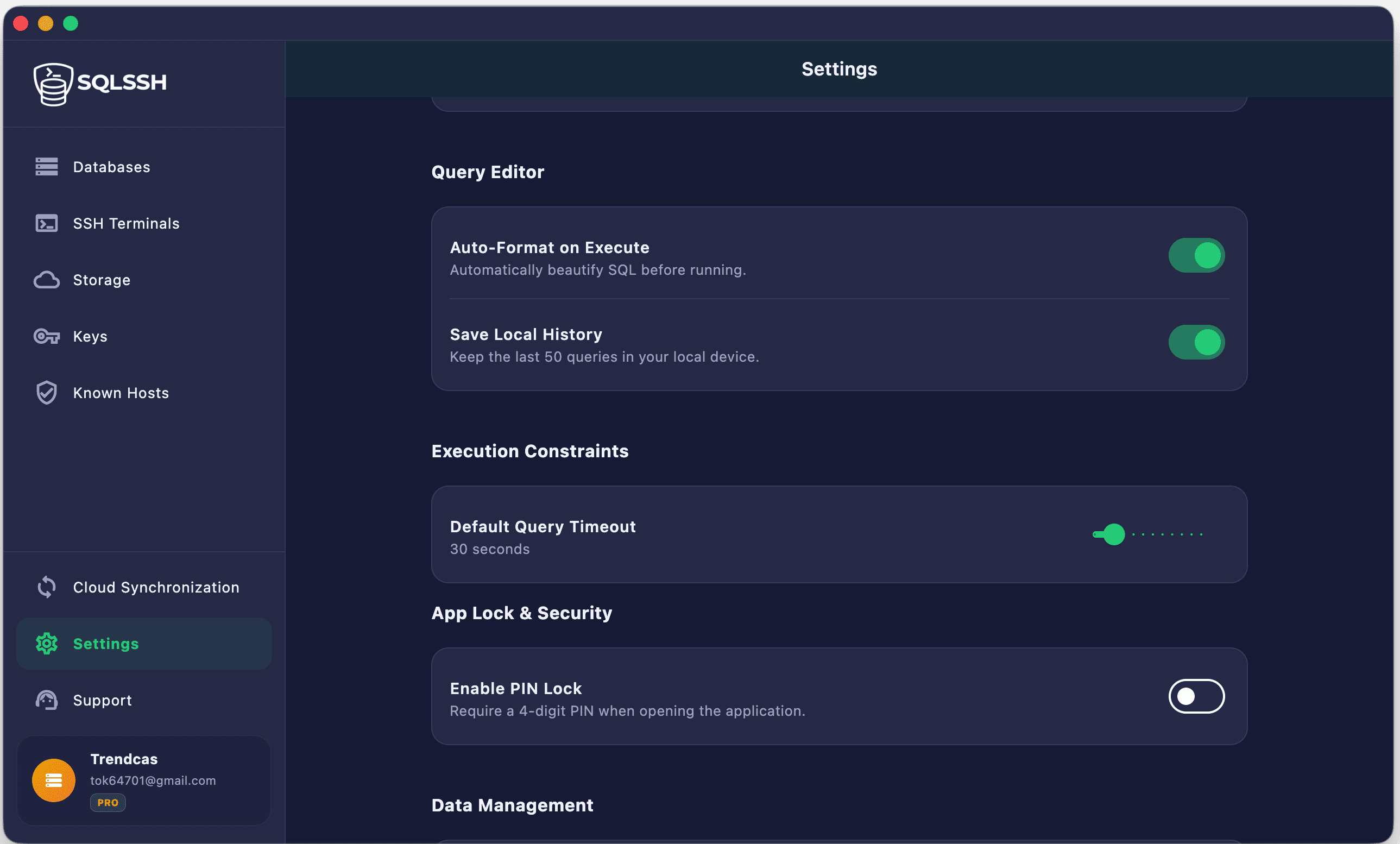
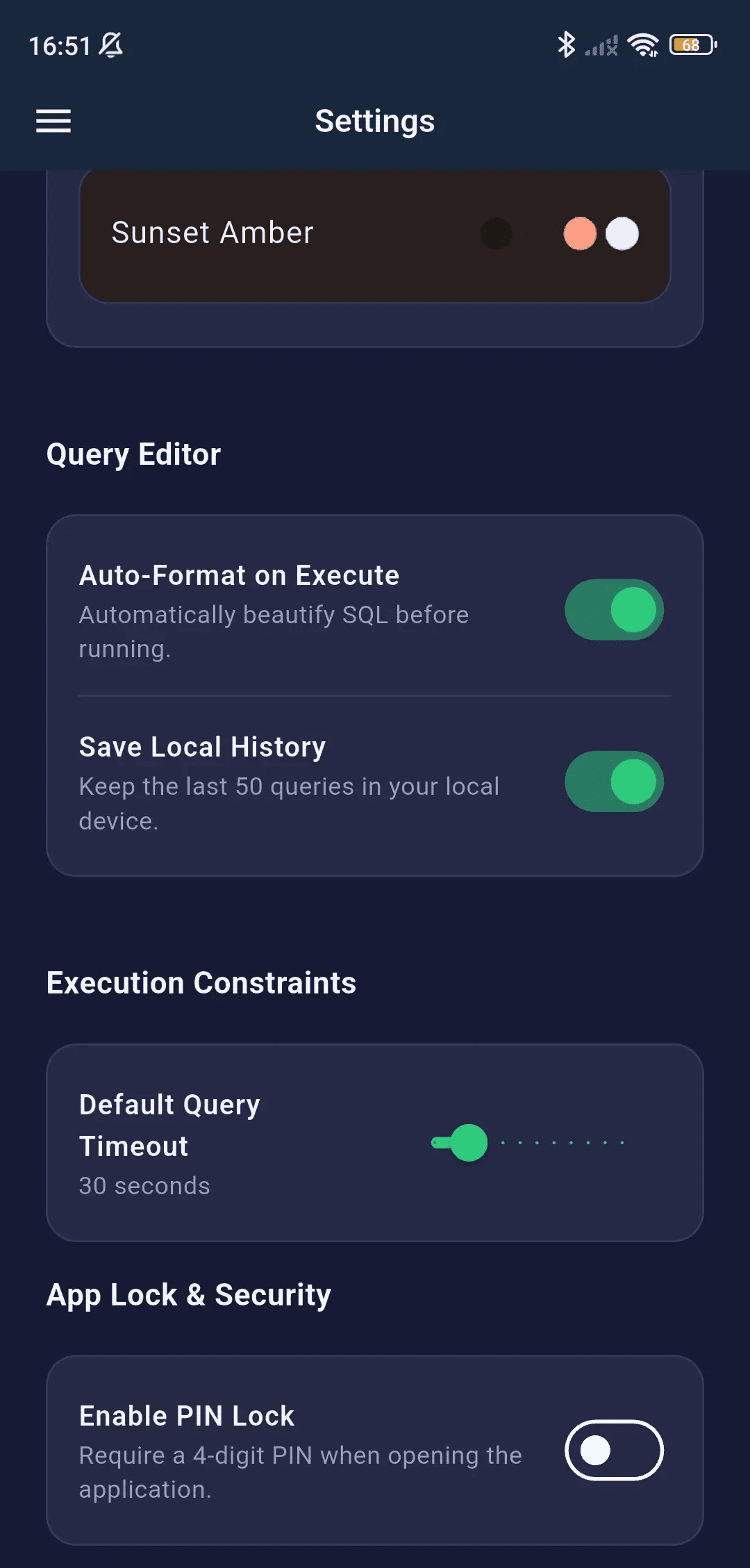
Editor Settings
- Configurable query timeout duration
- Auto-format SQL on execute (Pro)
- Editor font size customization
- Default row limit per query
Account & Profile
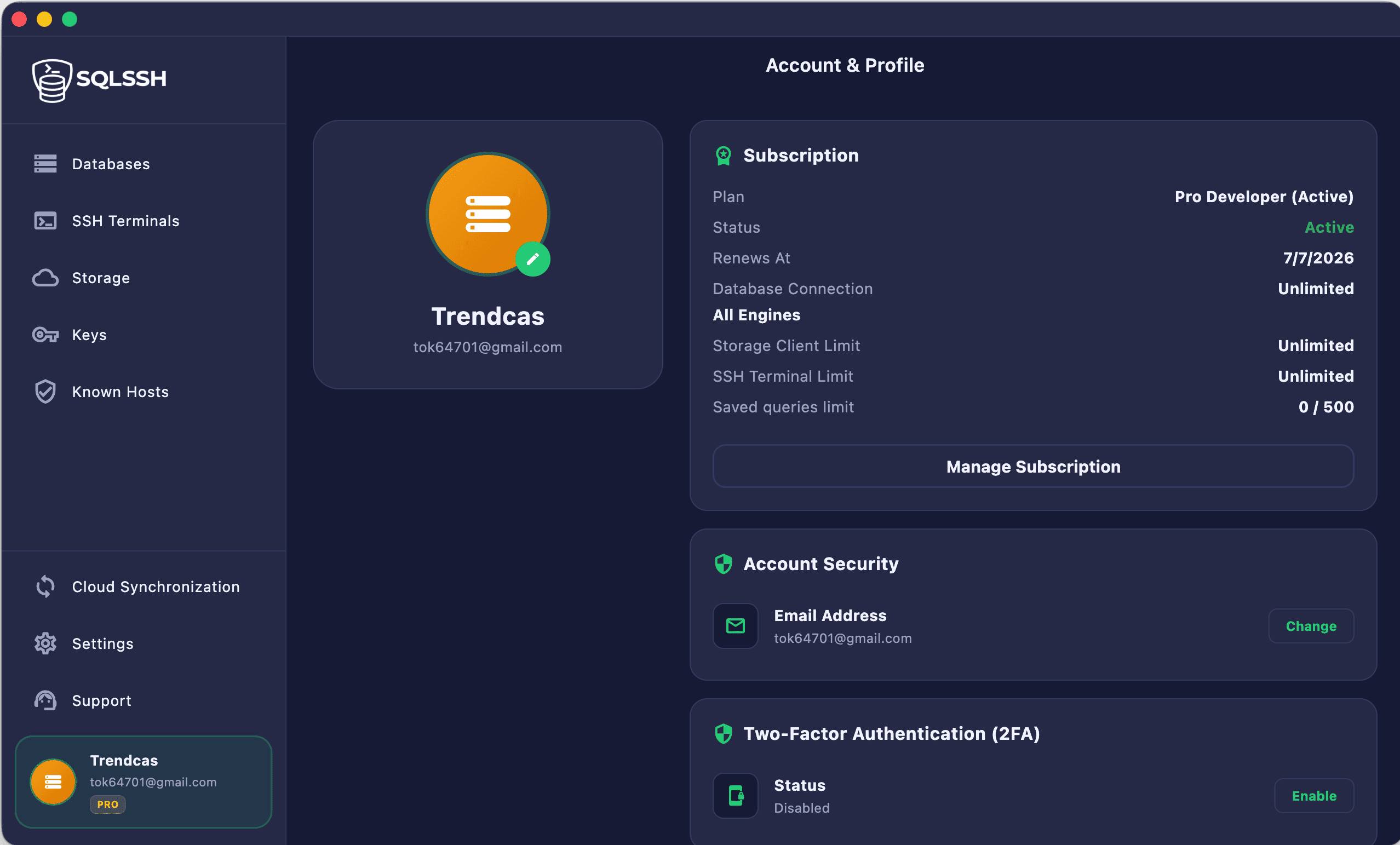
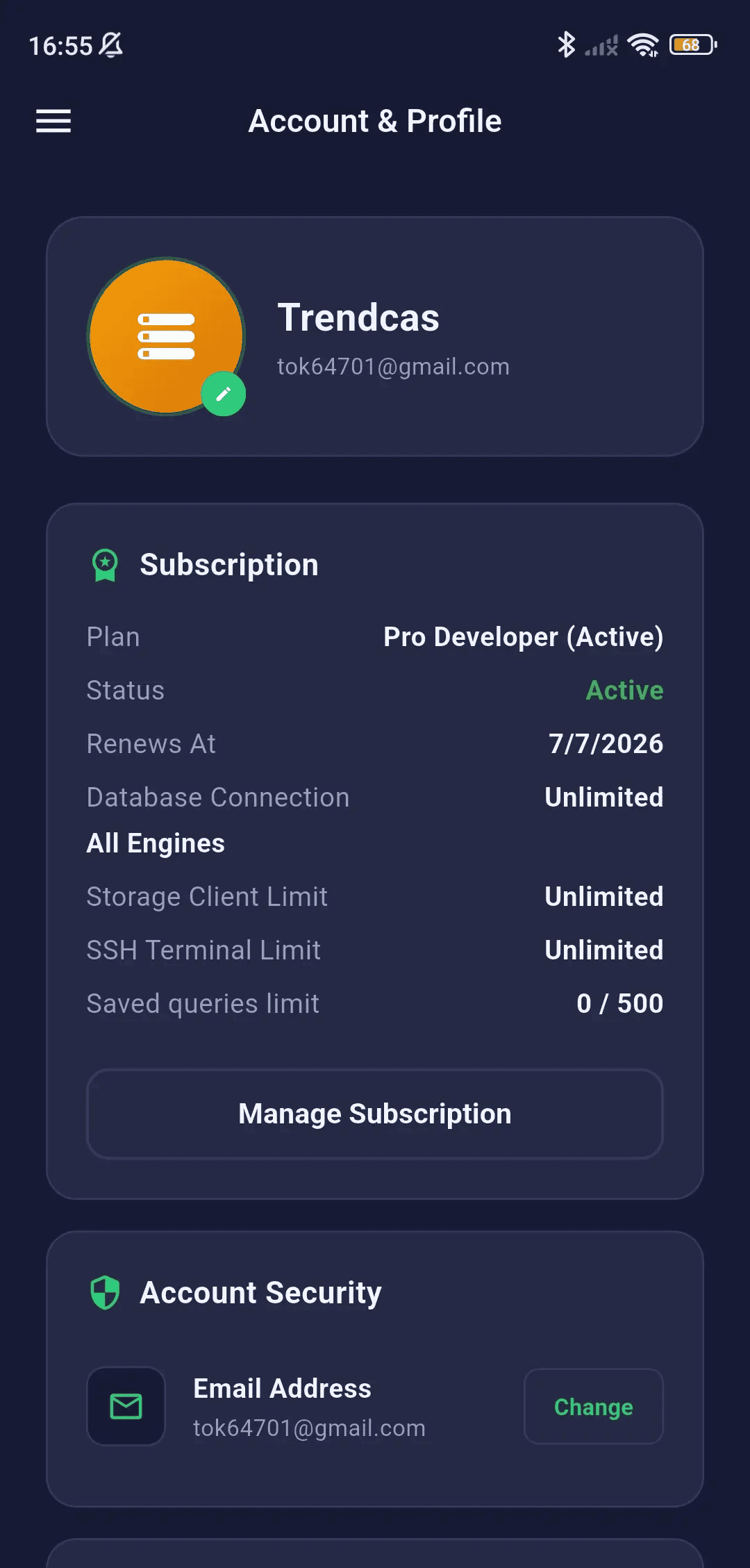
Manage your account, subscription, devices, and support tickets directly from the app.
Profile Management
- View and update account email
- Change password
- Enable/disable Multi-Factor Authentication (MFA)
- View subscription tier (Free / Pro)
- Subscription management and upgrade
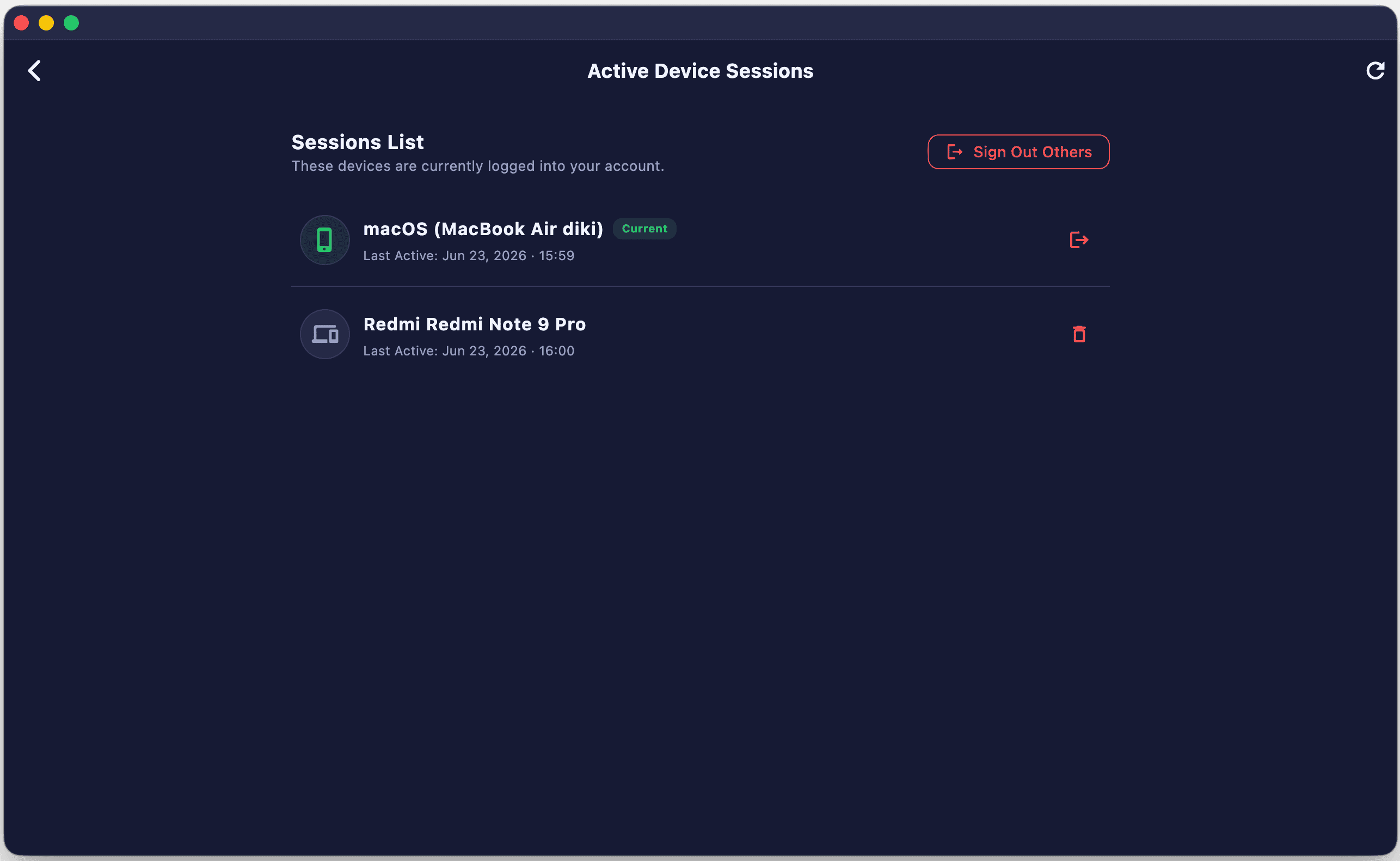
Device Management
- View all logged-in devices
- Device name, platform, and last active time
- Revoke access from specific devices
- Device limit based on subscription tier

Support & Roadmap
- Submit support tickets directly from the app
- View and track ticket status
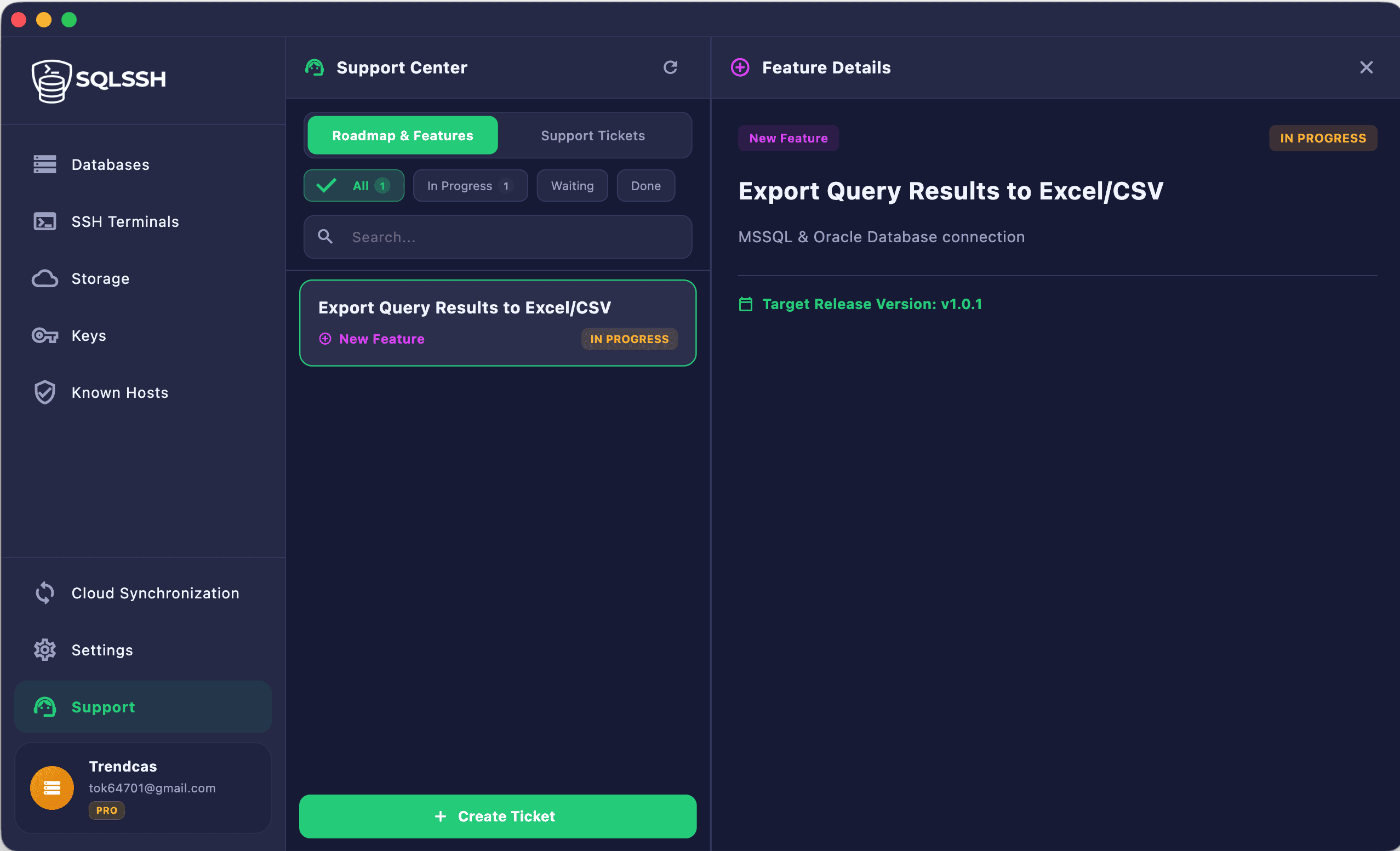
- Browse product roadmap and upcoming features
- Feature request submissions

Ready to get started?
Download SQLSSH and unlock the ultimate unified developer workspace.
Download Now